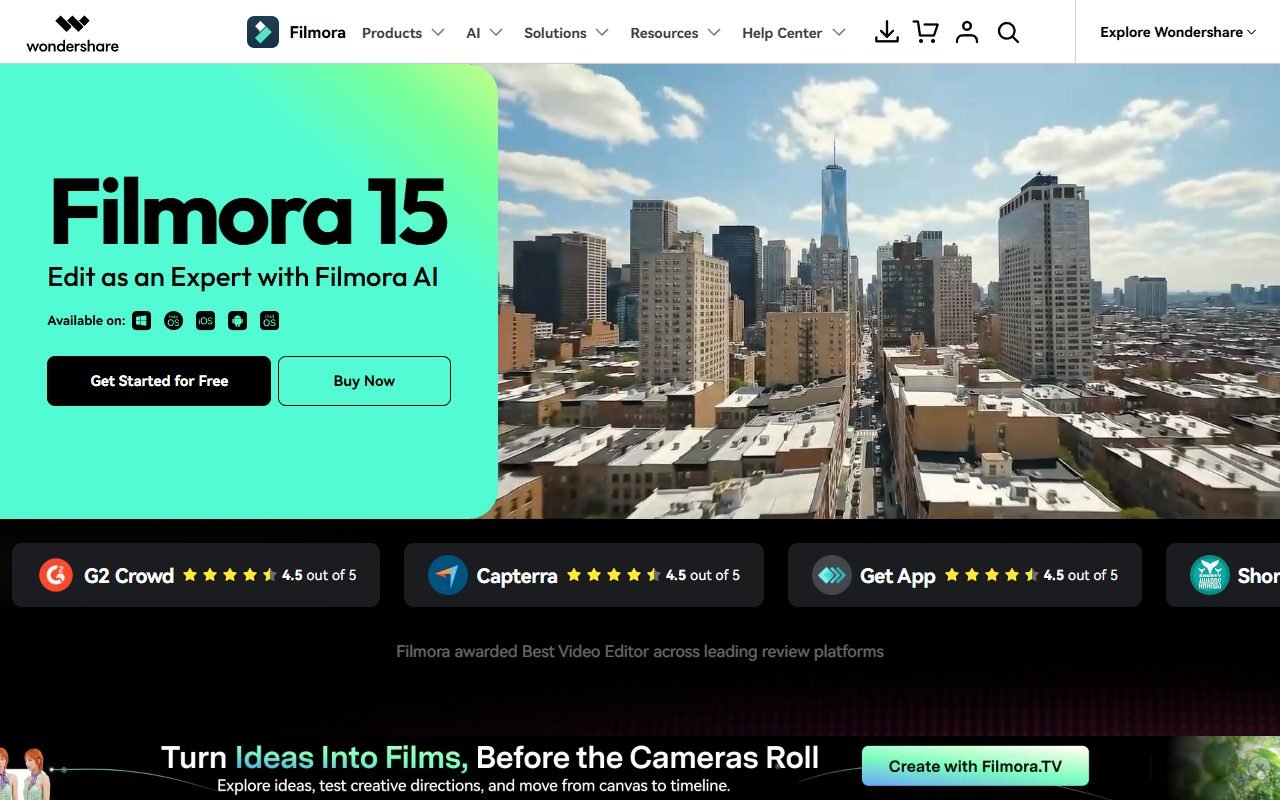
Filmora เป็นตัวเลือกสำหรับครีเอเตอร์ระดับเริ่มต้นถึงกลางที่ต้องการตัดต่อบน timeline พร้อมเอฟเฟกต์ เทมเพลต และเครื่องมือ AI โดยไม่เริ่มจากโปรแกรมตัดต่อที่ซับซ้อนที่สุด เหมาะนำมาทดลองกับวิดีโอสอนใช้ สื่อโซเชียล หรืองานธุรกิจขนาดเล็ก
ตรวจค่าโปรแกรม รอบต่ออายุ การอัปเกรด เครดิต AI คลาวด์ และ Creative Assets แยกกัน เพราะอาจไม่ได้รวมอยู่ในสิทธิ์เดียว ข้อมูลตรวจเมื่อ 1 สิงหาคม 2026; PickByTask ยังไม่ได้วัดประสิทธิภาพหรือคุณภาพไฟล์ส่งออก
สารบัญ — เลือกหัวข้อที่อยากอ่าน
Filmora เหมาะกับงานประเภทใด
Filmora เป็น editor บน desktop/mobile ecosystem พร้อม media/timeline, titles, transitions, effects, audio, color และ AI tools ตามรุ่น/แผน เหมาะกับ YouTube, tutorial, social campaign, family/event และ small-business video ที่ต้องการ control มากกว่า script-to-video แต่ไม่จำเป็นต้องใช้ collaboration cloud เป็นแกน
งาน multicam/color-managed/broadcast audio หรือ pipeline ที่แลก project กับทีม post-production ต้องเทียบ Premiere, DaVinci Resolve หรือ Final Cut ตาม platform ไม่ใช้คำว่า “professional” เป็นคำตอบครอบจักรวาล
Scenario: Tutorial 4K พร้อม Social Cutdown
ใช้ screen recording 4K, camera 1080p, WAV voice, music ที่มี license และ B-roll รวม 25 นาที สร้าง tutorial 6 นาที 16:9 กับ teaser 45 วินาที 9:16 งานต้องมี sync, noise cleanup, cut, zoom/callout, captions ไทย, title, color adjustment และ loudness ที่กำหนด
ทดสอบเครื่อง Windows สเปกบันทึกไว้ เปิด proxy/render preview เมื่อจำเป็น วัด import, edit, autosave/recovery, render, memory/storage และ crash หลัง export เปิดไฟล์บนมือถือ/YouTube test upload ตรวจภาพ เสียง caption safe area และ bitrate
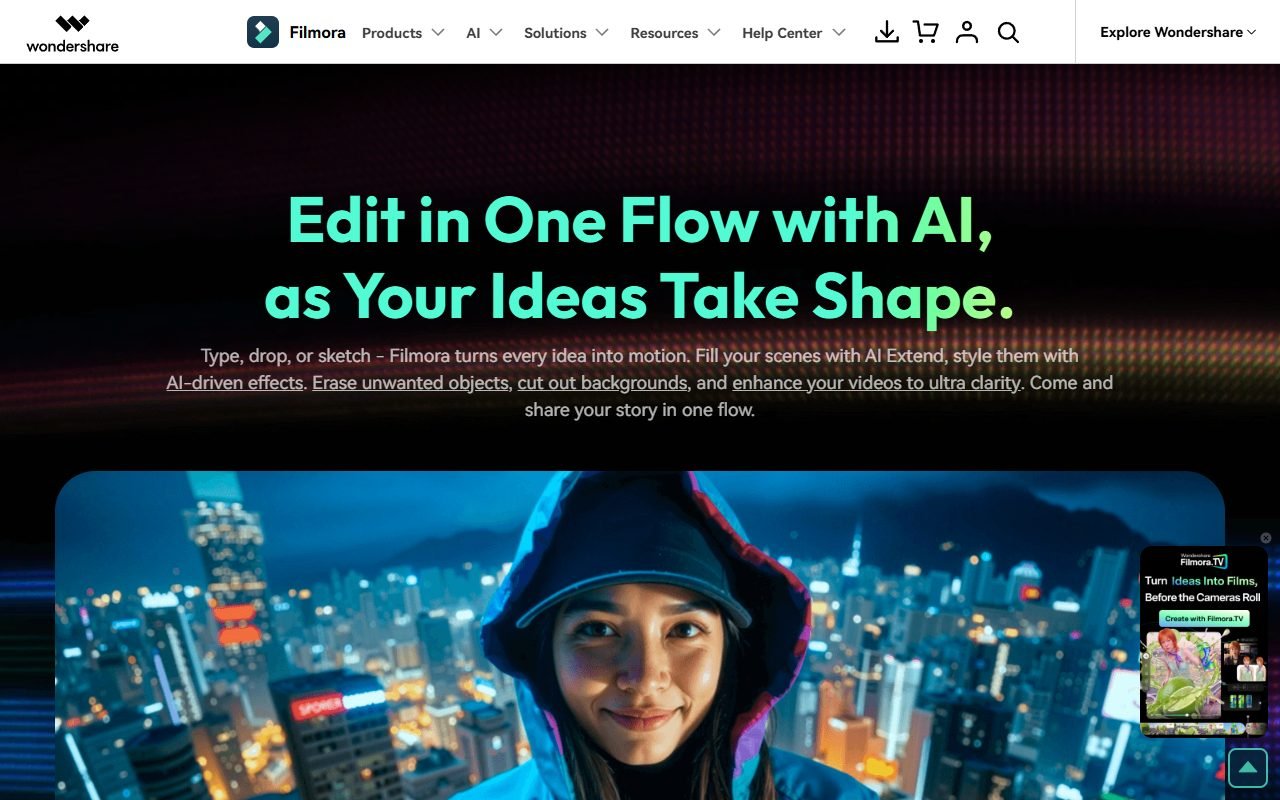 ไปที่เว็บไซต์ Filmora ↗
Timeline และ Editing Control
| Layer | สิ่งที่คาดหวัง | Acceptance evidence |
|---|---|---|
| Media/import | รองรับ source ตาม guide | codec, variable frame rate, relink |
| Timeline | trim, tracks, transitions, keyframes | precision, ripple, undo และ sync |
| Audio | cleanup, levels, music | artifact, loudness, ducking และ stems |
| Color/effects | ปรับ look/ใช้ preset | consistency, GPU load, license |
| Titles/captions | text/subtitle | Thai font, timing, export options |
| Proxy/render | ทำงานกับไฟล์หนัก | responsiveness, disk, crash recovery |
| Export | preset/custom output | codec, resolution, watermark, quality/time |
อ้าง Filmora user guide สำหรับ feature mechanics ตาม version แต่ benchmark ต้องใช้เครื่อง/driver/source ที่รายงานครบ
AI Features: แยก Assist จาก Generation
AI auto cut, remover, voice, captions, text/video หรือ feature อื่นเปลี่ยนตาม release บางอย่างช่วยงาน mechanical แต่บางอย่างสร้าง content ใหม่และใช้ credits/online processing ทีมต้องบันทึก feature, input, credit, output และ manual correction แยก
ใช้ background/object removal ต้องดูขอบผม/มือ/motion; voice cleanup ต้องฟัง artifact; text-to-video ต้อง fact/right review; voice cloning ต้อง consent ไม่ให้ AI tool กลบ timeline fundamentals
ภาษาไทยและ Font Workflow
ทดสอบ font ที่มีสิทธิ์ commercial, การวางวรรณยุกต์, line break, mixed Thai-English, ตัวเลข/หน่วย และ caption 9:16 ตรวจว่า project เปิดอีกเครื่องแล้ว font relink อย่างไรและ export subtitle track/file ได้หรือมีเฉพาะ burned-in
Speech-to-text/translation ต้อง critical-error audit เหมือน VEED/Fliki รายชื่อภาษาหรือ demo ไม่ใช่คำรับรอง Thai quality
ไปที่เว็บไซต์ Filmora ↗Desktop Performance และ Stability
รายงาน CPU/GPU/RAM/OS/driver, source codec, resolution/frame rate, project duration และ storage เพราะคำว่าเร็ว/ช้าไร้ความหมายหากไม่บอก fixture ทดสอบ scrubbing หลังใส่ effects, autosave, reopen crash recovery, background render และ simultaneous screen capture
TechRadar/PCMag-style reviews ช่วยตั้งสมมติฐานเรื่อง usability/performance แต่เครื่องต่างกันจึงไม่ใช้แทน benchmark ของ PickByTask
ราคา: Subscription, Perpetual, Upgrade และ AI Credits
ตรวจ หน้า buy/pricing กับ cart/checkout วันที่ซื้อ แยก operating system/device entitlement, subscription/perpetual version scope, future upgrades, AI credits, cloud storage, watermark/trial, tax, auto-renewal และ refund
| Cost | คำถาม |
|---|---|
| Program license | annual/perpetual ครอบคลุม version/device ใด |
| Future version | perpetual ได้ update หรือ major upgrade แบบไหน |
| AI credits | รวมเท่าไร หมดอายุ/top-up/feature consumption อย่างไร |
| Creative Assets | รวมใน plan หรือ subscription แยก |
| Team/business | commercial/team license และ seats |
| Hardware/storage | GPU/RAM/SSD/proxy/archive |
คำว่า lifetime/perpetual ต้องใช้ตาม checkout/Terms พร้อม scope ไม่เขียนว่าจ่ายครั้งเดียวได้ทุกเวอร์ชันตลอดไปหากเอกสารไม่ยืนยัน
Creative Assets และ Filmstock License
Filmstock/asset license ต้องอ่านแยกจาก software license Effect/music/template ที่เห็นใน UI อาจต้องมี Creative Assets entitlement และมีข้อจำกัดต่อ distribution, resale หรือการใช้หลัง subscription สิ้นสุด
ก่อนใช้กับลูกค้า บันทึก asset ID, plan/license, download date, project/output และ channel ห้ามสมมติว่า effect ที่ preview ได้มีสิทธิ์ export commercial และอย่าใช้เพลงโดยไม่มีหลักฐาน license
รีวิวภายนอก: จุดแข็งที่พบซ้ำ
G2, TechRadar, PCMag, Cybernews และ user/editorial platforms มักชื่นชม interface ที่เรียนง่ายกว่า NLE ระดับสูง, template/effects ที่เริ่มเร็ว และ feature set กว้างสำหรับ creator Positive theme มีขอบเขตคือ speed-to-first-edit และ guided UI ไม่ได้แปลว่ามี control มากที่สุด
Capterra/GetApp/Software Advice อยู่ในกลุ่ม Gartner และอาจแชร์ pool จึงเป็นหนึ่ง evidence group Rating ไม่ถูกเฉลี่ย และ review ที่ affiliate-funded ต้องเปิดเผย/ให้น้ำหนักระมัดระวัง
ไปที่เว็บไซต์ Filmora ↗Dissent: Billing, Assets และ Upgrade Expectations
Trustpilot/Reddit/open feedback มีคำร้องเรื่อง renewal/refund, perpetual/major-version expectation, AI/Creative Assets เพิ่ม, performance และ support บางกรณี context อาจไม่ครบ แต่ theme ซ้ำมีผลต่อการซื้อ จึงต้องอ่าน cart, cancellation และ asset entitlement ก่อนชำระ
อย่าสรุปว่าทุก complaint ถูกหรือผิดจากโพสต์เดียว ใช้เป็น abuse case: ถอด checkbox/add-on, capture receipt, ตั้ง renewal reminder, export license proof และทดสอบ cancellation path
Privacy, Security และ Online AI Processing
อ่าน Wondershare Terms/Privacy และ policy ของ Filmora feature ก่อนส่ง footage ไป online AI ตรวจ account telemetry, cloud, subprocessors, retention/training controls, deletion และ region ที่เกี่ยวข้อง ใช้ synthetic footage ใน trial และไม่อัปโหลดลูกค้า/เด็ก/health data จน owner/security approve
Desktop installer/plugin/assets ต้องมาจาก official sourceและตรวจ update/signature ตามระบบองค์กร ไม่ใช้ cracked asset/codecs ซึ่งเพิ่ม malwareและlicense risk
Ownership, Project Archive และ Exit
เก็บ source, fonts, audio stems, captions, project file, used-asset licenses, proxy mapping และ final masters พร้อม Filmora version/OS ทดลองย้าย project ไปเครื่องสะอาดและ relink media หาก collaborator ไม่มี asset entitlementให้ดูว่า project renderอย่างไร
Project file ช่วย edit ต่อใน Filmora แต่ interchange กับ NLE อื่นต้องตรวจ format/exportจริง ถ้าออกได้เฉพาะ flattened video ให้บันทึก migration limitation
Decision Matrix และทางเลือก
| Requirement | Filmora fit | Compare |
|---|---|---|
| Beginner desktop timeline | สูงถึงปานกลาง | CapCut Desktop, iMovie |
| Creator effects/AI assist | น่าทดลอง | PowerDirector |
| Browser review/caption | ต่ำกว่าจุดเด่น | VEED |
| Script-to-video automation | ไม่ใช่แกนหลัก | Fliki, Pictory |
| Advanced color/audio/collaboration | ต้องเทียบ specialist | DaVinci Resolve, Premiere |
| Stable long-term asset entitlement | ต้องอ่าน license/cart | alternative asset library |
Internal links: /compare/veed-vs-filmora/, /compare/filmora-vs-capcut/, /ai-tools/fliki/ และคู่มือแยก software/asset/AI credits
Verdict
ทดลอง Filmora เมื่อ creator ต้องการ timeline control มากกว่า AI assembly และยอมตรวจ license/asset/credit หลายชั้น ใช้ trial กับ fixture จริงบนเครื่องที่จะตัดก่อนซื้อ annual/perpetual
เลือก VEED เมื่อ collaboration browser สำคัญ หรือ Resolve/Premiere เมื่อ finishing/interchange/team pipeline เป็น mandatory
FAQ
Filmora ใช้ฟรีได้ไหม
มี trial/free access ตามเงื่อนไขปัจจุบัน แต่ watermark/export/assets/AI credits อาจจำกัด ต้องตรวจ checkout
Perpetual plan ได้อัปเกรดทุก major version ไหม
ห้ามสมมติ อ่านข้อความ plan/Terms ณ วันซื้อและเก็บ receipt/version entitlement
Creative Assets รวมกับ Filmora หรือไม่
อาจเป็น plan/subscription แยกหรือมีขอบเขตต่าง ตรวจ asset badge/cart/license ต่อชิ้น
Filmora รองรับภาษาไทยไหม
ต้องทดสอบ font rendering, captions, speech recognition และ relink บน fixture ไทย ยังไม่มี PickByTask verdict
Filmora กับ VEED เลือกอะไร
Filmora เหมาะ desktop timeline/control; VEED เหมาะ browser collaboration/caption เลือกจาก source size, team handoff และ finishing need
แหล่งข้อมูลและความสดใหม่
Official: homepage, buy page, guide, Wondershare Terms, Filmstock license ราคา/cart/credits 14–30 วัน version/features 30–60 วัน license/privacy 90 วัน reviews 90 วัน