

Short answer: Choose the page's one job before choosing a builder. A campaign page should explain the offer, answer the objection that stops action and lead to one working form or destination. Extra sections are useful only when they help that decision.
Contents — jump to a section
A concrete example
For a fictional bookkeeping workshop, sketch five blocks: who the workshop is for, what attendees will practise, date and format, common questions and a registration form. Do not add invented testimonials or seats-remaining claims to make the draft feel complete.
This is a suggested exercise, not a recorded product test. It describes the result to aim for; it does not claim that every listed tool can complete every step.
Prepare these inputs
Prepare confirmed event details, approved images, the form destination and the message shown after submission. Write the headline in plain text first. Decide whether visitors need a single campaign page or a site with several maintained pages.
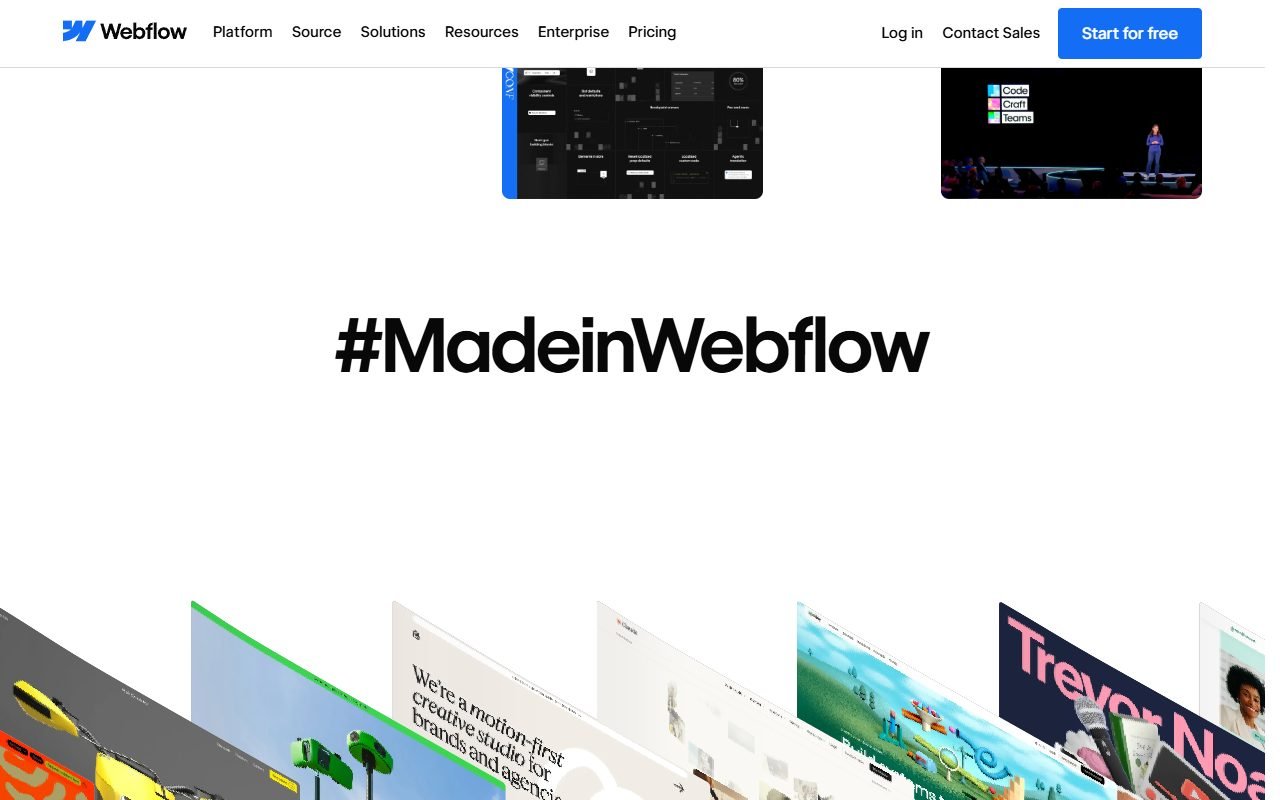 Visit Webflow ↗
Build it in this order
- Build the headline, practical outcome and registration action before the supporting sections.
- Connect the form to a test destination and write both success and failure messages.
- Read the page on a phone, submit a sample registration and check the confirmation at the receiving end.
Check the result
- The headline and button describe the same offer.
- A failed submission preserves the visitor's useful input and explains what to do next.
- The page remains understandable without animation, and links lead to the promised destination.
If the result fails
If the page is crowded, remove sections that repeat the opening promise. If the form is unreliable, repair that path before buying traffic. Keep an accessible contact route while resolving the problem.
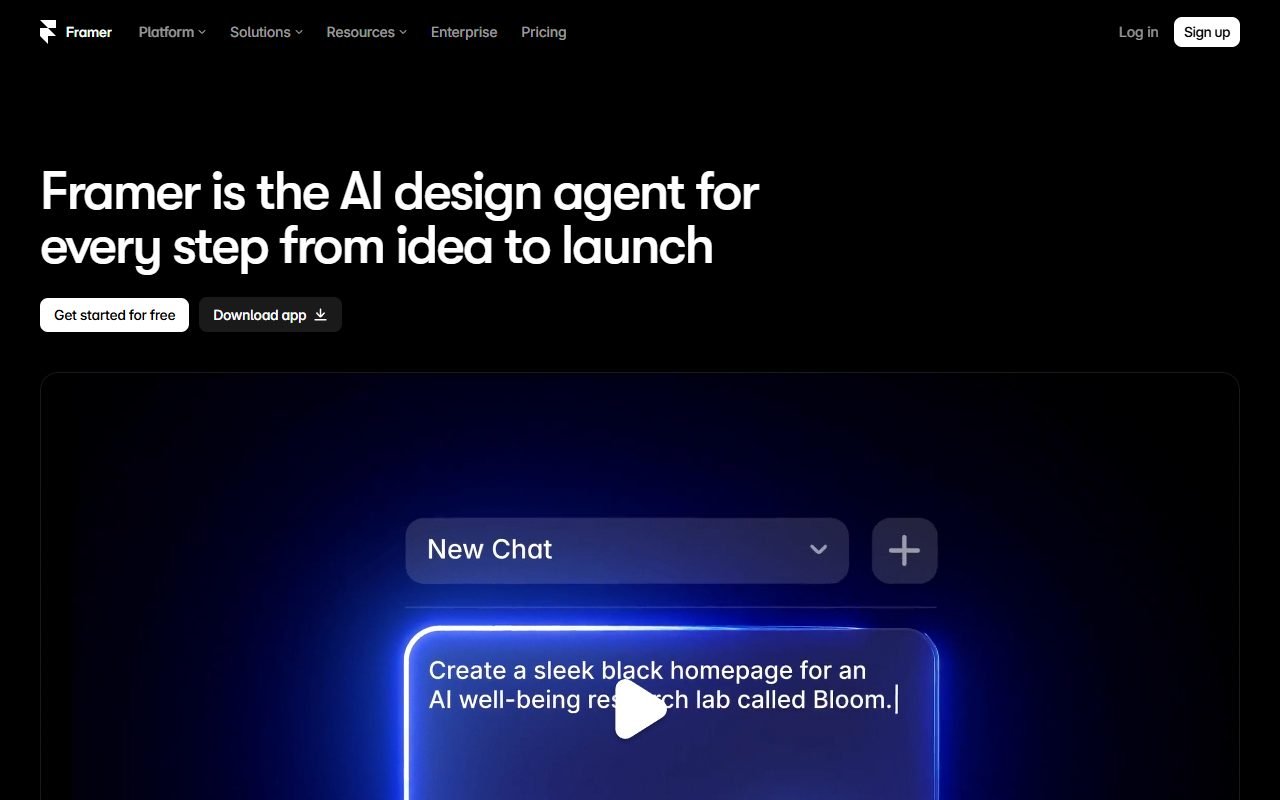 Visit Framer ↗
Time and cost to watch
Include domain costs, form handling, ongoing edits and any limits on pages or submissions. A cheap draft becomes costly if every small content update needs specialist help.
Tools worth comparing
Use the listed site and landing-page tools as candidates for this same outline. Prefer a manageable editing process for a maintained site; for a short campaign, concentrate on the page and form path. Check the plan needed for your actual domain and publishing setup.
Sources and scope
The product references for this guide were last checked on 13 August 2026; details may have changed since. Check the official pages below for current plans, limits and terms before choosing a service.
- Webflow: https://webflow.com/features
- Webflow: https://webflow.com/pricing
- Framer: https://www.framer.com/
- Framer: https://www.framer.com/pricing/
- Durable: https://durable.co/
- Durable: https://durable.co/pricing
- Unbounce: https://unbounce.com/
- Unbounce: https://unbounce.com/features
- Landingi: https://landingi.com/
- Landingi: https://landingi.com/features