
 Visit Motion ↗
Choose Motion when
People balancing many tasks and meetings who can estimate task durations
- The immediate problem is fitting work into a changing calendar
HEAD-TO-HEAD COMPARISON
Motion
 ClickUp
Visit Motion ↗
ClickUp
Visit Motion ↗
People balancing many tasks and meetings who can estimate task durations
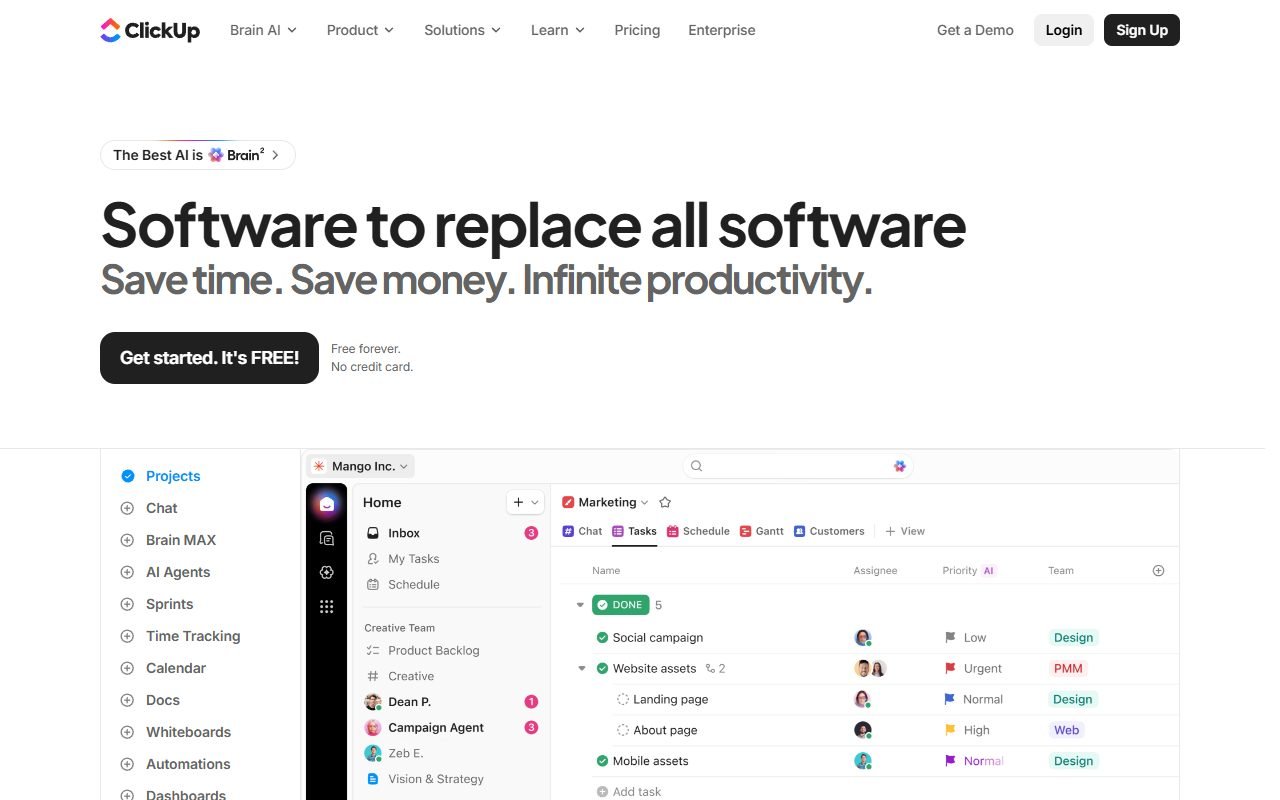 Visit ClickUp ↗
Teams combining tasks, documents, dashboards, and automations
Short answer: Motion: The immediate problem is fitting work into a changing calendar. ClickUp: The main need is a shared project record with accountable owners. Use the task below to decide which workflow to try first.
| Starting point | Motion | ClickUp |
|---|---|---|
| Workflow to evaluate | The immediate problem is fitting work into a changing calendar | The main need is a shared project record with accountable owners |
Suggested exercise, not a reported test: Schedule three fictional tasks around two meetings, then add an urgent appointment halfway through the day.
Visit Motion ↗Check which work moves, whether a fixed deadline stays fixed and how teammates learn that a commitment changed.
Measure time spent repairing the schedule or reconciling two task lists before deciding that automation saves effort.
Choose one authoritative task list and document what happens if calendar synchronization stops.
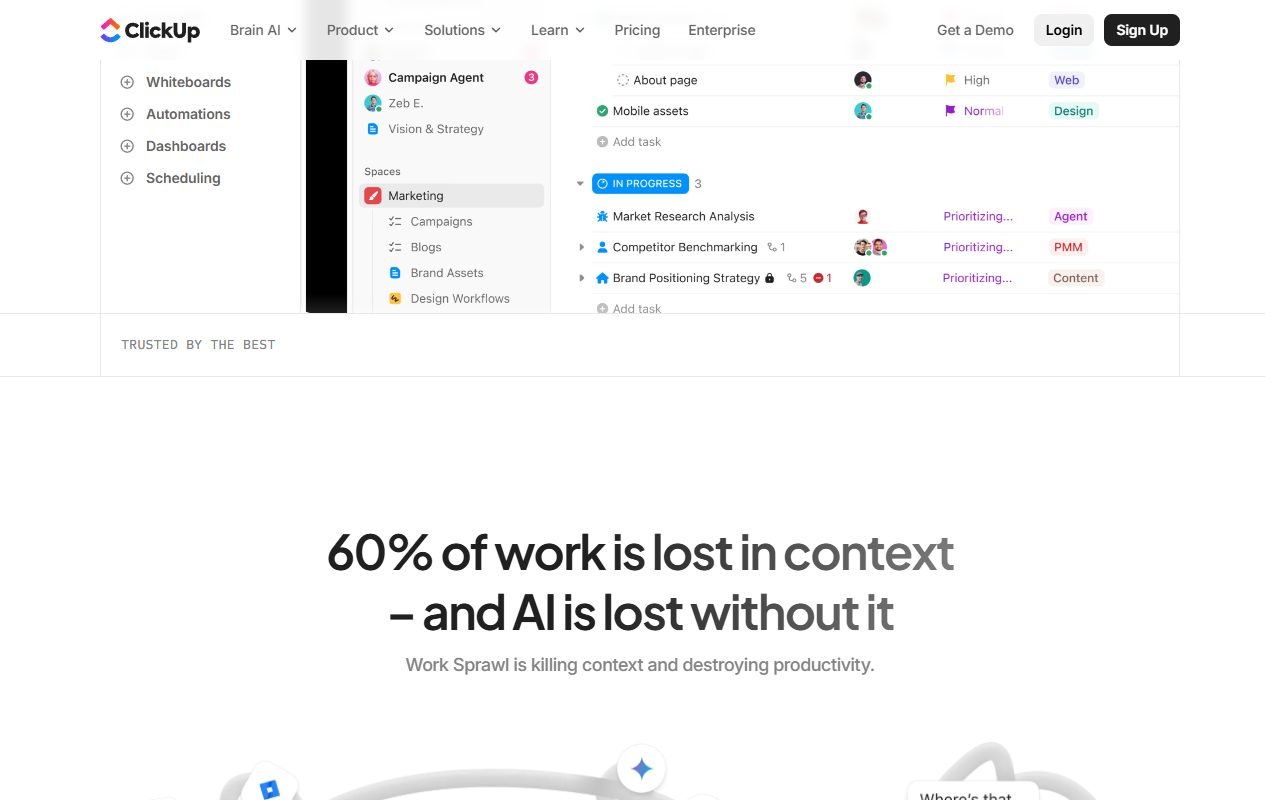 Visit ClickUp ↗
This comparison retains the source snapshot dated 2026-08-13. Product roles are drawn from that material; they are not a newly measured advantage. We have not completed a hands-on comparison of these workflows. Current prices, plan limits and performance on your inputs remain to be checked against the references and your trial.
Comparison last verified: August 13, 2026
Review the evidence basis for each row in the table above.