
Before refining animation, check whether a visitor understands the service, the deliverable and how to enquire. A polished one-page site can still leave all three unclear. Use AI as a critical reader of your supplied facts, then check the real page yourself.
Framer's current product site presents AI-assisted design, CMS and publishing tools. This supports considering it for a service-page prototype, not assuming that a generated page is accurate, accessible or ready to sell. Framer product information
Contents — jump to a section
Write down what the service actually includes
Use a fictional freelancer offering a photo-selection session. The deliverable is a shortlist of 20 client-supplied photographs with notes, not a photoshoot, retouching or guaranteed sales improvement. A visitor requests a conversation before booking.
Prepare five facts: intended customer, inputs they must provide, deliverable, exclusions and next action. Keep prices and turnaround promises blank until the service owner supplies real values. An AI-generated “Delivered in 24 hours” is an invented commitment if it is absent from this sheet.
Ask for missing answers, not praise
Review this service-page outline using only the supplied facts.
Service: choose 20 photographs from a client-supplied set and add notes.
Not included: photography, retouching, guaranteed sales results.
Next action: request a conversation; this does not book the service.
List unanswered visitor questions and unsupported promises.
Then suggest a concise headline, deliverable description and enquiry label.
Do not invent price, turnaround, testimonials or credentials.
A useful headline is specific about the task, such as “Choose the 20 photos your project needs.” An enquiry label such as “Discuss my photo shortlist” reflects the next action more accurately than “Get instant results.”
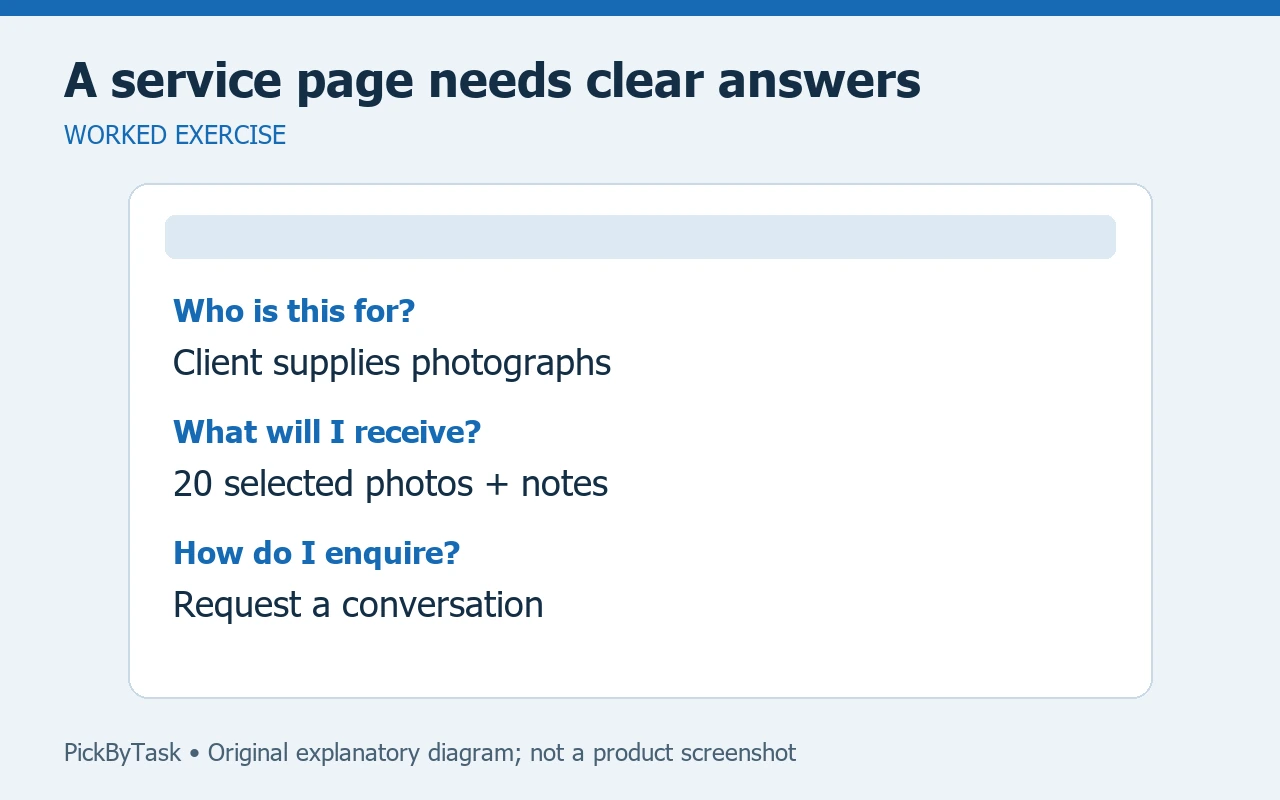
Inspect the page in this order
- Read the first screen without scrolling. Can you identify the customer and service from the text alone?
- Find the deliverable. Check that the sample or illustration is labelled as a sample and does not imply a client result.
- Read the exclusions next to the recommendation. A limitation hidden in a footer can change what the visitor thinks they are buying.
- Follow the enquiry path using fictional details. Confirm whether it opens an email, a form or another page and whether that destination matches the label.
- Inspect the smallest intended screen and keyboard navigation. Look for clipped text, unreadable buttons and focus that disappears.
- Recheck the actual preview after changing a template or layout. A correct text document does not prove that the text remains visible in the page.
Do not replace a failed form with a message claiming success. Keep a working contact route visible until delivery is checked. Use Framer's help centre for the controls in the current interface; account permissions and configuration may differ.
Separate content review from performance claims
An animation can help explain sequence, but it cannot demonstrate that the service increases revenue. Remove invented customer quotes, counters and awards. If the design includes a statistic, ask for its source and the exact period it describes.
For this exercise, an acceptable result is that a new reader can state what they will receive, what they will not receive and how to ask a question. That is a content check, not a conversion-rate measurement. Record real enquiry results separately after a lawful, configured measurement process exists.
Decide whether to build more
Allow an estimated 45–60 minutes for the first content and preview review, excluding account setup. Check current hosting, domain and publishing terms before committing money; this guide does not assert a particular plan or an export capability.
If people still cannot describe the service, revise the five-fact sheet before adding pages. A plain text mockup is enough to test the proposition. Continue to a fuller site only when the service and next action are clear. Our landing-page workflow guide covers a broader build.
Product and help entrypoints were inspected on 2026-09-14. This is a proposed fictional-page review, not a published Framer site or a measured sales experiment.