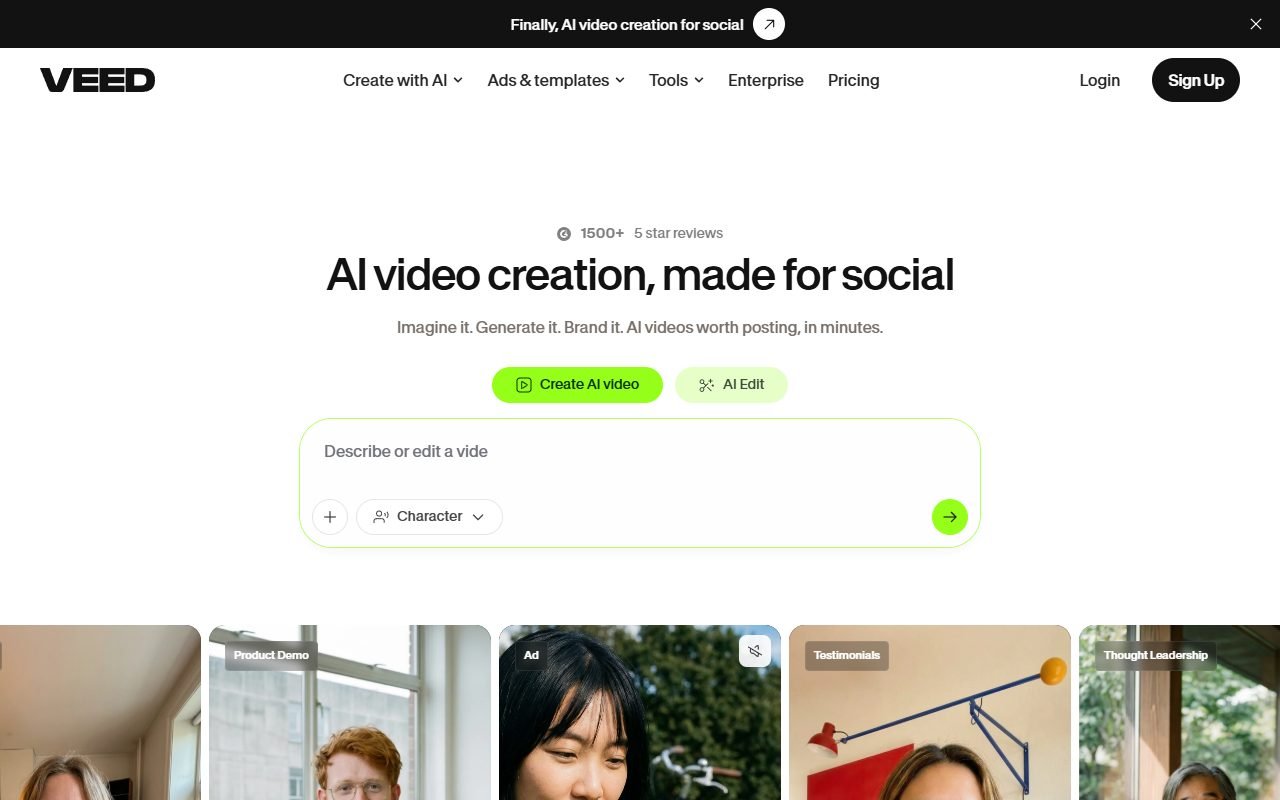
VEED is a candidate for social and content teams recording screens, editing, adding or translating captions, and reviewing work in a browser. Evaluate whether combining these steps reduces file handoffs.
Use realistic file sizes and check upload or export time, finishing controls, AI limits, and project permissions. The information was checked on 1 August 2026; PickByTask has not tested speed or output quality.
Contents — jump to a section
Where is VEED in the Video Stack?
The VEED page and support center specify an online editor, recorder, subtitles, translation, cleanup and AI/video creation features according to the plan, so it covers everything from capture to export for short jobs. But the word all-in-one doesn't mean all-in-one. Premiere/DaVinci in multicam, color pipeline, audio mix or project interchange is complete.
Scenario: Product Tutorial Thai Bilingual
Screen record a 12 minute demo with webcam, then cut it into a 5 minute tutorial and 30 second teaser, add Thai captions, English translation, add callout/zoom, and send in two reviewer roles. The goal is to see that the team workflow reduces file handoff without losing transcript/brand/accessibility.
Put English menu names, price numbers and long Thai words in the source. Test upload interruption, browser refresh, comment resolution and export 16:9/9:16. If the reviewer fixes them at the same time, check. conflict/version Don't just use the successfully shared link as evidence. collaboration
 Visit VEED ↗
Capture, Timeline and Review Flow
| part | Helpful work | checkpoint |
|---|---|---|
| Recorder | screen/camera/audio capture | device, dropped frames, consent and local recovery |
| Browser timeline | trim, split, layers, text | responsiveness, precision and undo/history |
| Captions | auto transcript/subtitle | Thai CER, timing, speaker/name/number |
| Translation | make locale version | meaning, UI labels and layout expansion |
| Brand kit/templates | Maintain the look | font license, lock, safe area |
| Comments/team | review in project | roles, version, notification, external guest |
| Export | render multiple formats | resolution, watermark, codec, audio loudness |
AI Tools: Use as an Assistant, not an Approver.
Features like text/video generation, cleanup, background removal, eye contact or avatar change quickly and may take up a separate quota. Try only things that actually reduce defects, such as clean filler words without cutting the content or translate by preserving the UI words. Do not use eye/voice/facial correction in news, interview or testimonial contexts to the point of causing viewers to misunderstand the event.
Caption and Thai language
Measure character/word errors with critical-error list: names of people/brands, prices, units, rejections, and English words. Check two-line segmentation, reading speed, punctuation, and safe areas on mobile phones. Translation. Must have someone who knows the language to check tone and call-to-action. The number of languages specified by the provider is not used as the quality score.
Keep the caption file separate from the burned-in version if the platform/channel supports it for accessibility. And fix it later, check the contrast/background box and not overlay the TikTok/Reels UI.
Visit VEED ↗Collaboration and Workspace Governance
Set the owner, editor, commenter/client, and asset manager. Check if guests can download source/final, how share links can expire or be revived, and whether projects created by members can move their owners. Do not keep secret launch videos in a test workspace where everyone shares credentials.
Pricing/TCO per Campaign
Check VEED pricing on the day of purchase because seats, export, storage, subtitle/translation, AI credits and annual/monthly terms can be changed. The review page that mentions the old price is not current evidence.
| cost | Campaign tutorial fixture |
|---|---|
| Seats/plan | editor, reviewer/guest and billing period |
| Storage/upload | source 4K, versions and archive |
| Subtitle/translation | Minutes, languages, and corrections |
| AI usage | feature/credit and failed generations |
| Human QC | transcript, edit, brand, rights, accessibility |
| Exit/archive | source, captions, master, project notes |
Compare with costs and time approved tutorial+teaser Not just comparing the monthly fee
Review Consensus: Works quickly when the scope is clear.
G2, TechRadar, CreatorStack and editorial/user platforms reflect positively on onboarding, captions, templates, browser access and social-video workflow. post-production Deep may submit work without moving multiple apps.
Capterra/GetApp/Software Advice has a shared owner and review group. Therefore, count carefully, do not include points, and use articles with brokered links only as points for further review. It is not a conclusion from an independent source.
Dissent: Render, Billing and Support
Trustpilot/open community and some reviews mention editor lag/crash, upload/render, limits, annual commitment/cancellation and support. browser/device/network/actual file You should not respond with a demo that uses very short clips.
VEED may be suitable for 1080p tutorials, but it is not suitable for many hours of 4K footage on the same device. The two conclusions can coexist when the scope is different.
Visit VEED ↗Media Rights and authenticity of modifications
Read Terms of Use with conditions. related stock/music/font/AI feature Subscription rights do not represent the consent of the person in the screen recording or the rights to the uploaded music/logo. Do not use AI cleanup to change the meaning of a person's words.
The media ledger records the source, owner, license/consent, asset ID, transformation, output/project ID, reviewer, and publication channel. For recording, turn off notification, customer record, and API key before starting.
Privacy, Security and File Retention
VEED Privacy is the source provider for accounts/uploads. But the team must check DPA, subprocessors, retention/deletion, training/AI setting, region, and role controls according to the plan before customer data. Test revoke share and deletion with synthetic video.
Files deleted from a project may have a backup lifecycle according to policy, so you must read the actual words. "Instant deletion" is not guaranteed if the document does not say so.
Export, Ownership and Portability
Keep raw recording, edit decision notes, captions, fonts/logo, music license and final masters outside of VEED. Try exporting caption/audio/video and see if there is a project/interchange format. MP4 can be rendered and forwarded. But it is not the same as editable timeline for finishing in NLE.
Decision Matrix and Choices
| Need | VEED fit | Compare |
|---|---|---|
| Browser social/tutorial edit | High when file test passes | Kapwing, Canva |
| Caption/translation workflow | Worth trying. | Descript, CapCut |
| Long-video auto highlights | moderate | Pictory, Descript |
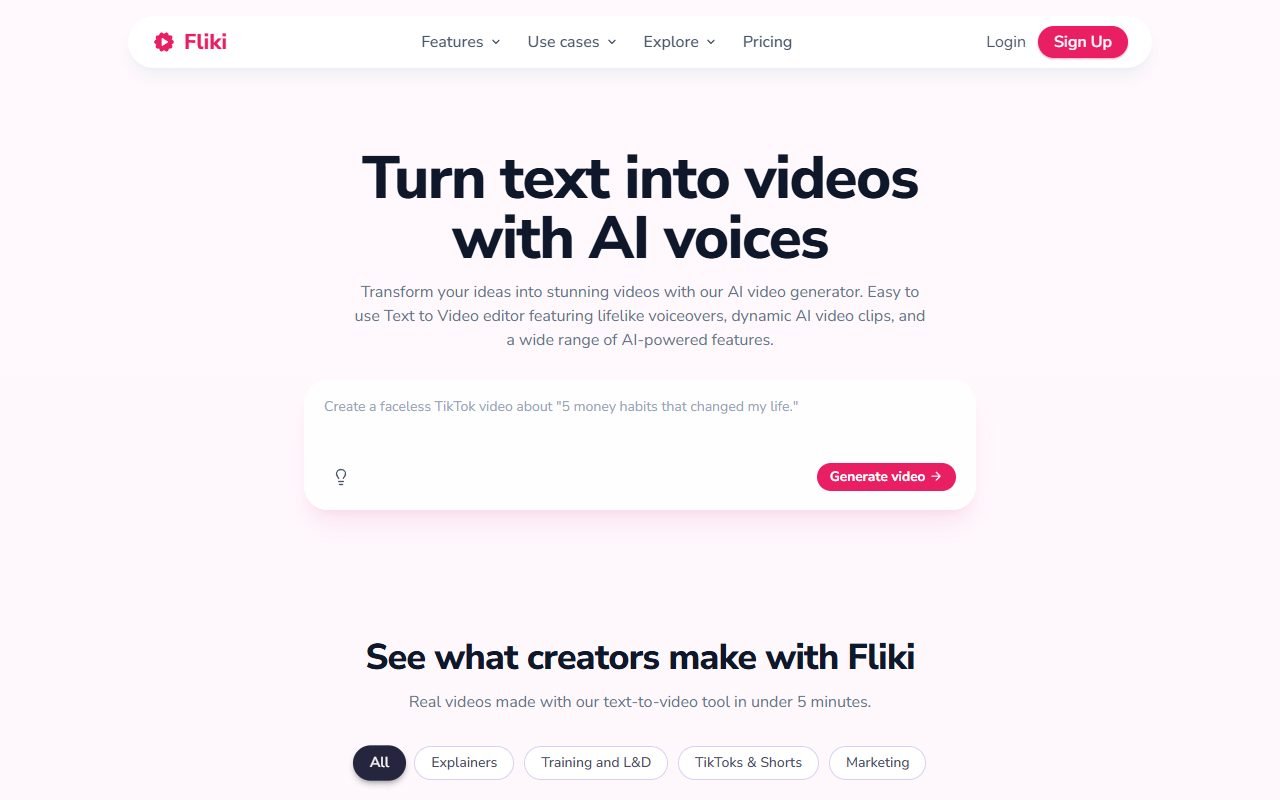
| Script-to-voice stock video | moderate | Fliki |
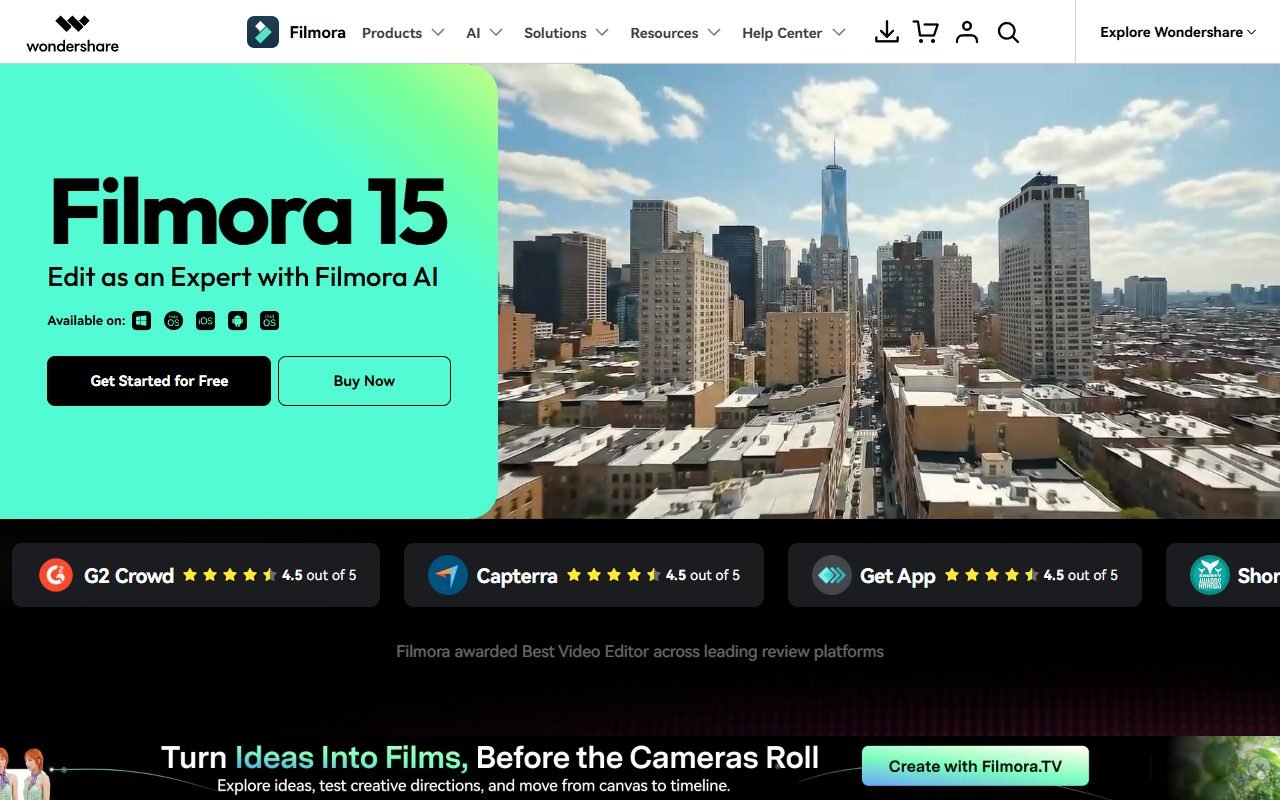
| Desktop multicam/color/audio | below specialist | Filmora, Premiere, Resolve |
| Editable interchange required | Must test | desktop NLE |
Internal links: /compare/pictory-vs-veed/, /compare/veed-vs-filmora/, /ai-tools/fliki/ and manual caption in Thai
Verdict
Try VEED when the team makes tutorial/social video 1080p, needs browser review and captions as a regular job. Choose monthly/trial before annual until you know upload/render reliability and cost per campaign.
Choose Filmora/desktop NLE when the source is large, the timeline is complicated, or finishing/control is important.
FAQ
Is VEED free to use?
Check current pricing and specify watermark/export/AI/storage limits near the answer doesn't say it's free to use without conditions.
Is the Thai caption accurate?
Not yet confirmed. Must measure unique names, numbers, English words, timing and line breaks with Thai source.
Is VEED suitable for long 4K files?
Depends on browser/device/network/plan and project complexity, requires stress testing; browser editor does not guarantee performance on all machines.
Does a reviewer have to have a seat?
Check role/share/billing docs on purchase date and test guest permissions not inferred from share button.
Can I use the clip/song commercially?
Check license per asset, plan and distribution; subscription does not automatically cover third party input.
Resources and freshness
Product information, pricing, and terms: homepage · pricing · support · Terms · Privacy
Before buying, recheck prices, quotas, and rights for the plan you intend to use. These can change; older reviews do not establish current terms.