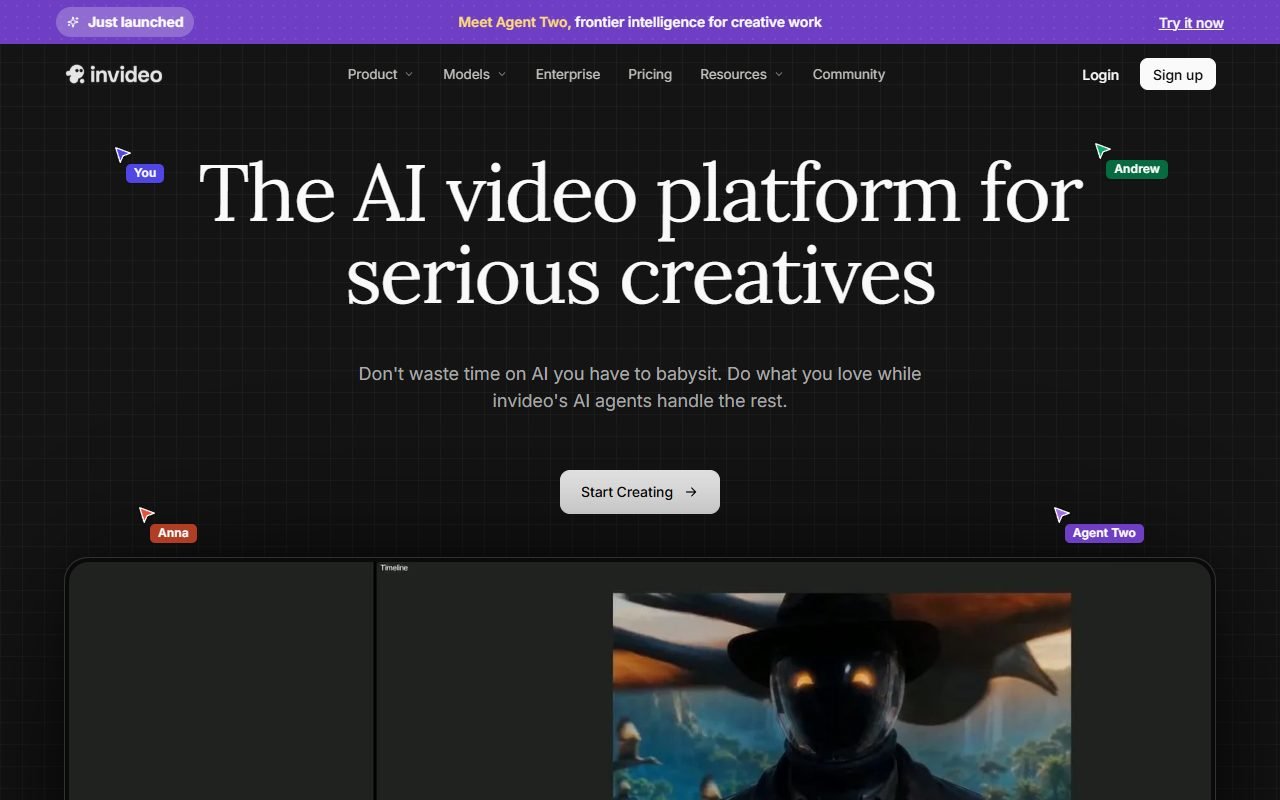
InVideo AI is a candidate for teams with a topic or script that need a video draft with stock footage, voice-over, and subtitles, particularly for repeat social formats. Draft-generation time excludes fact-checking, replacing unsuitable visuals, correcting pronunciation, and checking media rights.
Measure time and credits through to an approved video rather than just the first draft. This assessment uses information recorded on 1 August 2026, not testing by PickByTask. Thai quality, consistency, and cost per usable video remain unverified.
Contents — jump to a section
How is InVideo AI different from a normal video editor?
InVideo offers a path from a prompt or script to a draft that includes narrative, stock, voice, and subtitles, so the work starts with content-based commands rather than dragging raw footage onto the timeline one clip at a time. This value is evident when the goal is to create a rough cut that allows people to choose a direction.
However, prompt-to-video This does not mean that the model knows the facts or visual identity of the brand. It might create sentences that are not in the original source, select generic images, or change the tone of voice. What needs to be tested is editability: when one image is wrong You can only change the shot or regeneration changes the previous part accordingly.
Workflow that should be used: Lock the substance before pressing create.
Start with a brief that has the objective, audience, approved claims, CTA, duration, aspect ratio, and allowed assets. Then let InVideo create the first cut. The content reviewer locks the script first. The image reviewer checks the stock one shot at a time, then checks the voice/subtitle and export. This reduces the chance of fixing everything at once.
An ideal example would be a 45-second video explaining how to reserve a table at a restaurant. There are three facts and a CTA if you start with a broad topic. The system may add details on its own, so you should paste the approved copy and prohibit adding claims that are not included in the brief. Keep both passed and failed output to see the actual rework.
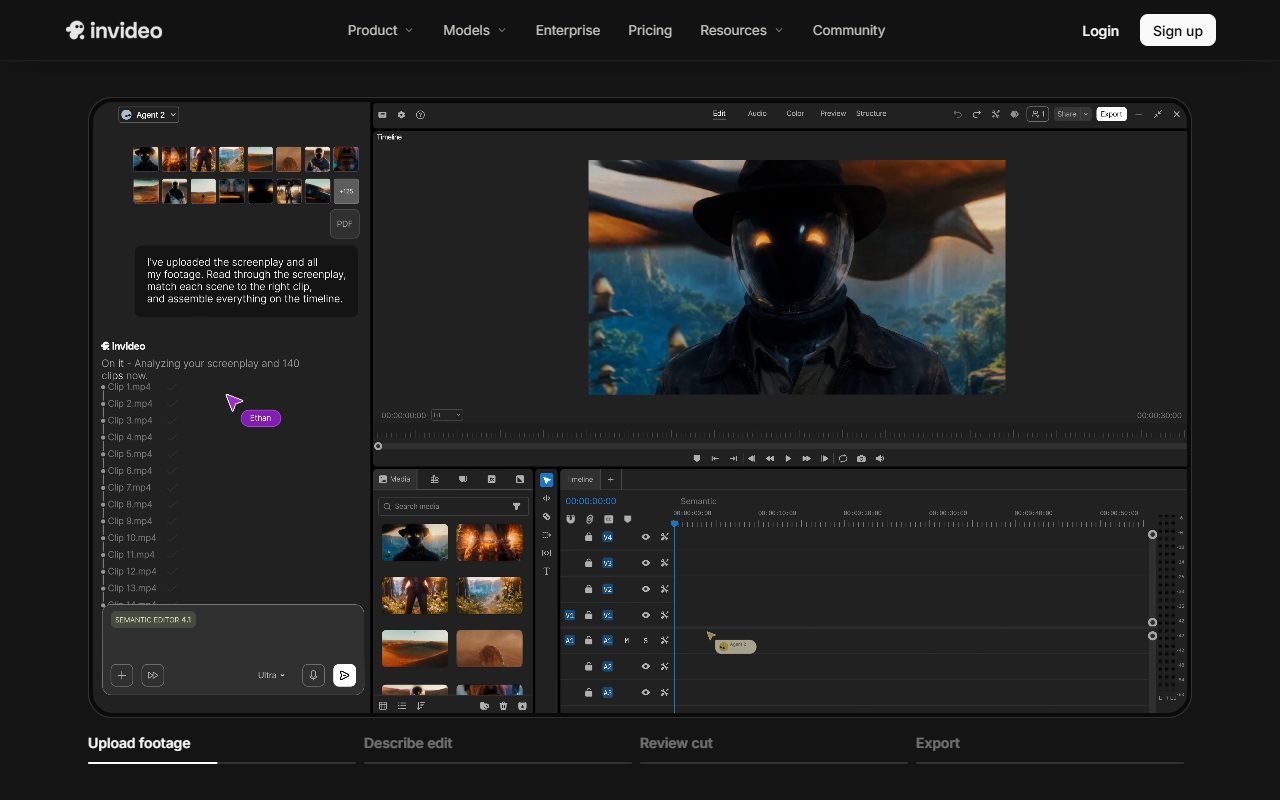 Visit InVideo ↗
What kind of team should I pilot?
- social team that produces clips in many aspect ratios and has template/brand kit clearly
- content marketer, who must convert the article into a video outline before letting the editor collect the details
- A small business that doesn't have a large stockpile of footage but has someone to check the rights and appropriateness of the stock.
- Agency that must submit a concept with many options before final production using main tools
Documentary, commercial work that requires brand-specific imagery, films that require continuity control, or medical/financially sensitive work should not rely on automated assembly to decide. These content must have source traceability and an expert responsible for the message.
Prompt-to-video What must be measured besides speed?
Timer from brief to approved export, separating generation, script correction, stock replacement, subtitle repair, audio mix, and render. Reporting "created in 5 minutes" is meaningless if it takes another 90 minutes to edit. Compare to a baseline where the editor uses the same template.
Generate the same brief three times to measure variance. Check to see how stable the number of scenes, logic sequence, CTAs, and product images are. If every result is very different Use the system to generate ideas rather than production files, and don't base deadlines on a single best speed.
Stock matching: Points to save time and points to risk getting the picture wrong.
The stock library helps teams that don't have footage to start with, but search terms from the script may pick up images that are in the right words but are culturally incorrect. For example, talking about a Thai store but seeing a cash register or a price tag in another country. Inspectors should look at locations, races, uniforms, currency, equipment, and trademarks in the scene.
The goal isn't to replace every stock with a "prettier" image, but rather for each shot to serve a narrative. If the stock is just background and has no substance, an original brand graphic might be used instead. Transitions should be scene-local, and rediscover times recorded to reflect actual costs.
Visit InVideo ↗Script generation and accuracy
The AI that helps draft the script may offer hooks and structure, but it's not a source of facts. All product names, prices, numbers, testimonials, and results must be returned to the approved source. Superlatives or promises made by the model may not be released in the advertisement.
For converting articles Set a list of allowed claims and required citations in the production document. Even if the final video doesn't show every link, the team must have a claim ledger that can be traced back. If the system summarizes the meaning incorrectly, fix the source script before creating a new one. Don't fix it with subtitles alone.
Voice and subtitle Thai
Having a voice/subtitle in the product scope is not equivalent to passing the Thai language. Prepare people's names, addresses, telephone numbers, prices, dates, and English in the middle of a sentence. Check both pronunciation Line breaks timing punctuation with missing words on vertical screen
The examiner should listen without reading the subtitle once and then turn off the sound and read the subtitle one more time to isolate problems. If the sound doesn't pass through but everything else is good Evaluate how convenient it is to export video/track to external dubbing. This is probably more important than having a large selection of sounds to choose from.
Editing, collaboration and file exit
InVideo Help Center is a source for checking the ability to fix scene, media, text, audio and export that change according to model. What you need to try is the revision workflow: What points can reviewers comment on? Is there a version history? And how do conflicts occur when editing at the same time?
Before tying production to the system, download the final video, subtitle/transcript, voice track, and source asset list to the extent your plan allows. Exporting MP4 alone may not be enough if the project needs to be moved to another editor. The lack of timeline/source export is a switching cost that should be saved, not an abstract disadvantage.
Price, credit, and cost of regeneration
InVideo Pricing must be read according to product generation, export, storage, and asset entitlement displayed on the date of purchase. Don't assume minutes or credits all measure the same thing. And don't use prices from review articles as your primary source.
Create a cost sheet for 20 clips per month, separating first generation, failed regeneration, stock/AI media, voice and export, including inspector time. If credit is deducted when regenerating the entire clip, the ability to edit specific scenes will affect the Value more than the membership price. Increase the cost of the backup plan in case the render is not completed in time for the deadline.
Visit InVideo ↗External review: Praise the speed, but friction is behind the first draft.
Pages G2 and Capterra help to see the pattern regarding template/workflow. Easy access and video start speed The objections related to the purchase are customization, rendering, asset match, pricing and support, but be sure to read the time period and model the review mentions.
Capterra, GetApp and Software Advice are in Gartner Digital Markets, so they are considered an independent group. Trustpilot is for billing/support dissent, TechRadar is for editorial perspective. A safe conclusion is that first draft speed is a recurring positive point, but edit burden and cost per approved output do not have a universal answer.
Stock, music, avatar and sound rights
Terms and Conditions is the starting point for checking permissions and restrictions. But a piece may contain provider assets, third-party stock, music, AI output, avatars, and user-uploaded files. Permissions do not need to be the same for each level. Record the asset ID/source and entitlement of the account on the export date.
Do not use the face or voice of a person without their consent, and do not assume that stock photos will be used. All types of trademark/merchandise can be used. For customer advertisements, do a rights checklist before final approval. If the source of the asset cannot be traced, change to media that the team created and holds clearer rights to.
Privacy and security for marketing files
InVideo Privacy Policy provides service provider level processing information. Organizations must also check DPA, subprocessor, retention, deletion, access roles, and incident processes based on the data to be uploaded. The yet-to-be-announced launch script and customer footage are confidential, even without a card number.
Pilots should use fictitious brands and assets to test. After that, try deleting projects, media, and accounts according to the existing flow and checking to see if link sharing is restricted or discoverable. External users reviewing should be given only necessary permissions and removed upon completion.
InVideo vs Pictory, VEED and Filmora
Compare Pictory when a work begins with a long article or script and needs to be summarized in a scene; Compare VEED when you have footage and need to edit it in the browser; Compare Filmora when controlling the timeline on the desktop; Compare Runway when creating/editing animations with generative models rather than assembling stock.
A fair comparison uses brief, asset, duration, and time equally. Measure factual errors, stock replacements, subtitle fixes, render failures, export quality, and total cost. Don't let the number of AI features be the total score independent of the task.
Reasonable merit based on current evidence
InVideo reduces friction during the blank canvas because it starts with prompt/script and compose multiple video elements in a single flow. This is why social teams should experiment with coverage. Template/stock can also help create concepts without complete footage.
These advantages are Provider-sourced and review consensus do not guarantee that the output is ready to publish. Teams that already have script approval and media QA have a better chance of benefiting than teams that hope for AI to decide all content and images.
Restrictions that should be placed in front of the buy button
Visual quality and narrative vary. Script creation may add claims. Multiple edits consume quota and export may not provide the same source portability as full timeline editors. Thai stock rights, team controls and deletion have not been tested by PickByTask.
Complaints about billing/support from open reviews must be preserved as a check signal. trial/cancel should not be hidden because the user must bind a card. At the same time, it should not be accused of being a general problem without demographic data.
Verdict according to the team's readiness level
Choose InVideo for a small pilot if you have an approved script, a brand owner, a stock inspector, and a target number for how much time needs to be reduced. The system is more suitable for first cut creators than automatic publishers.
You should choose a different editor or mixed workflow if brand-specific footage is the focus. Source timeline must be forwarded or every claim must be traceable with regulated content. If Thai is the main market, voice/subtitle testing is the gate before applying for the year.
FAQ
Are InVideo AI and InVideo editor the same?
Pages and packages may have separate AI generation and editing paths. Check product/entitlement at checkout and don't assume shared features.
Is there a free plan?
See latest pricing with limitations on watermark, generation/export and stock. The word free does not mean that it can be used to send all types of work to customers.
Can I use stock in advertisements?
Check the asset's license, the subscription plan, and restrictions on the intended channel. Record its source before publication; appearing in the editor is not proof of permission.
How well can you make a Thai language video?
PickByTask has not tested its Thai-language video output. Check the script, audio, and subtitles separately, including proper names and Thai numbers.
Is InVideo a good replacement for a professional editor?
It's suitable for some first-cut workflows, but it shouldn't be considered a replacement for a timeline editor for work that requires detailed control over footage, mix, color, and source handoff.
Official source and how to update
Product information, pricing, and terms: InVideo · Pricing · Help Center · Terms · Privacy
Before buying, recheck prices, quotas, and rights for the plan you intend to use. These can change; older reviews do not establish current terms.