Pictory is a candidate for marketers, educators, and content teams turning existing articles, scripts, or long videos into explainers or captioned social clips. Check whether the selected passages and visuals preserve the message.
Review Thai text, media rights, and editing time through to a usable clip, and count cost per approved output. The information was checked on 1 August 2026; PickByTask has not tested accuracy or time savings.
Contents — jump to a section
What did Pictory do and not do for the team?
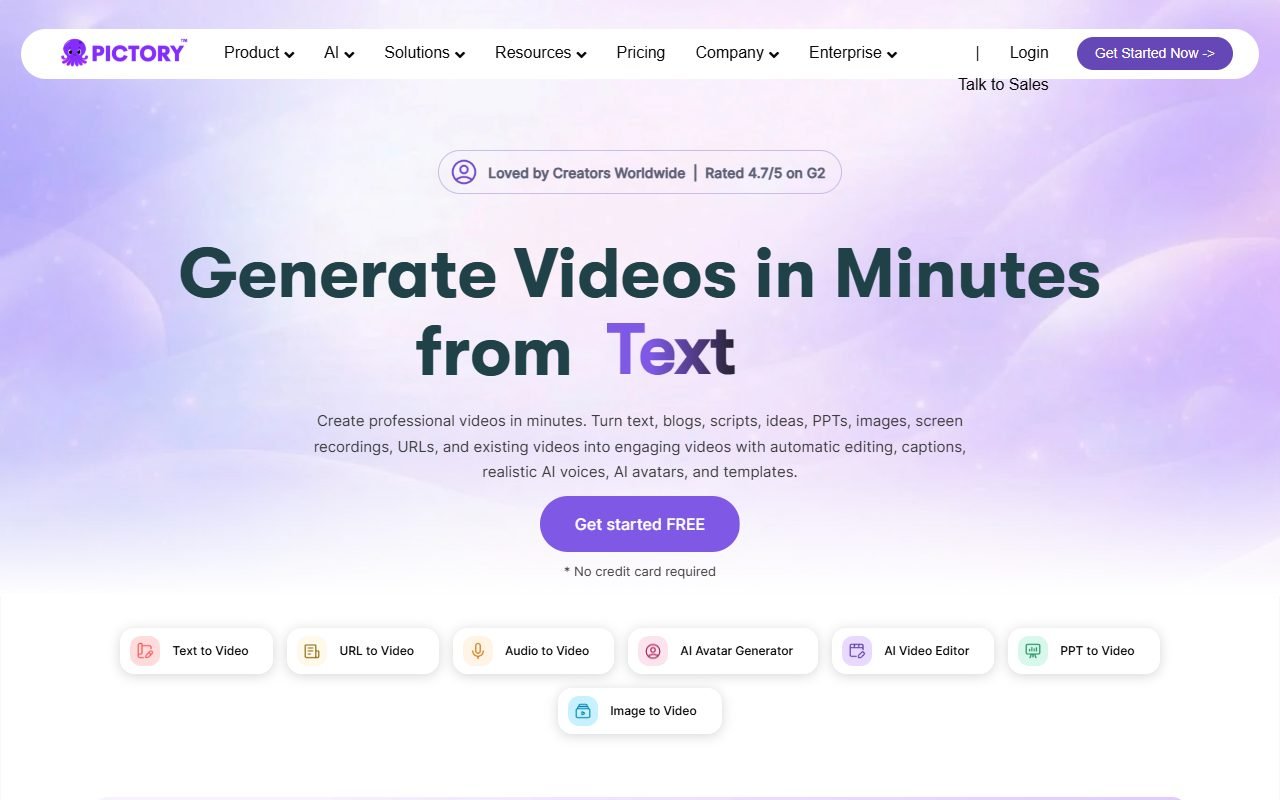
The Pictory page and knowledge base describe the workflow from script/article to video, highlight extraction from long videos, captions, AI voice, stock media, brand kit and collaboration. According to the plan, the product is positioned as a tool. repurpose/assembly rather than a desktop nonlinear editor that provides full frame-by-frame control.
The system can help make the first cut, but it doesn't automatically know the business context. An omitted sentence may be an important condition. Exciting moments may have no meaning, and stock footage that is "relevant" via keyword may be wrong for the location, culture, or tone. Health, financial, legal, and lecturer speech must always be checked by the subject owner.
Main Scenario: Thai Webinar 20 minutes to three clips
Use a simulated video for which the team has full rights. Content on choosing an AI Tool includes an intro, definitions, examples, cautions, and conclusion. The goal is three 45–60-second clips in a 9:16 aspect ratio with Thai captions and brand-specific title cards.
The first round had Pictory present the highlights without editing them, then record how many points of conditional sentences were cut. The second round adjusted the transcript/scene and changed ambiguous stock. The third round exported and viewed on mobile with the sound turned off. The passing criterion is that the content does not change. Proper names/numbers are legible in captions, images do not create false meanings, and there are no assets whose rights are unclear.
 Visit Pictory ↗
Workflow from Input to Approved Export
| step | What Pictory helps with | Human gate |
|---|---|---|
| Import | Get script/article/video according to docs scope | Confirm permissions and delete unnecessary data. |
| Transcript/summary | Create a message and get the idea. | Compare source, store conditions/context |
| Storyboard/scenes | Divide content and present visuals | Fixes timing, duplicate images, and cultural mismatches. |
| Voice/caption | Add narration/subtitles | pronunciation, timing, consent and accessibility |
| Brand | Use logo/font/color according to plan | Check trademark, safe area and contrast |
| Export | render destination video | QC resolution, audio, watermark and license ledger |
Article-to-Video: Speed may trade off for specificity
Articles with clear headings, short sentences, and visual nouns are often easier to detect than long-form opinions, but generic B-roll such as “people in a meeting” or “computer screen” may be repeated until the video contains no new information. Teams should prepare original images/graphs for important claims and use stock as context, not evidence.
Do not enter the entire third party article without permission to modify it. Having a public URL does not allow derivative video and AI paraphrase without removing the original copyright.
Highlight Extraction: Check for missing items. It's not just what was chosen.
Short clips must be shortened. But safe abbreviations must preserve qualifiers such as “in this case,” “not tested,” or “price as of…” Rubric should count missing-condition defects separately from grammar defects and visual defects. If the clip sounds more confident than the original even though the words are partially correct, don't pass.
For real personal speech, keep the timecode of the source and approve the transcript before publishing. Don't edit it to show the speaker an endorsement of the product or unspoken conclusions.
Visit Pictory ↗Caption, AI Voice and Thai language
The list of languages/sounds provided by the provider is not sufficient to verify Thai quality. Test Pictory/PickByTask names, currency numbers, URLs, mid-sentence words, diphthongs, and tones on two lines. Check caption safe area in 9:16, reading speed, punctuation, and sentence breaks. Do not embed subtitles only if the channel supports accessible caption tracks.
AI voice must be listened to on mobile speakers and headphones. Check for emphasis, pause, and the reading of specific names. If you clone or refer to a person's voice, you must have consent specifying the task, channel, duration, and withdrawal method. Do not create a voice that makes it appear that the person is speaking a message that has not been approved.
Price, credits and TCO per clip completed
Details of plan, video minutes, users, brand/collaboration, AI/stock quotas and limitations can be changed. Please adhere to Pictory pricing on the application day. Do not select numbers from old reviews and do not call the trial as free use without conditions.
| cost | How to measure in a fixture |
|---|---|
| Subscription | plan/billing period and number of users |
| Video/AI quota | minutes input/output, generations, voices/avatars according to plan |
| Asset | stock/music or original images that need to be produced further |
| Human review | Minutes to edit transcript, scene, caption, rights |
| Re-render | Number of exports after finding a defect |
| Downstream | social scheduler, storage, localization and archive |
The formula used for comparison is total cost plus team time divided by the "clips passed rubric", not the clips the system generates. If 10 drafts pass only 3, the cost per work is based on 3.
External review: repeated positive points
G2, Product Hunt, Wyzowl, eWeek, ToolProven, and other review publishers were similarly positive about onboarding without needing to know deep timelines, text/long-video repurposing, and creating first drafts for social content. Users who already have source material often see more value than those who just hope the system does all the story and visual identity.
These positive posts are a consensus review, not a direct finding by PickByTask, and some articles may have affiliate relationships, so they are used to test hypotheses. Not used as an independent score.
Concerns from reviews and what they mean for your decision
Trustpilot/open reviews and some editorial reviews mention general stock selection, inconsistent voice/visual quality, limits/pricing, render or support friction. Capterra, GetApp and Software Advice are affiliated with Gartner Digital Markets and may use related review pools. Therefore it is considered one of the independent conservation groups.
Teams shouldn't gloss over these drawbacks because users ask for them. “Emphasis on good reviews.” Choosing the wrong image or summarizing the wrong meaning affects trust more than speed. First draft and billing/cancellation must read Terms/checkout directly.
Visit Pictory ↗Stock, music, Input and Output rights
Check Terms of Service with conditions. The asset/library referenced on the help/plan page is that Pictory licenses do not cover user-uploaded articles, videos, logos, music, fonts, or likenesses, and licenses for finished videos may differ from distributing assets separately or as templates for resale.
Each media ledger must have source owner, license/consent URL, checked date, asset ID, project/output ID, commercial scope, territory/duration. When relevant, reviewers and distribution channels If unable to prove it, replace with original graphic or neutral asset.
Privacy, Security and Customer Data
Privacy Policy is a base for checking account/file and processor information, but before uploading the webinar, the customer must review DPA, subprocessor, retention, training/opt-out, deletion, region and access roles according to the plan, use dummy data in trial, and turn off unnecessary names/emails.
Test deleting project/account Then check the file status/share the link according to the time specified by the provider. Set the people to invite the members and revoke them when they leave the team. Do not share the export link publicly if the content is still embargoed.
Ownership, Export and job transfer
The rendered video is the output for publish, but the editable project, scene timing, transcript and asset mapping may not be fully transferred to another NLE. Try downloading all formats supported by the plan and open them in your downstream workflow. If only MP4 can be forwarded, note that there will be less editing at the scene/track level than with project interchange.
Keep source video, approved transcript, caption file, brand assets, and final master off-platform with version naming so account termination doesn't leave teams with only social compression copies.
Choices and Decision Matrix
| Requirement | Pictory fit | should be compared |
|---|---|---|
| Split webinar/long video into clips. | Worth trying. | VEED, Descript |
| article/script-to-stock video | Worth trying. | Fliki, InVideo |
| browser timeline/collaboration depth | moderate | VEED |
| desktop multicam/color/audio finishing | low | Filmora, DaVinci Resolve |
| High quality Thai narration | Not yet confirmed | Fliki/ElevenLabs + editor |
| editable project portability required | Must test | desktop NLE |
If someone else needs to keep editing the project, test an export and open it in the intended destination editor before choosing. For Thai narration, compare the shortlisted tools with the same script and listen for proper names and pauses. A demonstration video alone does not establish whether the workflow fits your work.
Conditional Verdict
Choose to try Pictory when the team has enough long-form sources and someone checks content/language/permissions. and want to reduce the time to create a first cut in multiple ratios Start with one webinar, don't buy a long plan until you know. approved-output cost
A different editor should be selected first when using timeline control, color/audio finishing, project interchange or Thai voice/caption. that has been proven to be a mandatory requirement
FAQ
Is Pictory free to use?
Check pricing/checkout on application date as trial or free access may limit export, watermark, minutes and AI/asset features.
Can you accurately cut clips from Thai?
Not confirmed yet. Must test transcript, highlight context, line break, timing, and unique names with real Thai sources.
Can I use stock and commercial music?
Must check the license of assets and plans for the type of use/channel. Do not infer from the selection of assets in the editor.
Can Pictory be used as an editing program?
It can replace some repurpose/assembly tasks, but you shouldn't expect the same control, finishing, or interchange capabilities as desktop NLE without testing.
What is the difference between Pictory and Fliki?
Pictory focuses more on repurpose long-form/highlights, while Fliki focuses more on text-to-video/voice-led production. They should use the same source/brief.
Resources and freshness
Product information, pricing, and terms: homepage · pricing · knowledge base · Terms · Privacy
Before buying, recheck prices, quotas, and rights for the plan you intend to use. These can change; older reviews do not establish current terms.