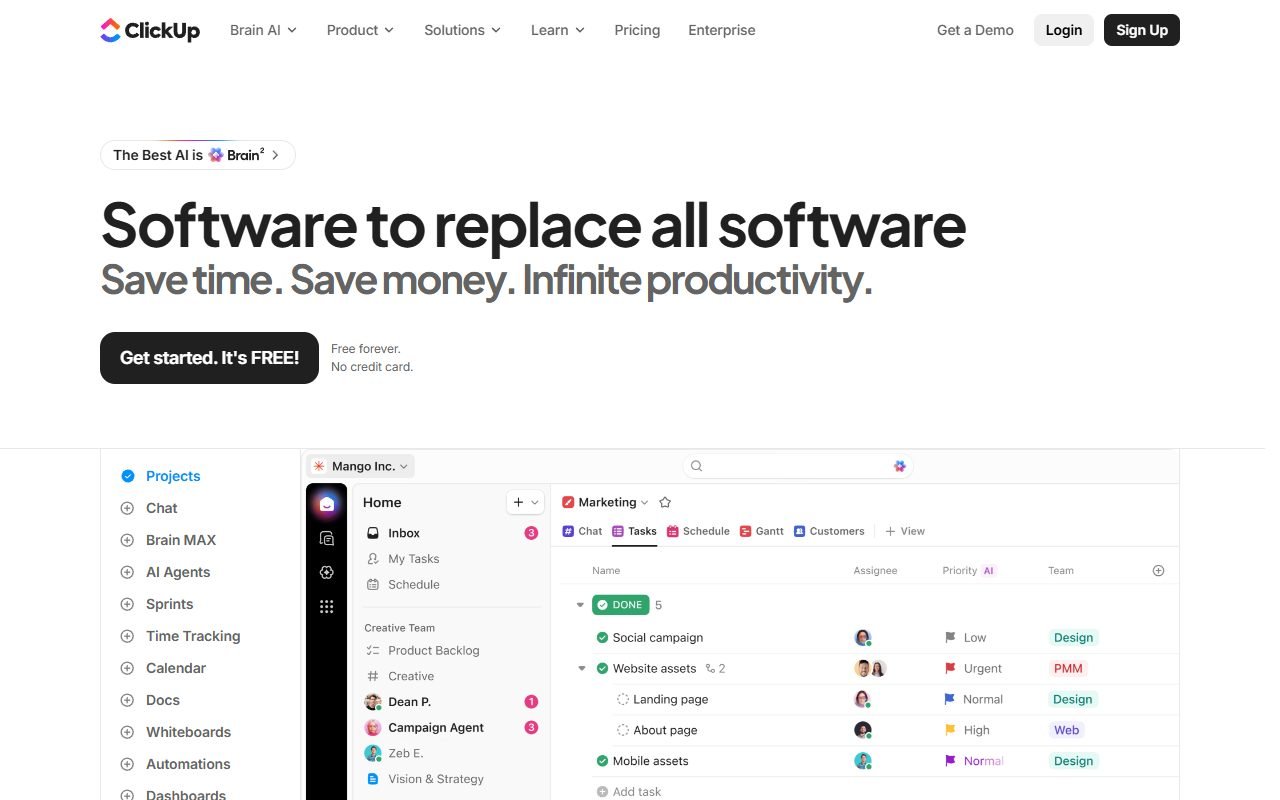
ClickUp is worth considering when a team wants tasks, documents, goals, dashboards, and automations together. Its hierarchy and views allow different ways to organize work, but excessive configuration can add maintenance and notification overhead.
Start with one team and a clear intake-to-completion workflow. Check per-member costs, AI add-ons, and access permissions. The information was checked on 1 August 2026; PickByTask has not tested it with a Thai-speaking team.
Contents — jump to a section
Workflow
Set Workspace→Space→Folder/List→Task to reflect ownership before opening more custom fields/views than necessary. Pilot one team with intake→assign→review→done.
Core features
Tasks, Docs, Dashboards, Forms, Time/Goals and Automations are scoped according to the plan; AI/Brain should be evaluated based on retrieval/action accuracy is not the number of menus.
 Visit ClickUp ↗
Price/TCO
pricing Calculated according to seat/tier and AI/add-ons according to current offer, including onboarding, migration, admin and external guests, checked every 30 days.
Permissions/security
Test guest/private Space/Doc, sharing link, export, audit/SSO and API token from security. Having provider compliance does not change permission design of workspace.
AI/privacy
Record what content is sent to the model, retention/training controls, and human approval for action; Do not claim AI summary is always correct.
Visit ClickUp ↗Export/exit
Try exporting tasks/docs/comments/attachments and map automation/dependencies that cannot be exported.
review
G2, Capterra, GetApp, Software Advice, Trustpilot, PCMag, TechRadar and Forbes praise feature breadth/customization; dissent is complexity, performance, notifications, pricing/support Gartner pages share pool
Workflow Scenario: Product Sprint with Client Guest
Create space for a 5 person product team with intake form, backlog, sprint list, task template, custom fields, Doc specification, QA status and dashboard. Invite clients as guests to only see shared list/doc. Start with field/status as much as acceptance requires. Don't open every ClickApp.
Test form→triage→assign→review→done, overdue reminder, dependency, and reopened bug. Use guest account, open private task/doc/search/dashboard link directly, check notification volume for 7 days, and measure time for new members to find work. “You have to do it today” without long training.
Hierarchy, Views and Automations
| Layer | duty | Acceptance evidence |
|---|---|---|
| Space/Folder/List | Divide ownership/context | naming, archive and permission inheritance |
| Tasks/subtasks | Agency | owner, status, due date, dependency clarity |
| Custom fields | structured reporting | required/value governance and duplication |
| Views | list/board/calendar corner | same-data consistency and user findability |
| Forms | intake | validation, spam, requester feedback |
| Automations | Reduce repeat handoffs | trigger loop, quota, audit, failure visibility |
| Docs/Dashboards | context/report | stale source, sharing and metric definition |
Feature existence is checked from ClickUp features, but fit must be based on the sprint fixture, not using the number of menus as a score.
Visit ClickUp ↗Pricing/TCO according to seat and governance
| Cost | variable |
|---|---|
| Base plan | members/seats, storage, feature limits |
| Guests | current permission/charging rules |
| AI/Brain | add-on/usage and eligible users |
| Automations | action quota and integrations |
| Migration | import cleanup, attachments, history |
| Admin/change | training, templates, audits, notification tuning |
Check ClickUp pricing on approval day and calculate 5/20/100 seats. Do not multiply entry price alone if AI/add-on is calculated with eligible seats or guest rule is different.
Review Synthesis: Flexibility can become a burden
G2/Gartner pools praise feature breadth, views and customization. PCMag/TechRadar/Forbes describe workflow as competitive. Trustpilot keeps performance/billing/support dissent. Positive fit often comes from teams designing the workspace. Negative signals often come from configuration/notification overload or performance.
PickByTask therefore doesn't use "all-in-one" as a pure benefit. Every feature adds taxonomy, permission, training and maintenance cost. Ease scores must come from time-to-find/complete tasks of pilot users.
ClickUp Brain/AI: Validity criteria and scope
Test questions from Docs/tasks that define ground truth for the AI to identify record/date sources and accept when data is not available. Measure factual accuracy, stale-answer rate, correction, and action preview before AI creates/changes tasks. Do not use generated status reports as evidence for sending to clients without review.
Check ClickUp AI and current privacy/security terms regarding model, retention and controls. It does not say that the content is not trained or in which region if the document is not confirmed in the account plan.
Security, Permissions and Offboarding
Use least privilege for Workspace/Space/List/Doc/guest, turn off unnecessary public shares, check SSO/audit according to plan, and rotate API tokens. Hiding view does not prevent it. search/direct-link If the underlying permission is wide, test deactivated member with stuck automation/ownership.
Export, Migration and Recovery
export/import trial must include tasks, custom fields, statuses, comments, Docs, attachments and relationships. Save parts that don't move, such as dashboard layout, automation, or activity history. Make an admin runbook for accidental delete, template change, and owner account loss.
Decision Matrix
| Requirement | Fit |
|---|---|
| Cross-functional work hub | High when there is admin/IA owner |
| Simple to-do for a team of 3 people | may be more than necessary |
| Client guest governance | Must permission test |
| AI grounded in work context | Worth experimenting with evidence fixture. |
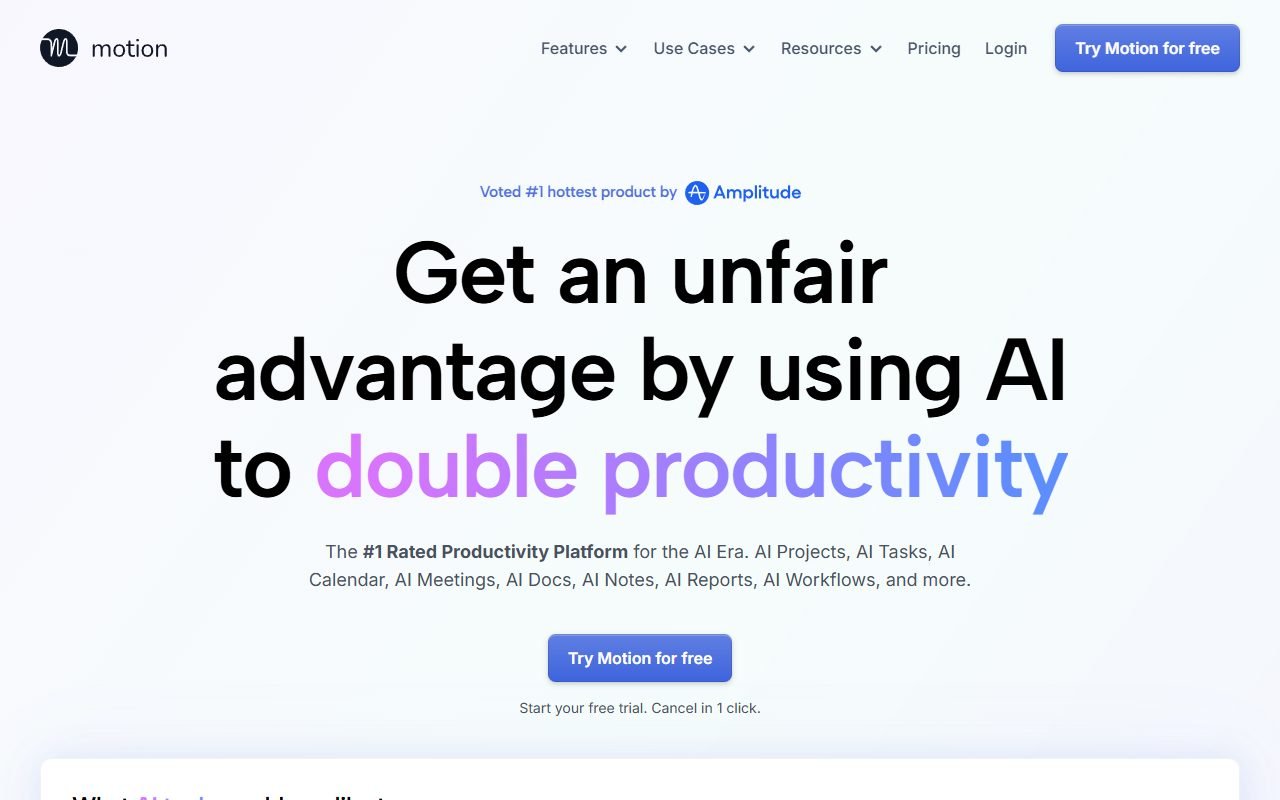
| Automatic calendar planning | Motion should be compared |
| Lightweight agent workspace | Taskade should be compared |
Decision matrix
Choose ClickUp when teams invest in information architecture; Taskade for lightweight collaborative AI; Motion for schedule-first links /compare/clickup-vs-taskade/
Governance Cadence after Pilot
Appoint a workspace administrator and content owner for the space, review member/guest/public links monthly, close unused custom fields/status/views, and check for automation failures/quota weekly. Dashboard must have clear definitions of metrics and source lists so that different teams don't report "done" differently.
When requesting a new feature, specify the problems, users, and measurable outcomes before launching the ClickApp or creating additional fields. Minimizing configuration It's quality care work. It's not a loss of ability. This helps maintain flexibility without letting the hierarchy grow to the point of slowing down onboarding and search.
Additional FAQs
Should every ClickApp be opened from the start?
No, start only field/view/automation that solves real problems Then add it after the pilot evidence to avoid creating a burden.
What information can Guest see?
Depends on sharing/permission hierarchy and plan. Must use guest account to test search/direct URL/docs/dashboard.
Can ClickUp Brain be used instead of weekly status?
You can help with the draft, but the owner must check the source freshness, missing work, and messages before sending to stakeholders.
Should I move all documents into ClickUp Docs?
Not required. Select based on ownership, collaboration, retention, and search; Keep a single source of truth and use links instead of copying information that makes information stale.
FAQ
There is a Free tier according to limits; Brain/AI is not required in every plan; Suitable for small teams if reduced configuration; Thai language must test search/AI