
This project turns an approved watering plan into a daily log and shift handoff. AI can organise supplied plot IDs and instructions. It cannot inspect soil, identify plant disease, predict local weather reliably or replace the garden lead's safety and water-use decisions.
ClickUp currently presents projects, tasks, assignees, custom statuses, reminders and checklists in one workspace. Use those fields to store a reviewed plan, not to invent horticultural advice. ClickUp · Pricing
Contents — jump to a section
Prepare the source sheet
List each plot ID, approved watering instruction, exception, equipment location, assigned volunteer and escalation contact. Add a field for observed condition rather than a guessed diagnosis. Allow 45–60 minutes to build and test a small log.
Copy this starter prompt
Use only the approved garden plan below.
Create a daily watering log and end-of-shift handoff.
For each plot include ID, approved action, observed condition, time, person and status.
Do not invent water amounts, plant diagnoses, weather, chemicals, permissions or schedules.
Mark missing instructions NEEDS LEAD and conflicting instructions CONFLICT.
Include a paper fallback with the same fields.
[PASTE APPROVED PLAN]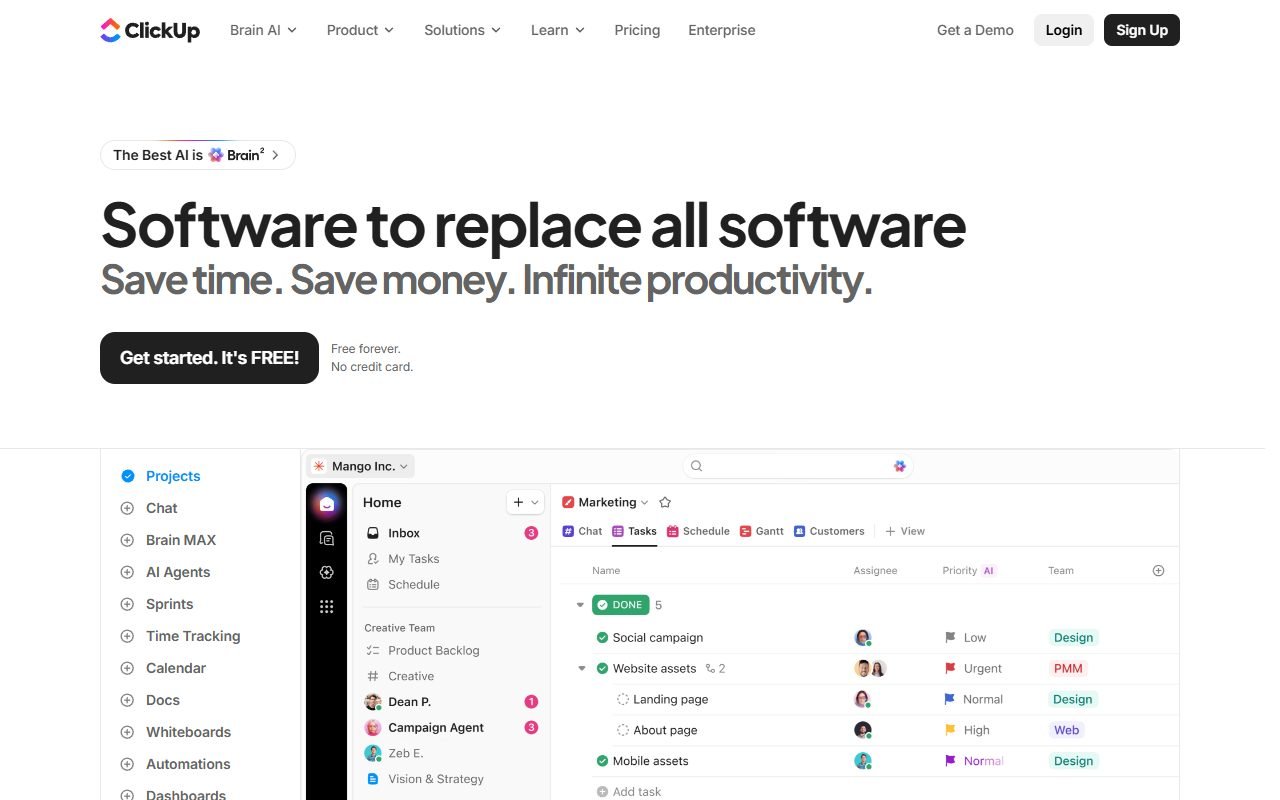 Visit ClickUp ↗
Build and test the log
- Give every plot a visible ID that matches the source plan.
- Separate the approved action from the volunteer's observation.
- Use NOT STARTED, DONE, SKIPPED and NEEDS LEAD as explicit states.
- Require a reason when work is skipped; never let AI supply it.
- Test three fictional plots, including one conflict and one missing instruction.
- Have the garden lead review the handoff before the next shift uses it.
Worked fictional sample
Plot G04 has the approved instruction “Water only when the lead confirms.” The volunteer records “surface still damp at 07:10” and NEEDS LEAD. The system must not convert that observation into “no water needed,” prescribe an amount or mark the plot DONE.
The log passes when every status maps to a plot and person, skipped work has a supplied reason, conflicts remain visible, and the next volunteer can find the escalation contact.
Recover when devices or evidence fail
If the device is unavailable, use the paper sheet and enter it later only after checking plot IDs and times. If a label is missing, stop and ask the lead instead of guessing the bed. For unsafe equipment, suspected contamination or plant-health decisions, follow the garden's real process and qualified advice.
Product and pricing pages were inspected on 15 October 2026. This is a fictional planning exercise; no garden, weather, plant condition or watering action was tested.