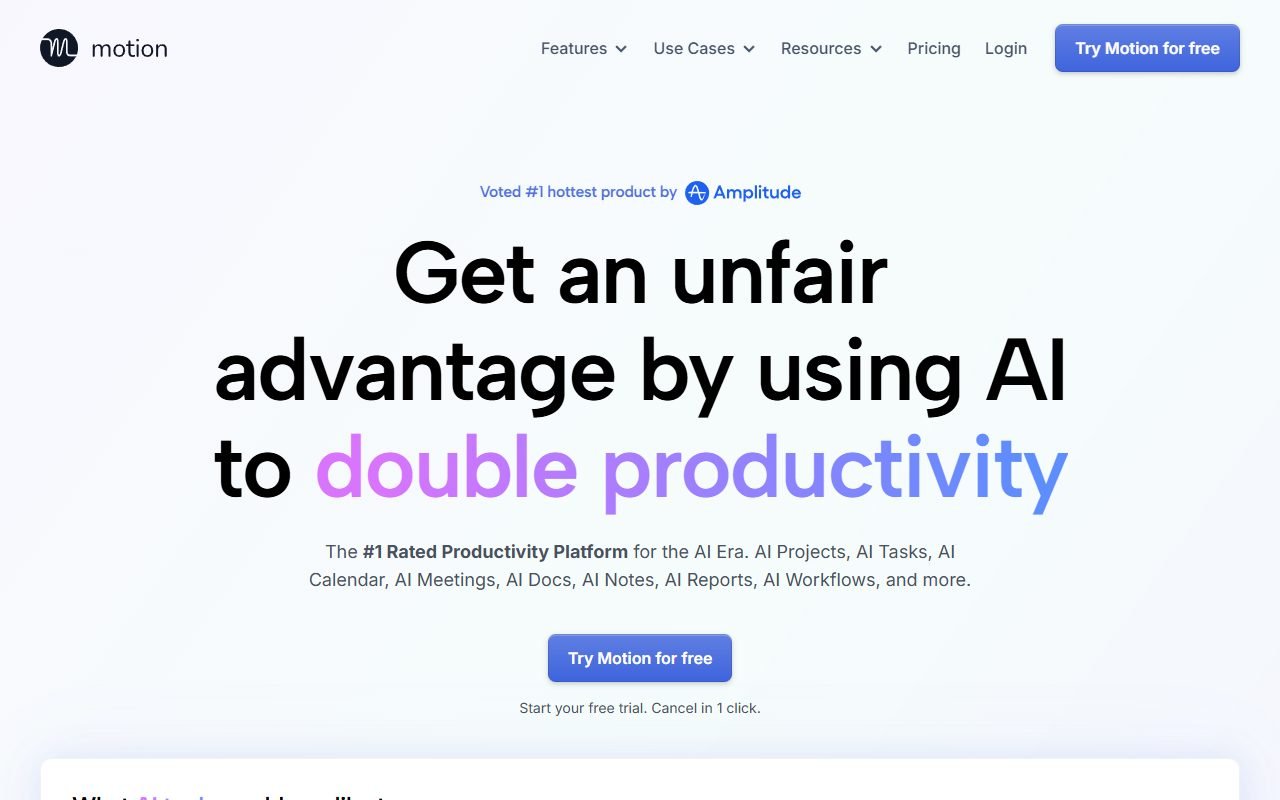
Motion is worth evaluating if you have many tasks and meetings throughout the week. It combines tasks, projects, and a calendar with scheduling based on priorities, deadlines, and availability. You still need realistic task durations and priorities.
Check whether more important work gets finished and whether breaks and urgent tasks remain manageable. Unpredictable work or an established project system elsewhere may add friction. This assessment uses information recorded on 1 August 2026; PickByTask has not tested productivity gains.
Contents — jump to a section
The person who is suitable for Auto-scheduling
Managers, freelancers, and knowledge work teams that need to move tasks around when meetings are interspersed into the main group. They have multiple physical calendars and backlogs that require time-blocking. Motion can reduce duplicate box-traveling work and alert them that the schedule is exceeding capacity.
not suitable for work fields/on-call where the duration fluctuates a lot, or teams where deadlines are only a label, not a commitment. If everyone enters a guess time The table will give you false confidence. Another case is that organizations that don't want their SaaS to read their calendar details must go through privacy/security first.
Scenario: The week that the plan fell apart in the middle of the road.
Create a simulated week with 18 tasks, dependency duration, hard deadline, focus hours, personal blocks, and meetings from two calendars. Have the system schedule it, then add a 3-hour incident on Wednesday, postpone one deadline, and cancel one meeting.
Measures setup minutes, manual moves, overdue tasks, context switches, protected breaks, and time spent understanding rescheduling, allowing users to evaluate whether a new schedule is reasonable or forced to override every day. Passing criteria include faster recovery without hiding work or personal time.
 Visit Motion ↗
Features according to official sources
Motion's Help Center documents tasks and projects, AI Chat, meeting notes, the inbox, and AI Agenda. Booking pages and plan-specific access require separate checks in the live account and current pricing page.
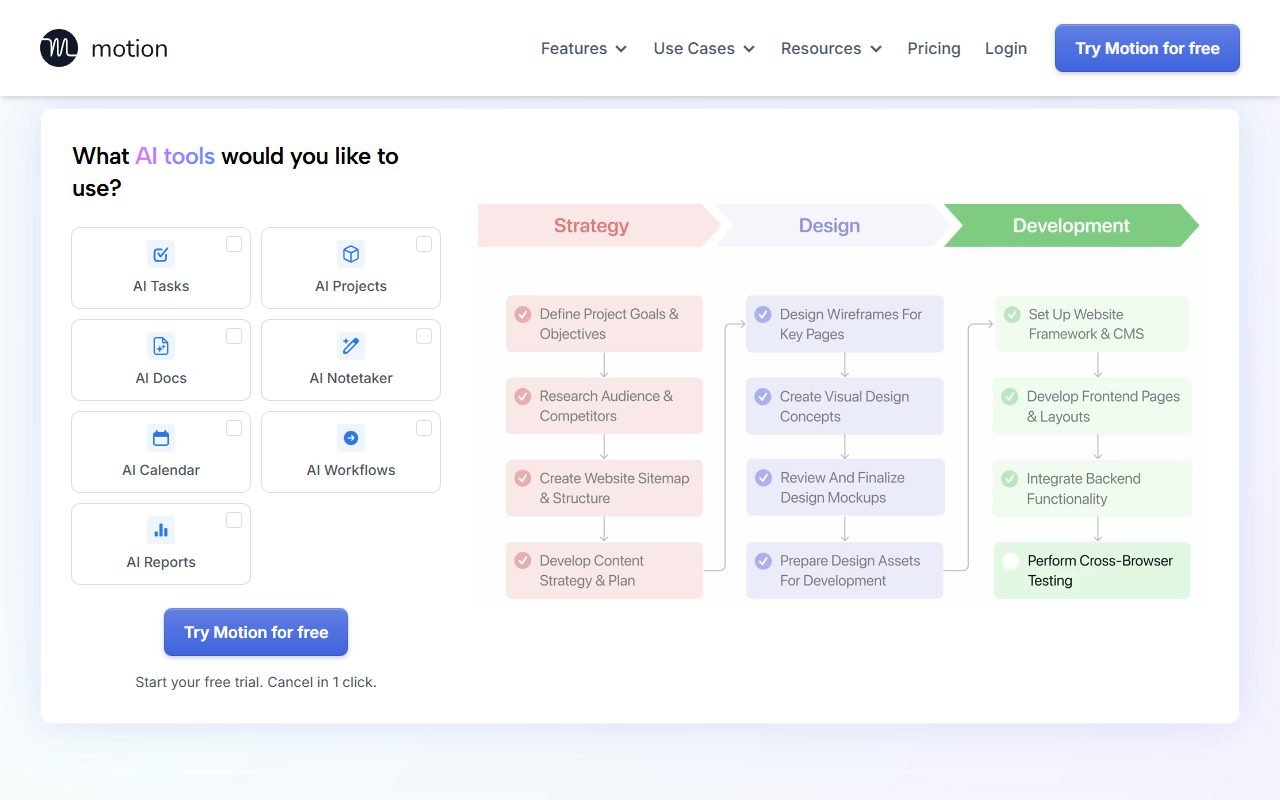
AI calendar must respect busy blocks and working hours Task manager must separate estimate/deadline Project planning must see capacity and dependency Booking pages must not open blocked times Meeting assistant and workflows Add data/automation surfaces must be tested separately
Table quality depends on user input.
Too short duration makes the system overcrowded, while a high priority for all items causes no order. The team must have conventions for hard/soft deadlines, estimate buffers, and recurring tasks. Review estimation errors every week. Don't blame the algorithm for undisciplined input.
The system should explain why the task was moved and provide lock/override can be tested for undivided tasks, travel time, timezone, and tasks that need to be done with others. If black-box rescheduling makes users skeptical The calendar will be ignored.
Auto-scheduling with working health
A full schedule is not good productivity. Set lunch, buffer, shutdown, and no-meeting blocks as real constraints. Check if the system shifts jobs to nights or holidays when capacity is insufficient. Report overload instead of hiding it with impossible schedules.
Metrics should include after-hours scheduled, plan churn, focus completion, and perceived control, not the number of tasks entered into the system. Managers must not use schedule prediction as a tool to monitor employees or evaluate performance without context.
Visit Motion ↗Project Planning and Source of Truth
Teams with Jira, Asana, or ClickUp must determine which system owns the task, status, and deadline. If one-way/two-way sync is unclear, duplicate or stale data will occur. Test for update conflict, deleted tasks, assignee change, and webhook outage.
Motion may be more suitable as a personal execution layer than a project record for some teams. This decision needs to be recorded and not forced on co-workers to fill out two systems: Export and offboarding. Important work history must be maintained.
Pricing for Individuals, Teams, and Annual Conversions
The ledger states that Motion Pricing has levels for individual and team AI/automation rights. with different users And you should check the annual price conversion before applying. Use the current checkout page as the main focus. Do not copy numbers from old reviews.
Calculate subscription per active user, onboarding, calendar cleanup, task migration and acclimation time vs. scheduling minutes saved and completed high-priority work. Watch out for annual headlines that show monthly averages but bill in lump sums. Check trial renewal/cancellation before inserting card.
Positive review tone
G2 and the review family of Capterra, GetApp, Software Advice signal a reduction in manual planning and consolidation. task/calendar The last three websites are not counted as three independent groups.
Product Hunt and Reddit may find additional workflow and comparison, but must look at dates and promotions. Positive themes that should be tried are schedule recovery and reduced manual rearrangement. It is not said that everyone is more productive.
Dissent on Trial Control and Cancellation
Trustpilot has feedback about trial, renewal, cancellation or support that needs to be kept in context. Do not replace all users. Before commitment, test cancel path, data export and access after downgrade.
A behavioral constraint is that some people feel a loss of control when the system moves tasks frequently. Changing your schedule every time may increase anxiety or make you disbelieve in your plan. Set maximum churn and review points instead of answering notifications all day.
Visit Motion ↗Calendar Privacy and Meeting Data
Read Motion Privacy and Terms. Check scopes, event content, attendee data, retention, subprocessors, deletion and training controls. Page Security is a candidate until checking actual documents and plan scope.
Start with a test calendar or redacted data. Check the permissions the system asks for and revive the behavior. If the booking/meeting assistant sends links or saves other people's information, disclosure/consent is required based on the context. Organizations should separate the personal calendar from the workspace.
Thai language, job title and timezone
The status of the Thai language is not yet confirmed. Although core scheduling may not rely on the language, task parsing, meeting titles, notifications, and AI workflow may interpret Thai. Test Thai dates, "2 p.m." times, abbreviations, and Thai-English tasks.
Check timezone Asia/Bangkok, DST for international attendees, holidays, and all-day events. Thai event titles must not be cut to the point of being indistinguishable. UI wrapping and mobile notifications should be reviewed.
Motion compares ClickUp, Taskade, and regular calendars.
| choice | test point | suitable when |
|---|---|---|
| Motion | dynamic time-blocking and reschedule | calendar execution is bottleneck |
| ClickUp | project/work management wide | governance and views are more important than auto-plan |
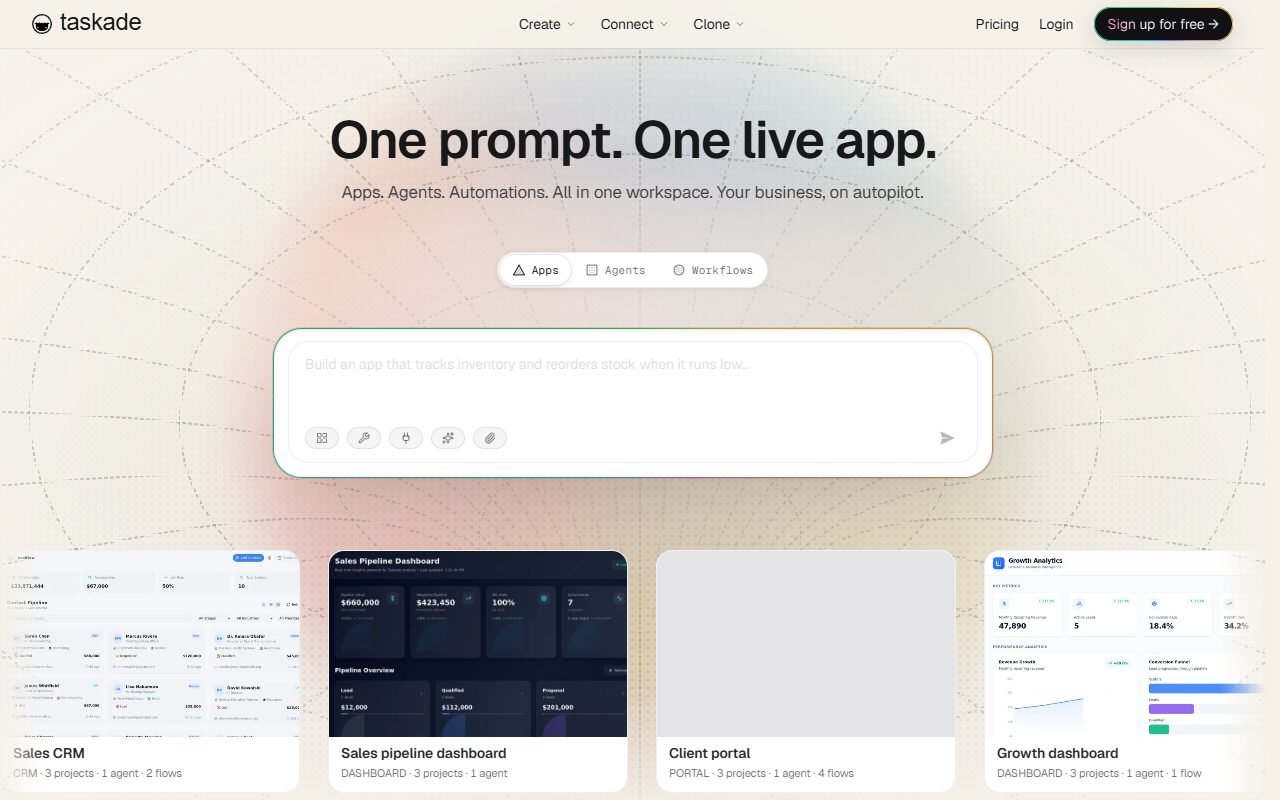
| Taskade | lightweight collaboration/agents | ideation and light team |
| Calendar + task app | easy control and cost | Users can plan themselves well. |
Using the same simulation week, measure setup, moves, overdue, schedule churn, control, and total cost. There were no winners, every persona and zero affiliate influence.
Verdict
Motion should be a pilot for people who waste time rearranging calendars repeatedly and are ready to take care of task metadata and set buffers and work boundaries before connecting to the main calendar.
Skip this for now if you want to manually control every channel. For work where time cannot be estimated or there is a project stack that is not clearly synced, worthiness must come from the completion of important work and a reduction in planning burden. It's not a tighter schedule.
FAQ
How does Motion autoschedule?
The provider states that the AI calendar is used, task list, priority, duration, and availability. Behavioral details must be confirmed from actual use trials.
Can it be used in place of project management?
There is project planning according to the features page, but the team must compare permissions, dependencies, reporting, and integrations with the original system.
Is there a free plan or trial?
Check the latest pricing/checkout and separate trial from free permanent plan and view annual billing and renewal.
Does it support Thai language?
Not yet confirmed task parsing, notification and interface with Thai fixture
Is calendar data safe?
It depends on permissions, contract, and settings. Check privacy/security, retention, deletion, and scopes before actually syncing.
Is it suitable for people who don't like time blocking?
This may not be appropriate because the core value is to place tasks on time. It's best to experiment briefly and look at perceived control.
Sources of information and limitations of evidence
Official: Home · Pricing · Feature navigation · Privacy · Terms · Security candidate
External: G2 · Capterra · GetApp · Software Advice · Trustpilot · Product Hunt · Reddit
External review sources used in this synthesis
These links represent external reviewers or users, not PickByTask endorsements. Read them alongside official facts, checked dates, and any conflicting evidence.
- 1. https://www.g2.com/products/motionapp/reviews
- 2. https://www.capterra.com/p/1028682/Motion/
- 3. https://www.getapp.com/search/?q=Motion
- 4. https://www.softwareadvice.com/search/?q=Motion
- 5. https://www.trustpilot.com/review/www.usemotion.com
- 6. https://www.producthunt.com/products/motion/reviews
- 7. https://www.reddit.com/search/?q=Motion%20review