

Short answer: Decide whether the job is generating a new concept, editing an existing image or arranging a finished design. Exact logos, labels and repeated brand layouts need different controls from open-ended visual exploration.
Contents — jump to a section
A concrete example
Prepare a fictional café campaign with a background concept, a corrected product photo and a final poster containing the café name and opening hours. Treat those as three stages so a strong concept generator is not mistaken for a complete layout workflow.
This is a suggested exercise, not a recorded product test. It describes the result to aim for; it does not claim that every listed tool can complete every step.
Prepare these inputs
Collect reference images you may use, the exact text, brand colours and intended output dimensions. Mark which areas can change freely and which must match the original.
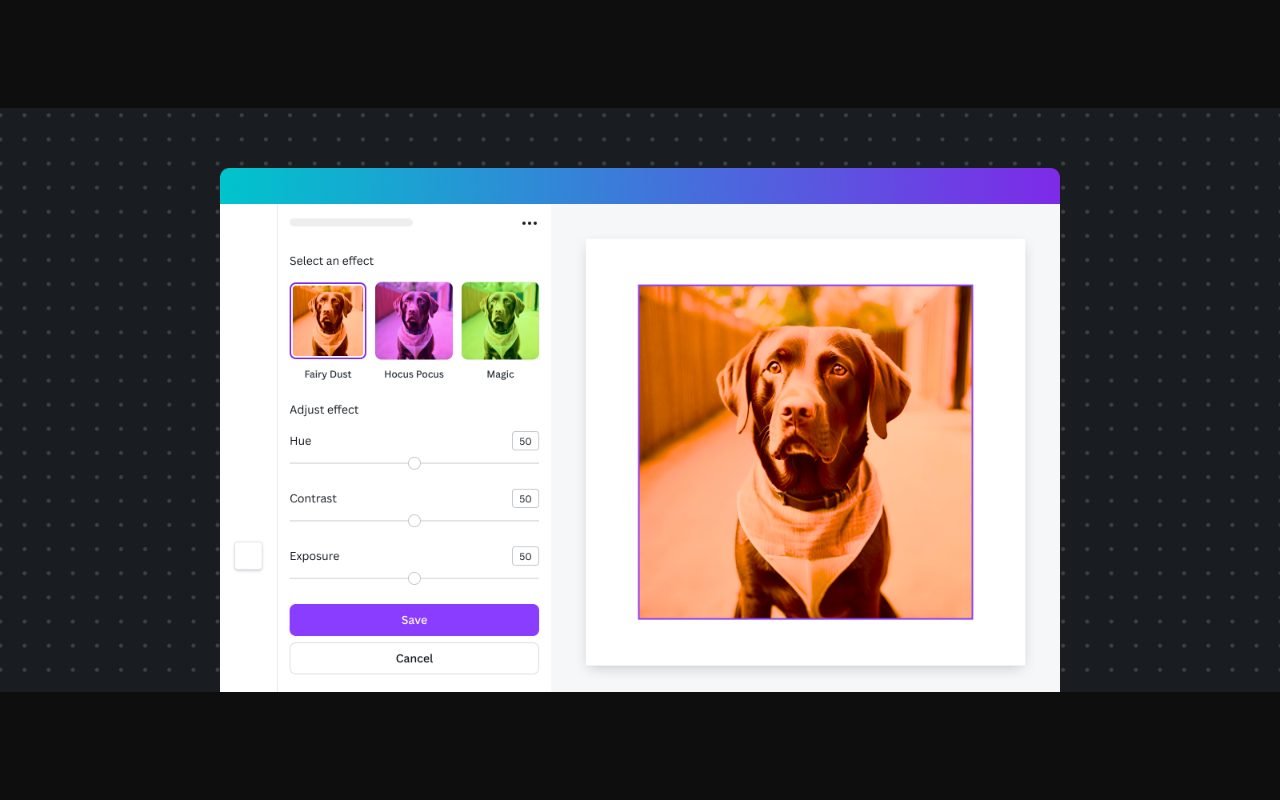 Visit Canva ↗
Build it in this order
- Try a single representative task from the stage where you need help.
- Make one precise revision, such as preserving the cup while changing the background, or adjusting text without changing the layout.
- Export the result and inspect edges, typography and crop at the size of the real placement.
Check the result
- A precise requested edit does not unexpectedly change protected parts of the image.
- Names and labels are correct, and the final text can be edited when necessary.
- The output has suitable dimensions and a usable file format for the next person.
If the result fails
If exact text keeps failing in a generated image, add it in a layout editor. If consistency matters across many designs, start from one approved layout rather than generating each asset independently.
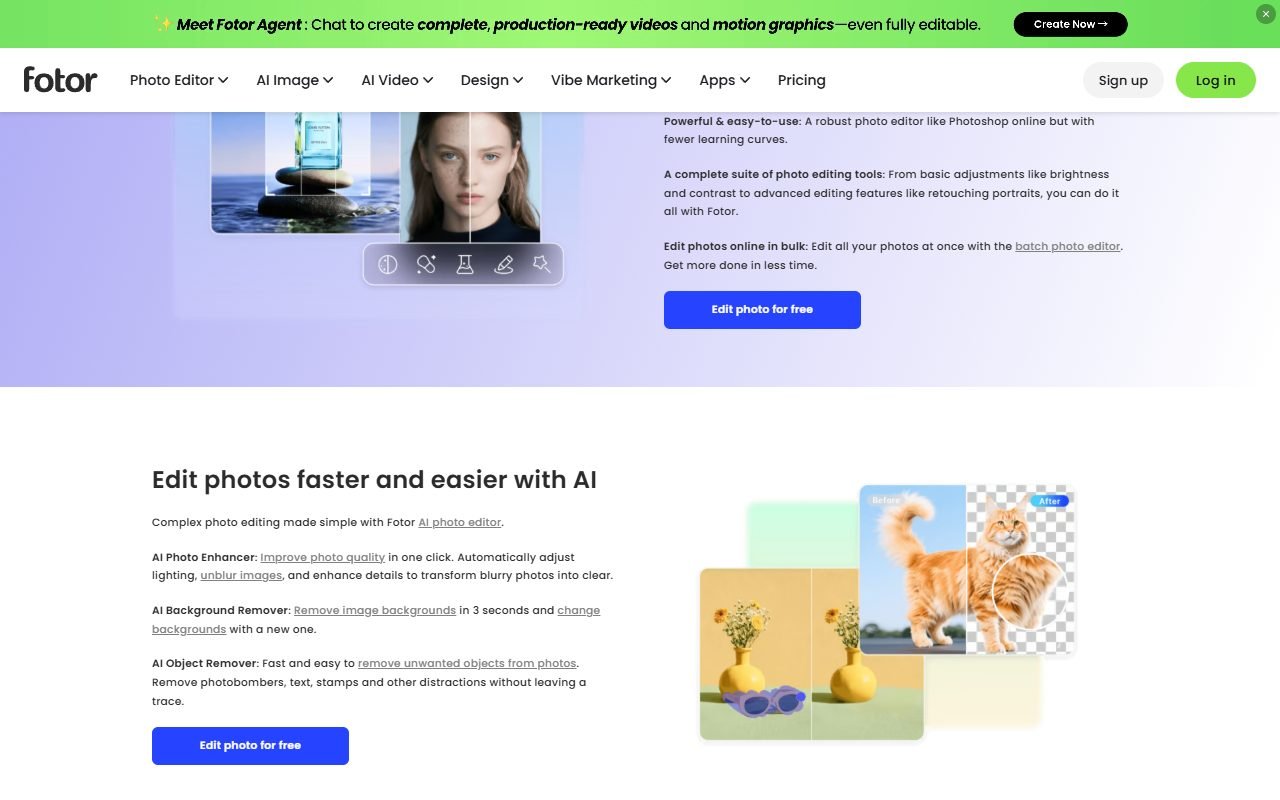 Visit Fotor ↗
Time and cost to watch
Include rejected concepts, manual cleanup, resizing and rights checks. Compare the work required to reach an accepted design, not the number of images produced in a session.
Tools worth comparing
Use the image and design candidates below to shortlist for generation, editing or layout. Product roles can overlap, so verify the particular control and export requirement you need instead of relying on the category name.
Sources and scope
The product references for this guide were last checked on 13 August 2026; details may have changed since. Check the official pages below for current plans, limits and terms before choosing a service.
- Canva: https://www.canva.com/
- Canva: https://www.canva.com/pricing/
- Fotor: https://www.fotor.com/
- Fotor: https://www.fotor.com/pricing/
- Simplified: https://simplified.com/
- Simplified: https://simplified.com/features
- Beautiful.ai: https://www.beautiful.ai/
- Beautiful.ai: https://www.beautiful.ai/pricing
- Decktopus: https://www.decktopus.com/
- Decktopus: https://www.decktopus.com/pricing