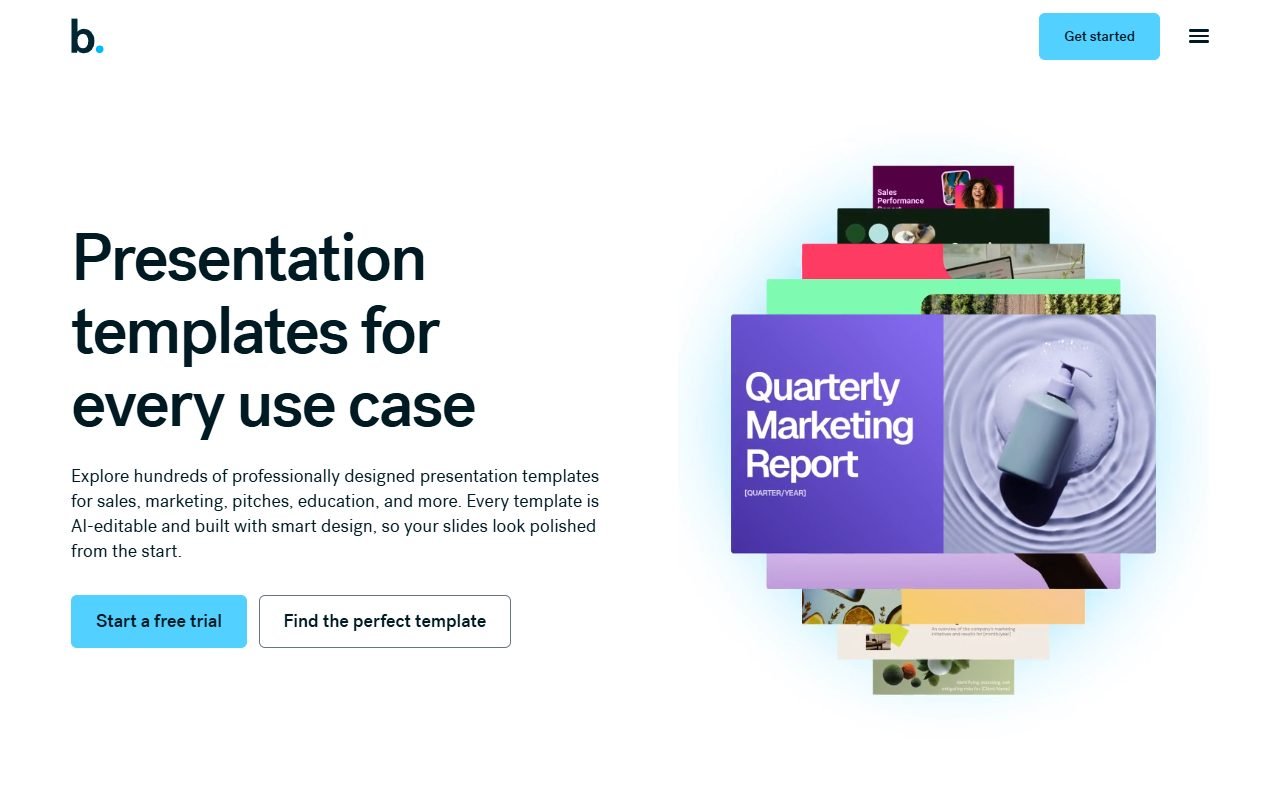
Beautiful.ai is worth considering for sales and reporting teams that repeatedly spend time aligning slides. The provider describes Smart Slides as adapting layouts to content and DesignerBot as helping start a deck. Automatic layout may be a poor fit when you need unrestricted placement of individual elements.
Evaluate it with a real team deck, then open the exported PowerPoint file to check Thai fonts, layout, and editability. Compare Canva or PowerPoint if those are essential requirements. This assessment uses information recorded on 1 August 2026, not testing by PickByTask.
Contents — jump to a section
What problem does Beautiful.ai solve?
Beautiful.ai offers presentation software that uses smart templates and AI to create content/layout. The benefits should not be proven. "Automatically beautiful" but the team reduced the time to arrange the page and maintained the format without reducing the clarity of the story.
The system is suitable for slide types with repetitive layouts, such as agenda, timeline, comparison, process, and metric summary. If a story requires a specific art direction or a diagram that doesn't match the template, users need to see how far they can be freed from limitations or create custom layouts.
Smart Slides work well when the content has an outline.
Start with an 8-page deck: title, problem, three insights, process, comparison, recommendation, and next step. Add/remove content to each slide and observe how the system reflows. The criteria for passing is that the hierarchy is still clear and the numbers are not abbreviated to the point of being unreadable. And solving one box doesn't disturb the entire page.
Don't measure with a blank template only. Use a long table, vertical images, and real Thai text. To see the Smart Slide boundaries, if data must be converted to images to force the layout, editing capabilities and accessibility will decrease
 Visit Beautiful.ai ↗
DesignerBot helps draft, not owns the facts.
AI can help provide outlines and first drafts, but every number, customer name, market claim, and citation must be returned to the source deck. The system may produce a narrative that sounds smooth but lacks evidence, so you should be prompted to identify approved facts and do a claim review before editing the image.
Safer work starts with hypothetical data or approved content. Don't upload a secret proposal just to let the AI "make it better" before security/privacy review.
Who benefits the most?
- Sales team that must create multiple proposals from a single brand theme
- Executives who need to summarize data into a deck without a regular designer
- L&D that creates duplicate layout lessons and shares them to edit.
- agency, which must send the draft structure quickly before the art director collects the details
Designers with deep control over pixel, motion, and typography may feel overwhelmed by the system. Those who deliver native PPTX to clients who use corporate templates should test fidelity before migrating their workflow.
Brand control and consistency
Teams should test colors, fonts, logos, spacing, and theme creation from actual guidelines, measuring how many points the average user can unbrand and which elements the admin can lock. Feature availability may depend on the plan. Beautiful.ai Pricing
Good brand control doesn't ensure that content is on brand. Separate visual QA from claim/tone QA and have a different reviewer role when the deck goes out to customers.
Visit Beautiful.ai ↗Collaboration and version control
Try inviting the editor, commenter, and viewer to have separate permissions, allowing two people to edit at the same time. Check comment resolution, notification, version recovery, and share-link access. If the link opens wider than expected, proposal data may leak even though the slide looks neat.
Beautiful.ai Support is a source for viewing the current process, but the team workflow must be verified in the actual plan, including member removal and ownership of the deck after the employee is removed.
Export to PowerPoint and PDF
Export is an important gate for client work. Open the PPTX file in PowerPoint on Windows and macOS. Check fonts, images, chart alignment, notes, and editability, and compare PDF/online presentations. If the object becomes an image or the layout moves, the team must know before signing the contract.
Keep source PDFs and authorization files in your organization's system. Having only one cloud deck creates exit risk when downgrade or service becomes unavailable. Batch download testing should be done if there are many decks.
Thai language and accessibility
The status of the Thai language is not yet confirmed. Use Thai headlines of various lengths, bullets mixed with English, numbers, and double vowels. Test fallback brand fonts with export. Text that fits in the editor may overflow in PPTX when the destination machine does not have the font.
Regarding accessibility, check reading order, contrast, alt text, title per slide, and keyboard. Text should not be flattened into images to maintain layout because screen readers and editors will lose information.
Price and cost per deck
Pricing Must read about seats, individual/team features, AI allowance, collaboration and export on the day of purchase. Trial may help evaluate the editor but does not confirm entitlement of production plan.
For a proposed workload of ten decks per month, include template setup, AI drafting, two reviewers, and PPTX/PDF export. Compare layout time saved with time spent repairing exports and checking facts. Use hours per approved deck rather than the number of slides generated.
Visit Beautiful.ai ↗External reviews and contradictory opinions
G2 and Capterra often reflect the positive points about layout automation, ease, and speed. Their objection lies in customization, template constraints, export, and pricing Capterra/GetApp/Software Advice count as one Gartner group
Trustpilot is used to find billing/support signals without inferring rates. Product Hunt reflects community/launch context rather than enterprise usage. It can only be concluded that guardrails help general users, but people who want a lot of freedom may feel stuck.
Security and business information
Beautiful.ai Security is a data provider for initial inspection of SSO, user roles, DPA, subprocessors, encryption, retention, deletion, and planned incident response. A seal of approval or page message alone is not an approval for any type of content to be used.
Pilot uses a fictitious company, not a real customer pipeline, budget, or roadmap. Tests share links, revocation, and account offboarding before expanding to the sales team.
Template, stock and AI output rights
Read the Terms of Service along with the license of the images/fonts you add yourself. Exporting does not clear third party rights, and AI-generated copy/image still needs to be checked for trademark, likeness, and factual claims.
Keep an asset ledger for the client deck: source, license, creator, date, slide, and reviewer. If you can't find provenance, substitute it with the original chart or an image with clear permissions.
Compared to Canva, PowerPoint and Decktopus
Compare Canva when teams work across multiple media types and need an asset ecosystem; Compare PowerPoint when handoff native file/control is high; Compare Decktopus when wanting to start from a prompt with presenter/interactivity rather than layout governance.
Using the same five-slide brief, measure time to approval, layout fixes, Thai overflow, brand deviations, PPTX fidelity and source portability, not selecting thumbnail images.
Strong points that give reasons to experiment
Smart layout reduces alignment work for standard slide layouts. And it makes it easier for teams without a designer to maintain consistency. Many reviews mention ease/speed in the same direction.
This advantage is evident in repeated work, not every presentation. Teams that already have good PowerPoint templates should compare their baseline before adding members.
Constraints that change the answer
Guardrails limits custom layouts. AI draft requires fact-check and PowerPoint export. May have fidelity/editability trade-off. Thai language accessibility, admin control and cancellation have not passed PickByTask's test.
Buyers who need to submit source changes should make the export a must-pass. If the work is in the cloud, security/offboarding is a condition, not a post-purchase addendum.
Verdict
Choose the Beautiful.ai pilot when the bottleneck is to organize your slides systematically and the deck creator is not a designer. Use a real standard deck to see if Smart Slides reduces time or just moves time to work around limitations.
Select Canva/PowerPoint. or a hybrid process when freedom in design, animation, Thai characters, or transferring work in the original file is more important than automation. And also, you should not conclude the winner before experimenting with the same problem.
FAQ
Is Beautiful.ai free to use?
Look at Pricing and current trial terms. Do not equate to free plan or any kind of export rights.
Can I export PowerPoint and edit it completely?
Not confirmed yet. Must actually open in PowerPoint and check objects, font, chart and animation one by one.
How well does it support the Thai language?
No real trial results yet, need to experiment with fonts, line wrapping, tone, and fallbacks when exporting PPTX.
Does the AI generate the correct information in the deck?
It should not be assumed that DesignerBot helped draft it, but the content owner must verify every claim with an approved source.
Is it suitable for a large team?
It depends on the SSO user role, brand governance, sharing, and purchasing processes in the actual plan. The risk of service providers must be checked before using confidential information.
official source
Check Beautiful.ai, Pricing, Support, Terms and Security according to the freshness schedule. Review is used. consensus/dissent only