

This project creates a ten-item catalog mockup and a manual loan-and-return checklist for a small community group. AI can organise fields and sample records. It must not invent ownership, condition, borrower consent or return history.
Softr currently presents no-code portals, internal tools and inventory management, with roles and permissions that remain under the builder's control. Use Softr to prototype the checked catalog only after item IDs, roles and the manual return process work on paper. Review current plan limits before inviting real users. Softr · Plans
Contents — jump to a section
Prepare ten fictional items
Give each item a stable ID, plain-language name, supplied condition note and one of four states: available, reserved, on loan or checking return. Use fictional borrower codes rather than personal data. Allow 60–90 minutes for the prototype and a paper walkthrough.
Copy this starter prompt
Use only the ten item records below.
Propose catalog fields and a manual loan-and-return checklist.
Keep item ID, due date and return state visible in every loan record.
Do not invent ownership, condition, borrower identity, consent or history.
Do not mark an item available until the return check is complete.
Write NEEDS DECISION where the group has not supplied a rule.
[PASTE TEN FICTIONAL ITEM RECORDS]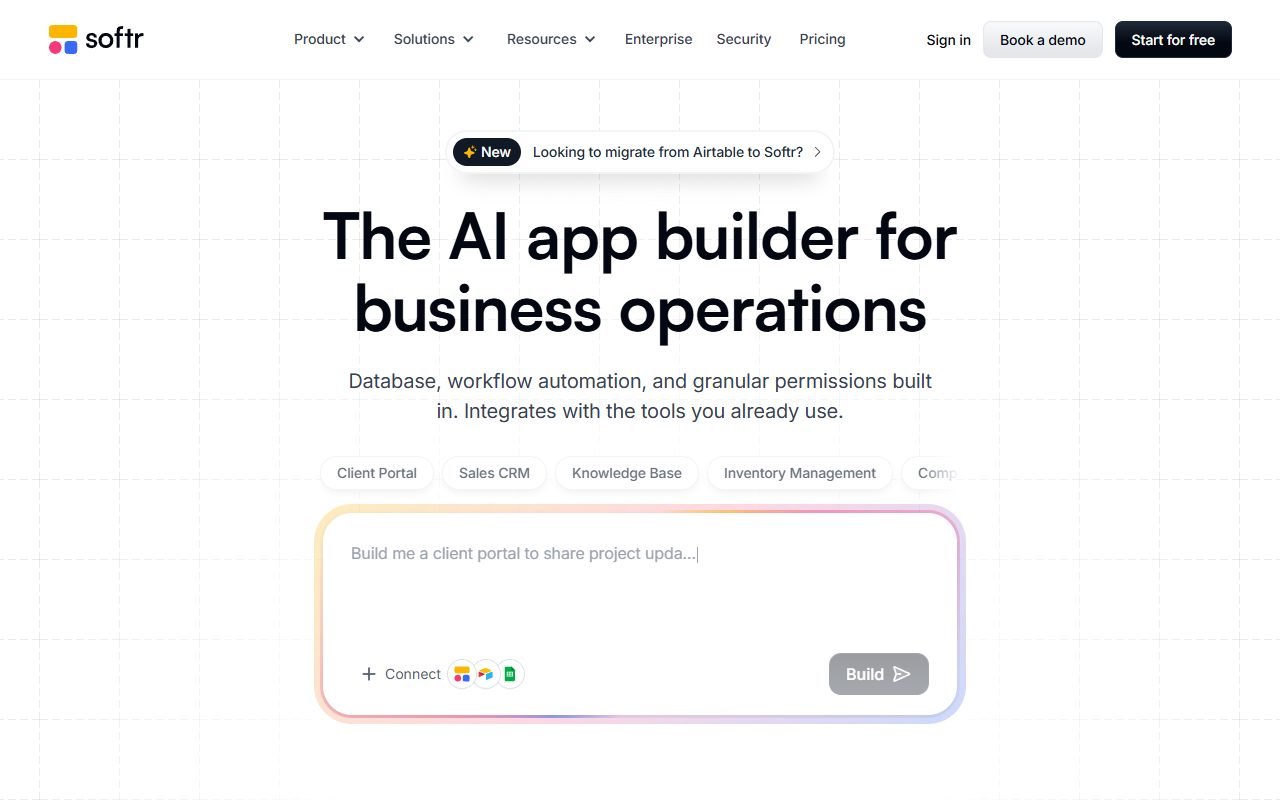 Visit Softr ↗
Build and test the lifecycle
- Assign each sample item one ID that never changes.
- Separate item condition from availability and loan status.
- Create a loan row with item ID, borrower code, checkout date, due date and state.
- Test the roles on paper: who may view, lend, return and edit condition notes.
- Run three fictional loans through checkout, overdue and return-check states.
- Reconcile the catalog against the paper log before changing an item to available.
Worked fictional sample
Item DRL-03 is a cordless drill with the supplied note “battery cover scratched.” Loan L07 uses borrower code B12 and due date 14 October. On return, it moves to checking return. AI cannot erase the scratch note, identify B12 or make the drill available until the named volunteer completes the check.
The mockup passes when each of the three loans keeps the same item ID, due date and return state, and a second volunteer can explain who is allowed to make each change. Conflicting paper and screen records must stop the next loan.
Recover when the prototype fails
If AI creates duplicate IDs, discard its numbering and restore the original list. If permissions are unclear, keep editing with one named coordinator. If Softr is unavailable or the plan does not fit, use a printed catalog and dated sign-out sheet. Do not add automation until the manual reconciliation works.
Product and pricing pages were inspected on 7 October 2026. This is a fictional planning exercise; no community inventory, account permissions, borrower process or loss rate was tested.