

This project turns your own photos, measurements and condition notes into five consistent item cards. AI can help structure the wording, but it must not guess a brand, fabric, size or defect. The sample is fictional, and PickByTask did not test a live sale.
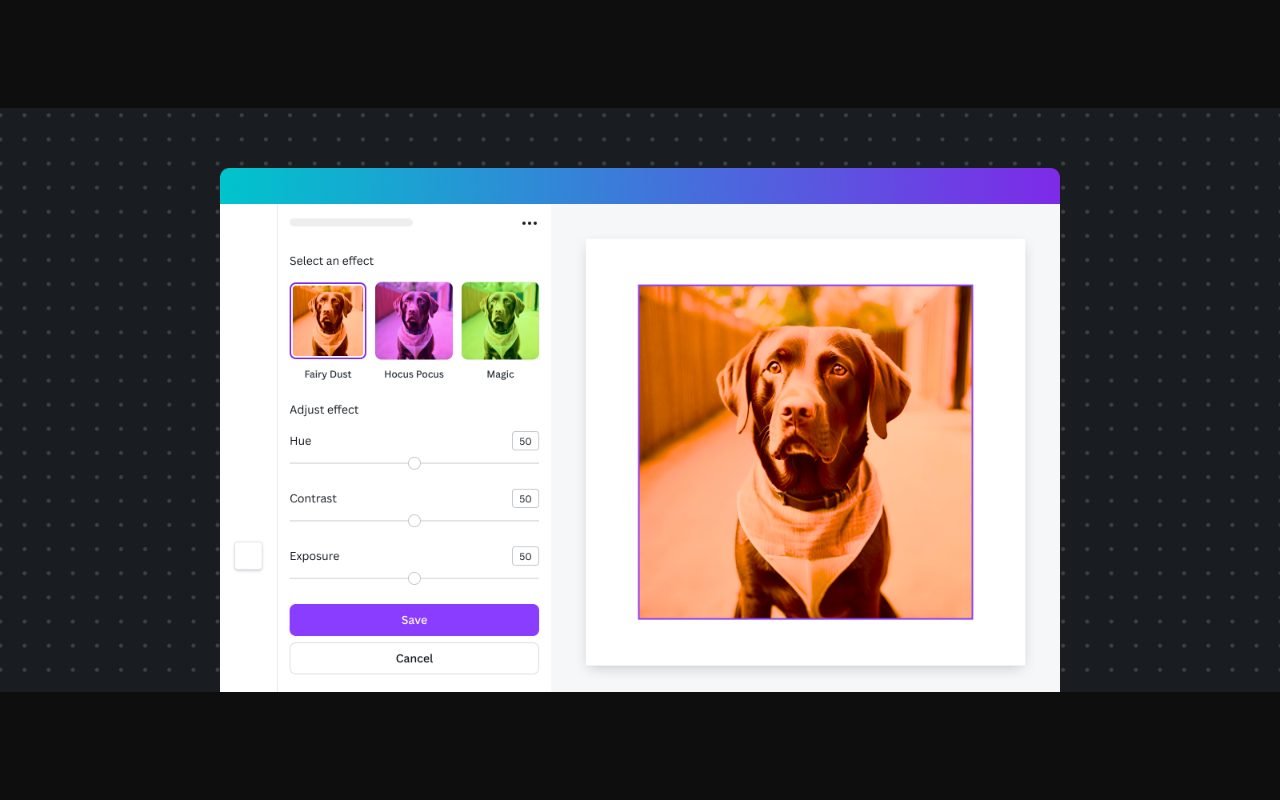
Canva currently provides social, photo-editing, document and presentation formats, plus AI-assisted tools. It can lay out the approved cards and photos. Its AI terms should also be checked before uploading material or using generated output. Canva · AI Product Terms
Contents — jump to a section
Prepare one source sheet for five garments
Give every garment an item ID and matching photo filenames. Record garment type, label brand only when visible, label text for material, measured width and length, known defects and the price you set. Keep measurements in centimetres and say how they were taken. Leave any unknown field blank.
Use Canva to lay out the five checked item cards after measurements, defects and photo IDs match your source sheet. Allow about 60–90 minutes for measuring, drafting and checking five items, excluding photography and account setup. Check the current plan and asset rights before using premium elements.
Copy this starter prompt
Use only the five item records below. Draft one compact card per item.
Include item ID, garment type, verified brand or “brand not confirmed”,
label material or “material not confirmed”, exact measurements with method,
condition, every listed defect, price, and three buyer questions to confirm.
Do not infer a standard size, material, authenticity or condition.
Write NEEDS CHECK for any missing fact. Keep each photo ID with its item.
[PASTE THE FIVE ITEM RECORDS]
Remove names, addresses and other personal details from photos and notes. Use only images you own or may lawfully reuse. Compare every generated line with the source sheet.
 Visit Canva ↗
Build and check the catalog
- Photograph each garment with its item ID, front, back, label and every defect.
- Measure the same points consistently and record the method beside each number.
- Run the prompt and keep every
NEEDS CHECKmarker until you inspect the garment. - Match each card to its photo ID; never choose a similar-looking replacement.
- Lay out one readable template, with defects and measurements visible without opening another file.
- Ask another person to compare all five cards with the garments and source sheet.
Worked fictional sample
Item C-03 is a blue shirt. The source sheet says pit-to-pit 52 cm, back length 68 cm, and a small mark on the right cuff. The label material is unreadable. A safe card repeats those measurements and the cuff mark, then says “material not confirmed.” It does not convert 52 cm into S, M or L without a verified size chart.
The five-card catalog passes when every measurement and defect matches the source sheet, every photo belongs to the stated item, and unknown facts remain clearly marked. Buyer questions should confirm fit, colour expectations and whether another close-up is needed before purchase.
Recover when facts or tools are missing
If AI fills a blank, delete the claim and rerun one item at a time. If a photo and ID disagree, stop that card until you re-photograph it. If Canva is unavailable, use a two-column document or spreadsheet with the photo on the left and verified facts on the right; keep the raw measurement sheet as the fallback.
Product and AI-term pages were inspected on 30 September 2026. The AI-terms page was unavailable to the automated retriever during this check, so open it directly before uploading sensitive or third-party material. This is a catalog plan, not an authenticity, fit or sales guarantee.