
For a small workshop, start with the information needed to reserve a place and contact the participant. More questions can make the organiser's spreadsheet look complete while making the form harder to finish. Use AI to challenge each proposed field, then configure and test the form yourself.
Jotform documents conditional logic for showing or hiding fields and changing responses according to an answer. It does not establish that your particular registration process is correct. The exercise below uses fictional participants and is not a recorded account test. Jotform features
Contents — jump to a section
Decide what a reservation means
Suppose a fictional workshop offers a morning and an afternoon session. A submitted form requests a seat; a human confirmation reserves it. State that distinction in the opening text and confirmation message. Do not promise automatic capacity control unless you have actually configured and checked it.
Start with a preferred name, a contact method and a session choice. List any other question separately with the decision it changes. If a question does not affect admission or the participant's experience, leave it out of the first version. Use made-up contact details in your tests.
Let AI question the field list
Review a draft registration form for a two-session workshop.
A human confirms seats after checking availability.
For each proposed field, say which organiser decision needs it.
Separate necessary questions from optional questions.
Do not ask for health, identity-document or payment information.
Proposed fields: preferred name, email, session, company,
job title, home address, how the participant heard about us.
Treat the answer as a discussion draft. For this example, company and job title do not affect seat allocation. “How you heard about us” may help marketing but does not need to block registration. A blank optional answer should not stop submission.
Configure one branch and test it
- Write a short opening that names the workshop, explains the request-to-confirmation process and says how a participant will hear back.
- Add the minimum fields and mark only the essential ones as required.
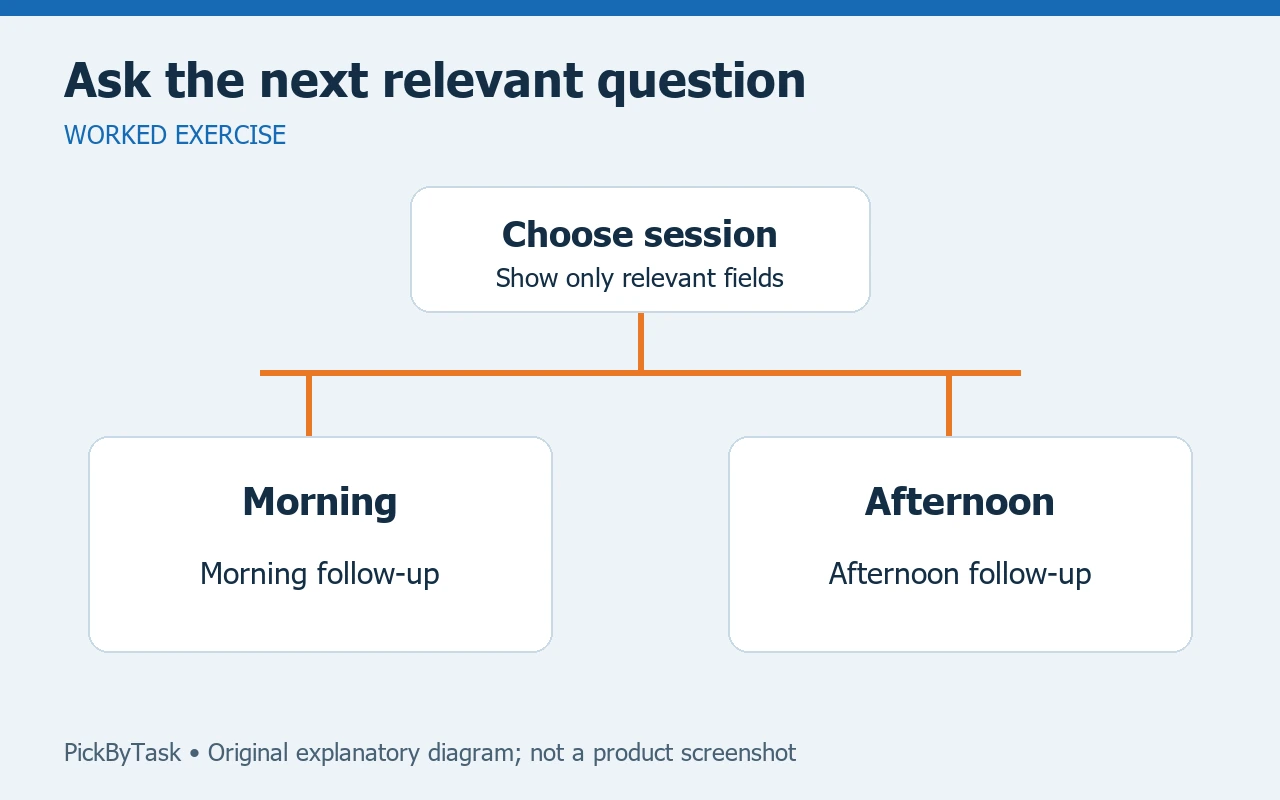
- If someone selects “I cannot attend either session,” show a separate optional question about a future event. Do not keep irrelevant session-specific questions mandatory.
- Create fictional submissions for morning, afternoon, neither session and a missing required answer.
- Check what the organiser receives and what the participant sees after submission. Both should preserve the selected session and the confirmation boundary.
Jotform's documented conditional features are a reason to explore that branch. The exact controls, available plan and any email delivery still need checking in your account. Do not infer access to every feature from the product's general feature list.
A useful acceptance table
| Case | Expected result |
|---|---|
| Morning selected | Request records morning, without promising a confirmed seat |
| Optional company left blank | The request can continue |
| Contact field missing | A clear message identifies the missing field |
| Neither session selected | Irrelevant session questions do not trap the participant |
Ask another person to complete the form on a phone without coaching. Watch for unclear labels and keyboard problems. If they cannot explain whether their seat is confirmed, rewrite the opening and final message before adding more automation.
Keep a small fallback
A human-managed list is enough for the first few requests. If the conditional branch misbehaves, temporarily use a simple session choice and review exceptions manually. A failure message should provide an actual alternative contact route, not claim that someone has received a request that never arrived.
Allow roughly 30–60 minutes for this first draft and manual test as a planning estimate. Check current submission/storage allowances before collecting real registrations; no plan price or unlimited capacity is assumed here. Product scope was checked on 2026-09-14; participant testing, delivery and account limits remain untested. For later routing, see our intake and human-handoff guide. Before selecting a plan, consult the current plan page for the allowances relevant to your account.