
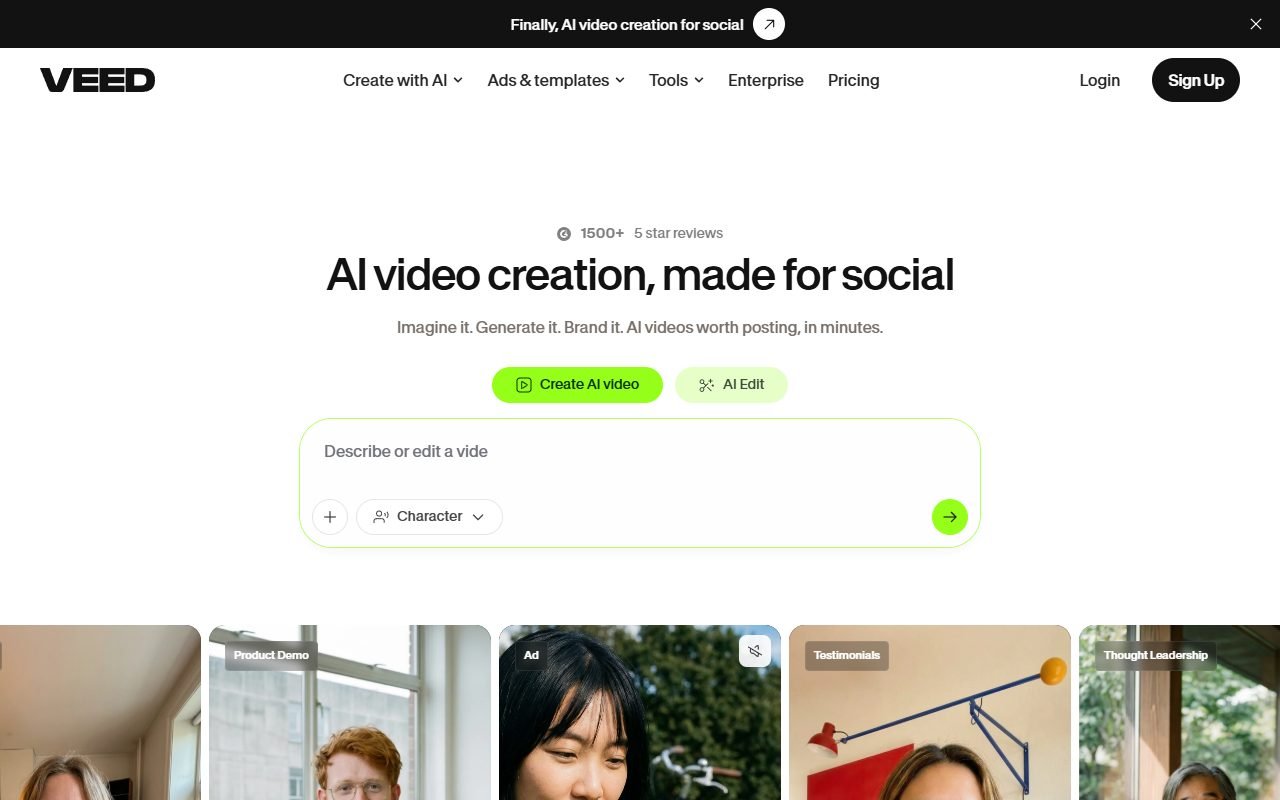
 Visit VEED ↗
Choose VEED when
Content teams recording, editing, captioning, and reviewing videos in a browser
- A browser-based editing process where sharing work is central
HEAD-TO-HEAD COMPARISON
VEED
 Filmora
Visit VEED ↗
Filmora
Visit VEED ↗
Content teams recording, editing, captioning, and reviewing videos in a browser
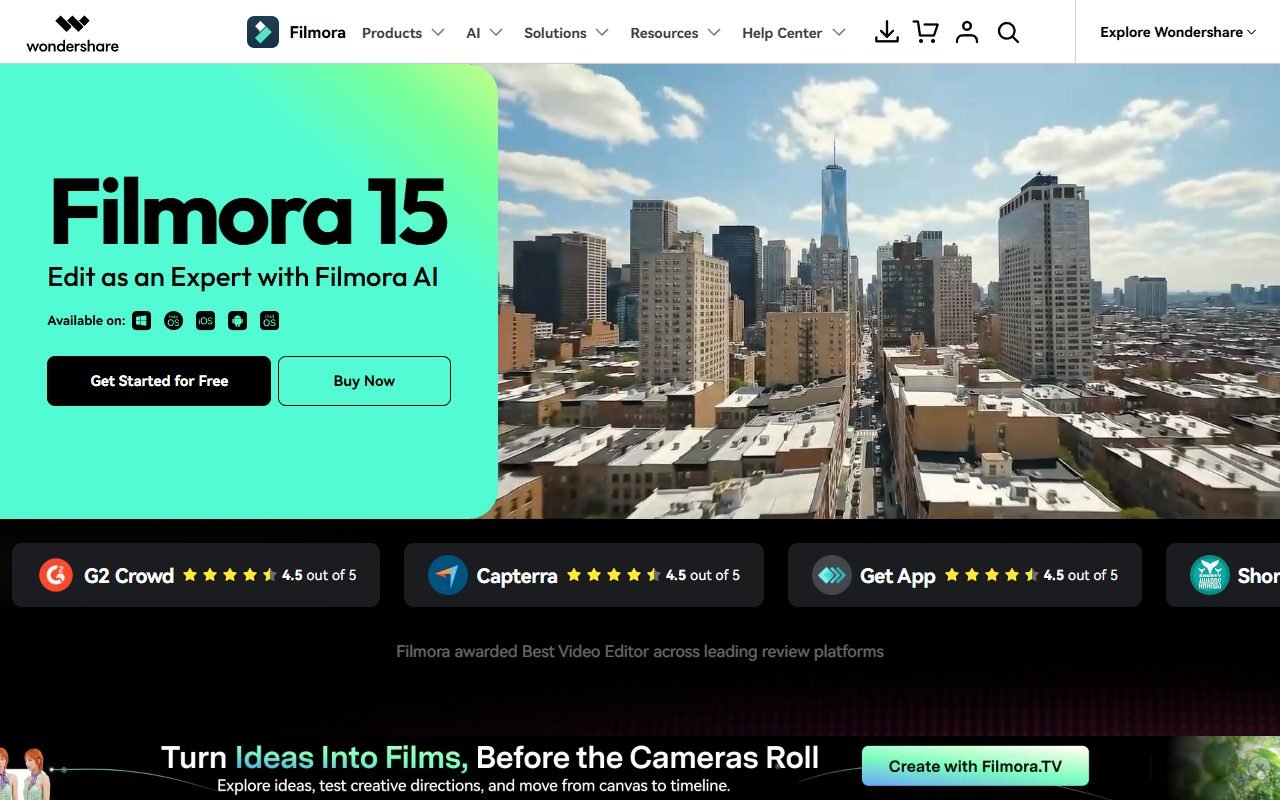 Visit Filmora ↗
Beginner and intermediate creators who want timeline editing
Short answer: VEED: A browser-based editing process where sharing work is central. Filmora: A desktop timeline process where detailed local editing matters. Use the task below to decide which workflow to try first.
| Starting point | VEED | Filmora |
|---|---|---|
| Workflow to evaluate | A browser-based editing process where sharing work is central | A desktop timeline process where detailed local editing matters |
Suggested exercise, not a reported test: Edit the same fictional interview: trim a pause, correct a Thai caption and mask a piece of private information.
Visit VEED ↗Check playback on the actual work machine, caption timing and whether another editor can reproduce the requested correction.
Include upload time or local machine requirements, then confirm the export format and watermark conditions of the chosen plan.
Collect linked media and the project file together; a timeline without its source clips is an incomplete handoff.
 Visit Filmora ↗
This comparison retains the source snapshot dated 2026-08-13. Product roles are drawn from that material; they are not a newly measured advantage. We have not completed a hands-on comparison of these workflows. Current prices, plan limits and performance on your inputs remain to be checked against the references and your trial.
Comparison last verified: August 13, 2026
Review the evidence basis for each row in the table above.