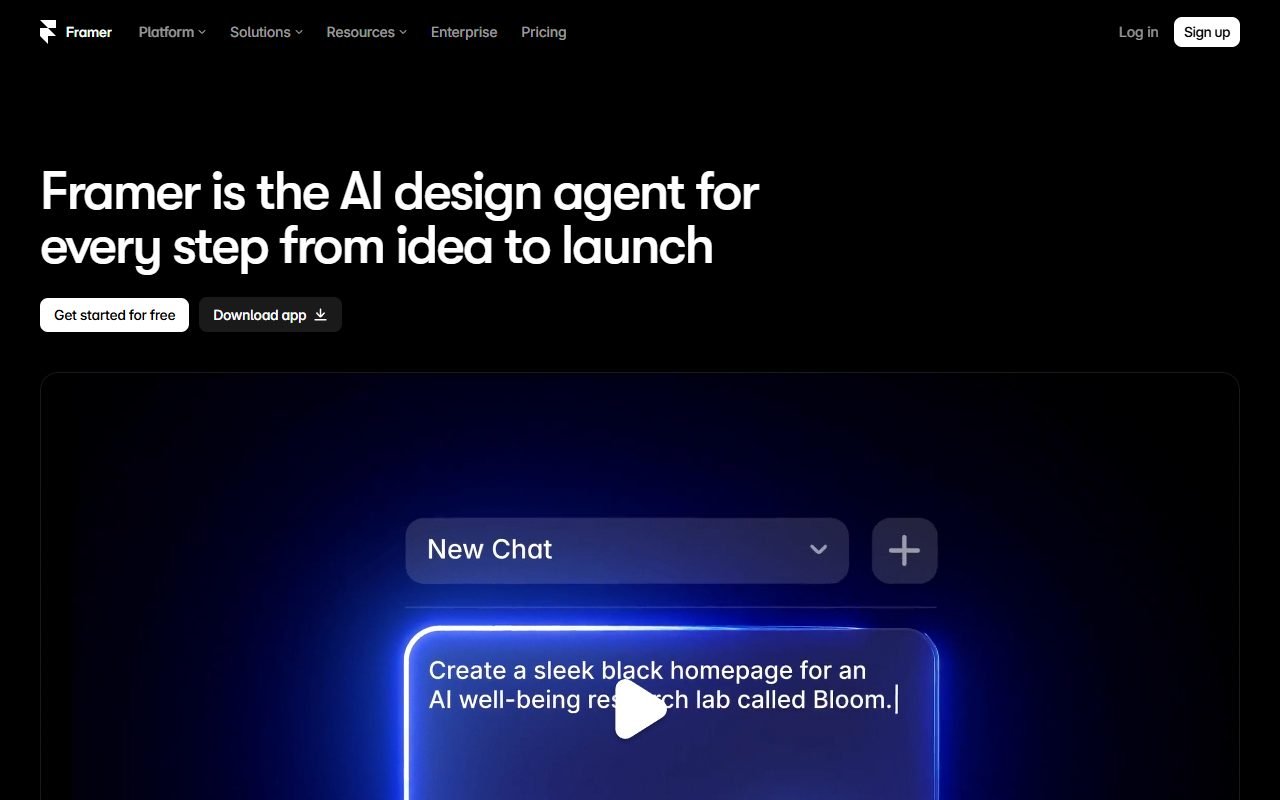
Framer เป็นตัวเลือกสำหรับนักออกแบบหรือทีมเริ่มต้นที่ต้องการทำเว็บการตลาด พร้อม CMS ฟอร์ม ภาษาเพิ่มเติม และโฮสติ้งในกระบวนการเดียว เหมาะนำมาทดลองกับหน้าเปิดตัวสินค้า พอร์ตโฟลิโอ หรือเว็บไซต์แคมเปญ
ก่อนเลือก ให้ตรวจโควตาตามแผน ค่าใช้จ่ายด้านสมาชิกและภาษาเพิ่มเติม รวมถึงทางย้ายออกจากแพลตฟอร์มที่โฮสต์เว็บให้ ข้อมูลตรวจเมื่อ 1 สิงหาคม 2026; PickByTask ยังไม่ได้ทดสอบการออกแบบ การเผยแพร่ หรือการย้ายเว็บ
สารบัญ — เลือกหัวข้อที่อยากอ่าน
เหมาะกับงานอะไร
Framer เด่นกับ landing page, portfolio, campaign และ product site ที่ใช้ component/layout เชิงภาพ สามารถจัด CMS และ publish โดยไม่ตั้ง frontend stack เอง แต่ไม่ควรถูกจัดเป็น full-stack application builder สำหรับ role/data/workflow ซับซ้อน
ราคาและ limits
pricing ทางการ แบ่งแผนตาม site/CMS/traffic/collaboration และ add-ons ที่อาจเปลี่ยน ทีมต้องจำลองจำนวนหน้า locale editors และ traffic Free plan เหมาะทดลองภายใต้ branding/domain limits
 ไปที่เว็บไซต์ Framer ↗
Ownership, portability, security
ผู้ใช้ควรอ่าน Terms และ help docs เรื่อง export/hosting โดยตรง การคัดลอก design หรือ component ไม่ได้แปลว่าจะ export runtime/site ได้ครบแบบ Webflow static export ก่อน production ตรวจ form data, analytics/cookies, collaborator roles, custom code และ backup/recovery
รีวิวภายนอก
Product Hunt, G2, Capterra, Trustpilot, TechRadar, Tooltester, Website Builder Expert และ Creative Bloq ให้ธีมบวกด้าน workflow คล้ายเครื่องมือออกแบบ, animation และ publish speed ข้อกังวลคือ CMS depth, price changes, responsive quirks, support และ lock-in ไม่เฉลี่ยคะแนนข้ามแพลตฟอร์ม
Workflow Scenario: Product Launch สองภาษา
ใช้ brief เดียวกับ Webflow แต่ลด scope ให้ตรงจุดแข็ง Framer: homepage, feature, pricing, customer story และ blog รวม 20 หน้า/CMS 100 รายการ พร้อมไทย–อังกฤษ สร้าง design tokens และ reusable components ก่อนสั่ง AI ร่าง section เพื่อดูว่าผลลัพธ์อยู่ในระบบ design เดียวกันหรือเกิด one-off layers
ทดสอบ breakpoint 390, 768, 1024 และ 1440px, long Thai heading, form success/error, scheduled CMS, locale switch และ custom domain จากนั้นให้ content editor แก้บทความโดยไม่แตะ layout หาก editor workflow หรือ locale metadata ต้องพึ่ง designer ทุกครั้ง ให้บันทึกเป็น operational cost
ไปที่เว็บไซต์ Framer ↗Feature-by-feature Context
| Feature | ประโยชน์ | สิ่งที่ต้องตรวจ |
|---|---|---|
| Canvas/components | designer เริ่มจาก mental model ที่คุ้น | layout semantics, reuse และ keyboard output |
| Breakpoints | ปรับ responsive แบบมองเห็น | override drift และ long Thai copy |
| CMS | publish structured content | relations, filters, item/locale limits, export |
| Localization | จัดหลายภาษาบน site เดียว | URL/hreflang/canonical/fallback และราคา |
| Forms | รับ lead ได้เร็ว | consent, spam, export และ failure |
| Effects/animation | สร้าง visual polish | reduced motion, performance, accessibility |
ใช้ Framer Help ตรวจ behavior ปัจจุบัน และติดป้าย provider claim เมื่อกล่าวถึง AI generation หรือ performance จนกว่าจะมีผล fixture
Pricing/TCO Table
| Layer | ตัวแปรที่ทำให้ราคาเปลี่ยน |
|---|---|
| Site plan | pages, traffic, CMS, custom domain |
| Editors/collaboration | จำนวนผู้แก้และ permission |
| Localization | locale/add-on ตามแผนปัจจุบัน |
| Forms/analytics/integrations | volume และ third-party tools |
| Human design QA | responsive, semantics, content states |
| Exit | content/assets/DNS/redirects และ rebuild |
ตัวเลขต้องยึด pricing ทางการ ในวันอนุมัติ เนื่องจากแผน/limits เปลี่ยนได้ ควรสร้างสาม scenario—single landing, content site, agency multiple sites—แทนการสรุปว่าแพงหรือถูกจาก entry price
Review Synthesis: ความเร็วกับข้อจำกัดอยู่ร่วมกัน
Product Hunt และ Creative Bloq มักสะท้อน appeal ด้าน canvas/animation ขณะที่ G2/Capterra ให้มุม collaboration/use cases ที่กว้างขึ้น TechRadar, Tooltester และ Website Builder Expert ช่วยเปรียบเทียบ website-builder workflow ส่วน Trustpilot เก็บ dissent เรื่อง billing/support
ธีมบวกคือจาก design ไป URL สาธารณะได้เร็วและ visual interaction ทำได้โดยไม่ตั้ง frontend stack ธีมลบคือ CMS/locale/price boundary, responsive overrides และ platform exit คำว่าเร็วใช้ได้ในฐานะ review consensus เท่านั้นจนกว่าจะวัด fixture
Security, Privacy และ Accessibility
เว็บไซต์ marketing ยังมีข้อมูลจาก forms, analytics และ embeds ตรวจ consent, processor, retention, collaborator access และ shared preview ก่อน production Custom code/third-party widget ต้องผ่าน review และ CSP/permission considerations ตาม deployment ที่ทำได้
Animation ต้องเคารพ prefers-reduced-motion; components ต้องมี semantic heading, labels, focus order, contrast และ alt text Test keyboard/screen reader บน rendered site ไม่ตัดสินจาก canvas ว่าดูครบ
ไปที่เว็บไซต์ Framer ↗Ownership, Export และ Recovery
สิทธิใน user content และ service boundary ต้องอ่านจาก Framer Terms การออกแบบที่แก้ได้ในบัญชีไม่เท่ากับ source/runtime export แบบครบ ทีมควรทดลอง export content/assets ตาม docs, เก็บ DNS/redirect inventory และ estimate rebuild บน host อื่น หาก portability เป็น mandatory gate
สำรอง CMS CSV และ asset source แยกจาก account พร้อมบันทึก component/style decisions เพื่อให้ทีมใหม่สร้างต่อได้ การ duplicate project เป็น recovery ภายใน provider ไม่ใช่ disaster recovery ข้าม platform
Decision Matrix
| Requirement | Fit |
|---|---|
| Launch landing/product site เร็ว | สูง |
| Designer-owned visual workflow | สูง |
| CMS/locale ขนาดกลาง | ต้องทดสอบ limits/operations |
| Large structured content operation | Webflow อาจเหมาะกว่า |
| Static source export บังคับ | ต้องยืนยัน; อย่าสมมติ |
| Business app ที่มี auth/data | ไม่ใช่ use case หลัก |
Verdict และทางเลือก
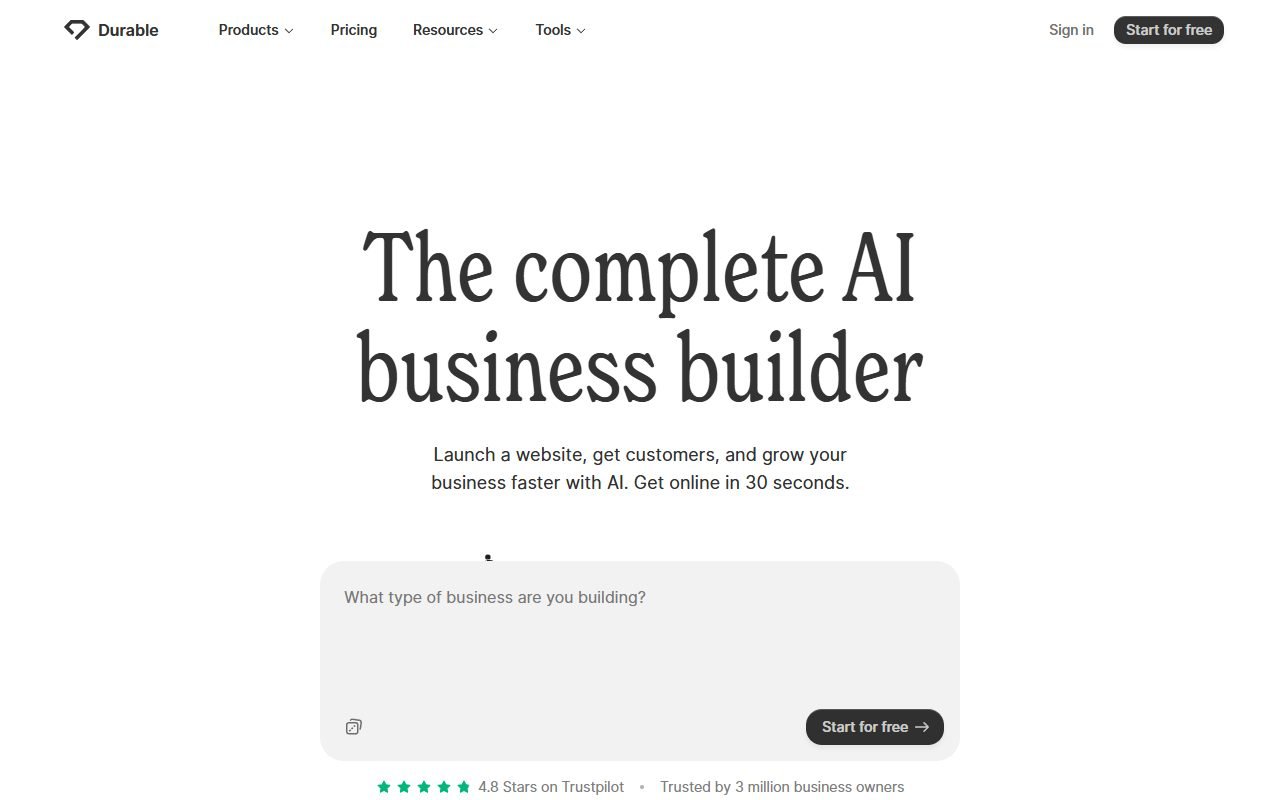
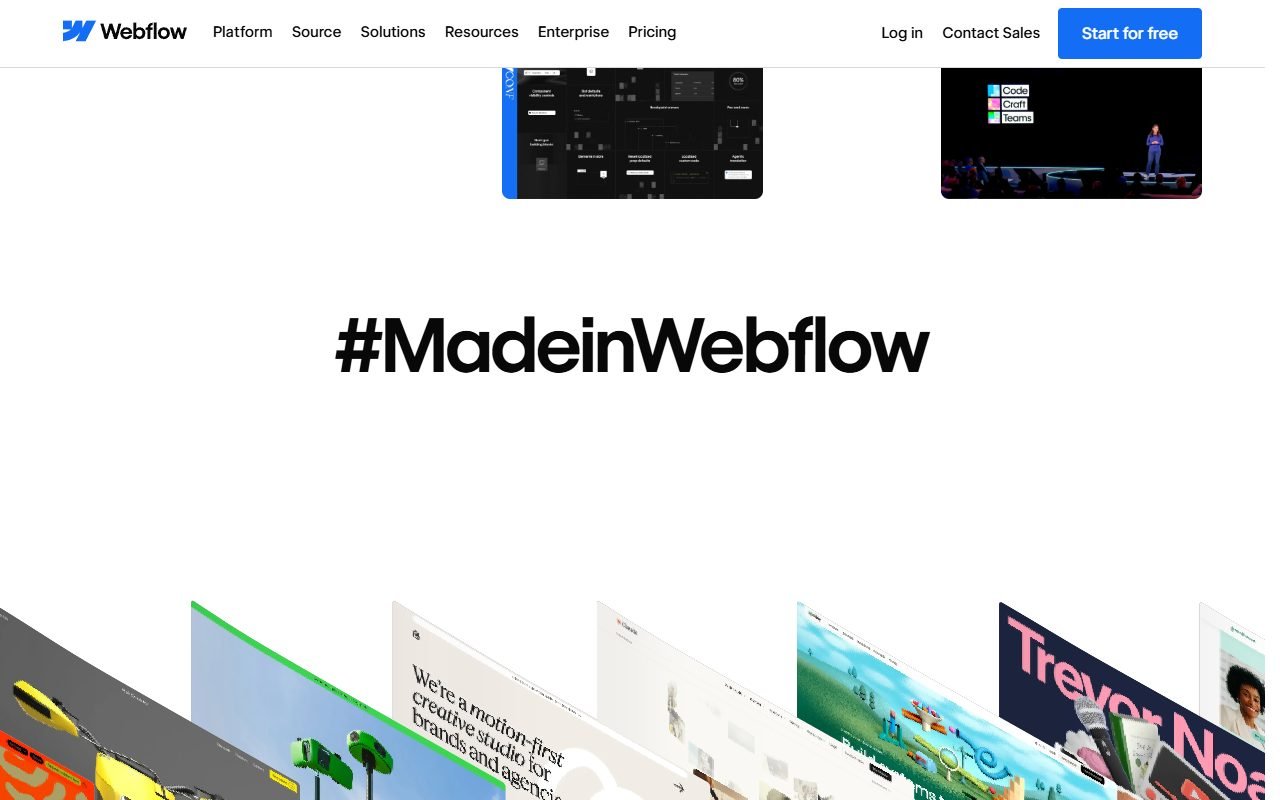
เลือก Framer เมื่อ marketing launch speed และ visual craft มาก่อน content operations ขนาดใหญ่ เลือก Webflow หาก CMS/class/export depth สำคัญ หรือ Durable หากต้องการเว็บไซต์ธุรกิจพื้นฐานแบบ guided Internal link หลัก /compare/webflow-vs-framer/ และ /compare/framer-vs-durable/
FAQ เพิ่มเติม
Framer ต่างจาก Figma อย่างไร
Framer มี publishing/CMS/site runtime ขณะที่ไฟล์ออกแบบไม่ใช่เว็บไซต์ production โดยอัตโนมัติ แม้ mental model บางส่วนคล้ายกัน
Animation กระทบ performance หรือ accessibility ไหม
อาจกระทบ ต้องวัด runtime และรองรับ reduced motion ไม่ใช่เลือกจากความสวยใน preview
ใช้ทำเว็บไซต์ลูกค้าหลายรายได้หรือไม่
ทำได้ตาม account/workspace workflow ปัจจุบัน แต่ต้องคำนวณ site, editor, transfer, billing และสิทธิแยกแต่ละลูกค้า
ก่อนส่งมอบควรบันทึก owner ของ domain, analytics, form destinations และ recovery contact ให้ลูกค้าเข้าถึงได้โดยไม่พึ่งบัญชีส่วนตัวของ designer
FAQ
Framer มีแผนฟรีไหม
มีสำหรับทดลอง/เผยแพร่ภายใต้ข้อจำกัด ตรวจ pricing ก่อน custom domain
ใช้ทำเว็บหลายภาษาได้ไหม
มี localization ตาม plan/add-on; ตรวจ locale และ workflow จริง
Export เว็บไซต์ได้หรือไม่
อย่าอนุมาน ต้องตรวจขอบเขตเอกสารปัจจุบันและทำ exit rehearsal
ควรประเมินต้นทุนย้ายออกอย่างไร
เริ่มจากรายการหน้า CMS, component, animation, form, redirect, analytics และ asset ที่ใช้งานจริง จากนั้นลองส่งออกสิ่งที่เอกสารปัจจุบันรองรับและให้ทีมอื่นประเมินเวลาสร้างส่วนที่เหลือใหม่ ต้นทุนย้ายต้องรวมการตั้ง domain, การรักษา URL เดิม, การทดสอบ form และการตรวจหน้า responsive ไม่ใช่นับเฉพาะเวลาคัดลอกข้อความกับภาพ หากข้อมูลหรือ configuration ใดส่งออกไม่ได้ ให้ระบุข้อจำกัดนั้นก่อนเลือกแผนระยะยาว