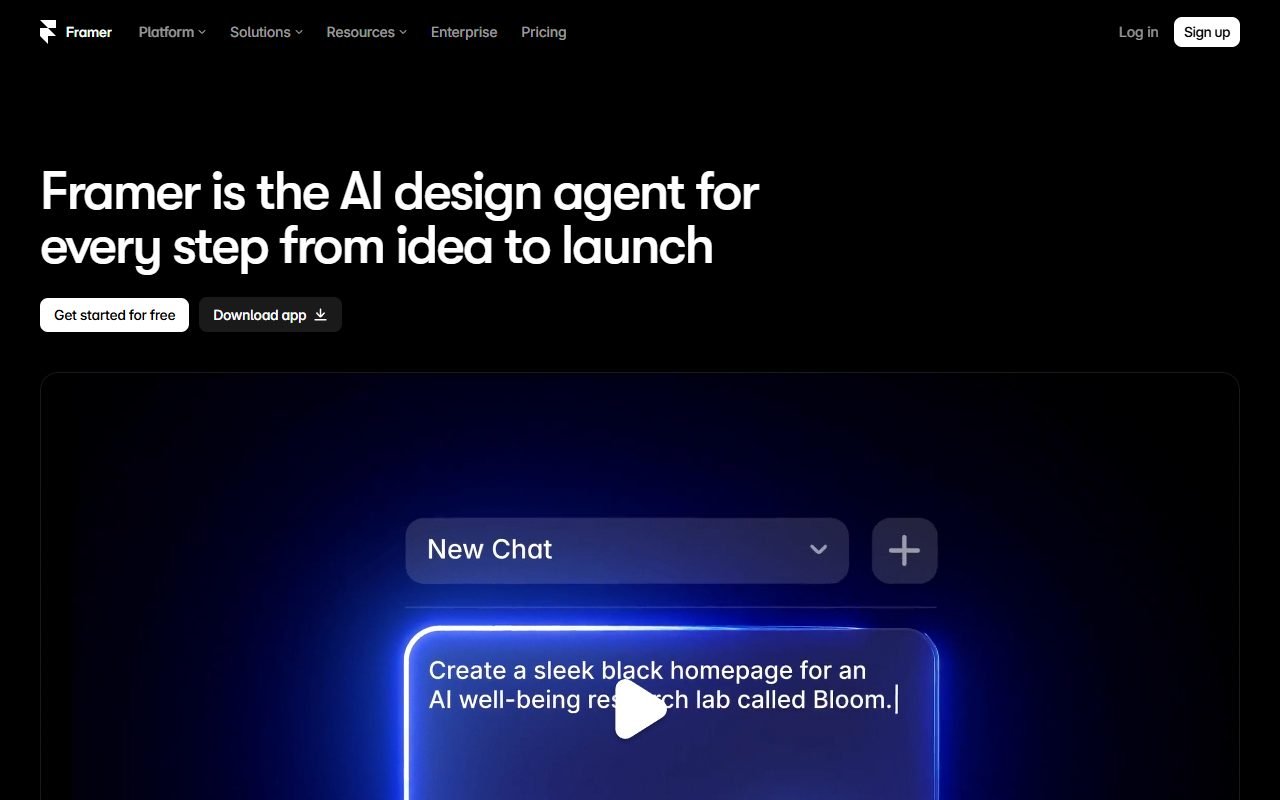
Framer is a candidate for designers or early-stage teams building marketing sites with CMS, forms, localization, and hosting in one workflow. A product launch page, portfolio, or campaign site is a useful evaluation task.
Check plan limits, collaboration and localization costs, and the route out of the hosted platform. The information was checked on 1 August 2026; PickByTask has not tested design, publishing, or migration.
Contents — jump to a section
What job is it suitable for?
Framer is great for landing pages, portfolios, campaigns, and product sites that use visual components/layouts. It can organize a CMS and publish without having to set up a frontend stack, but it shouldn't be considered a full-stack application builder for complex roles/data/workflows.
Prices and limits
Official pricing Plans divided by site/CMS/traffic/collaboration and add-ons that may change. The team had to simulate a number of pages, locale editors, and a traffic Free plan suitable for testing under branding/domain limits
 Visit Framer ↗
Ownership, portability, security
Users should read the Terms and help docs regarding export/hosting directly. Copying a design or component does not necessarily mean that the runtime/site can be fully exported. Webflow static export Before production, check form data, analytics/cookies, collaborator roles, custom code, and backup/recovery.
External reviews
Product Hunt, G2, Capterra, Trustpilot, TechRadar, Tooltester, Website Builder Expert, and Creative Bloq all provide themes with positive workflows, similar design tools, animation, and publish speed. The concern is that CMS depth, price changes, responsive quirks, support, and lock-in do not average scores across platforms.
Workflow Scenario: Product Launch Bilingual
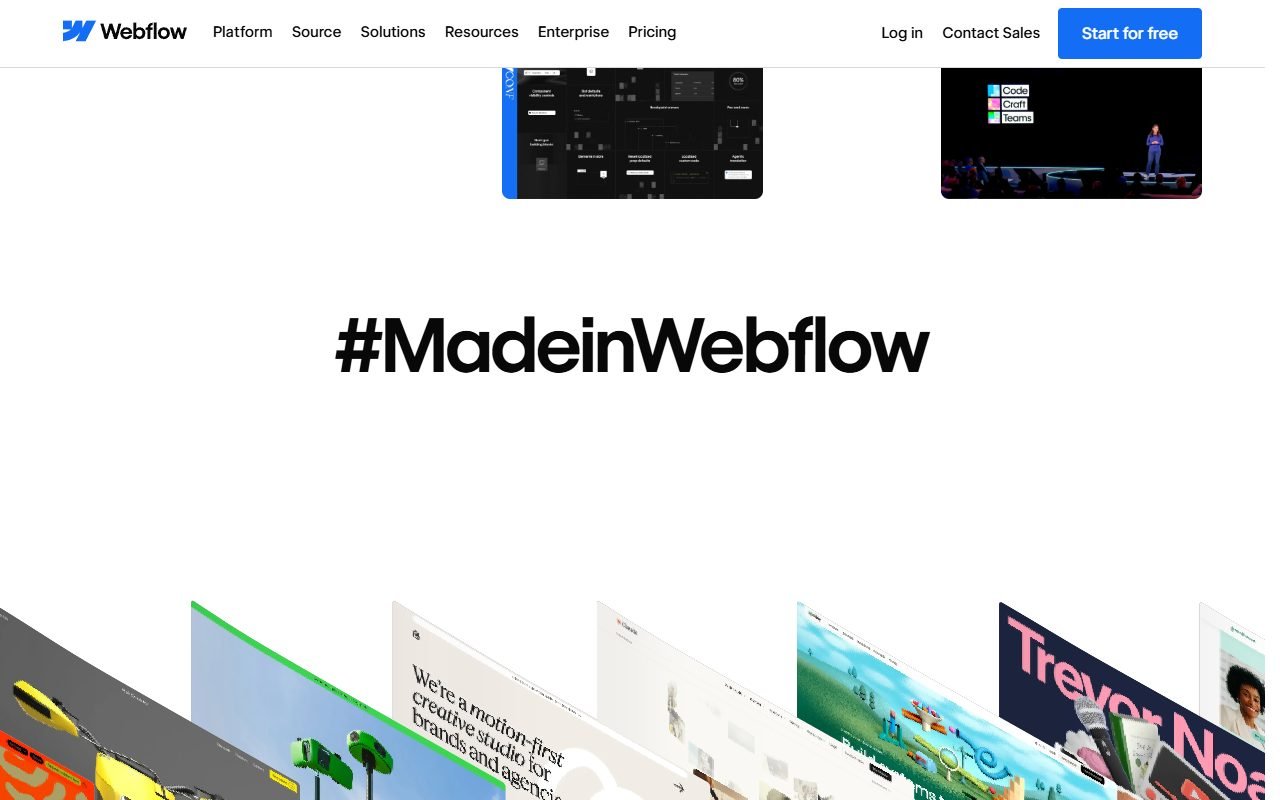
Use the same brief as Webflow, but reduce the scope to match Framer's strengths: homepage, feature, pricing, customer story and blog, total 20 pages/100 CMS items with Thai-English. Create design tokens and reusable components before instructing AI to draft sections to see if the results are in the same design system or one-off layers.
Test breakpoints 390, 768, 1024, and 1440px, long Thai heading, form success/error, scheduled CMS, locale switch, and custom domain. Then let the content editor edit the article without touching the layout. If the editor workflow or locale metadata relies on the designer at all times, save this as operational cost.
Visit Framer ↗Feature-by-feature Context
| Feature | benefit | Things to check |
|---|---|---|
| Canvas/components | designer starts with a familiar mental model | layout semantics, reuse and keyboard output |
| Breakpoints | Adjust responsiveness visually | override drift and long Thai copy |
| CMS | publish structured content | relations, filters, item/locale limits, export |
| Localization | Organize multiple languages on one site | URL/hreflang/canonical/fallback and price |
| Forms | Get leads quickly | consent, spam, export and failure |
| Effects/animation | Create visual polish | reduced motion, performance, accessibility |
Use Framer Help to check current behavior and label provider claims when mentioning AI generation or performance until the fixture takes effect.
Pricing/TCO Table
| Layer | Variables that cause prices to change |
|---|---|
| Site plan | pages, traffic, CMS, custom domain |
| Editors/collaboration | Number of editors and permissions |
| Localization | locale/add-on according to current plan |
| Forms/analytics/integrations | volume and third-party tools |
| Human design QA | responsive, semantics, content states |
| Exit | content/assets/DNS/redirects and rebuild |
Numbers must be based on official pricing on approval date because plans/limits can change. It's best to create three scenarios—single landing, content site, agency multiple sites—rather than inferring high or low based on entry price.
Review Synthesis: Speed and limitations coexist.
Product Hunt and Creative Bloq have more canvas/animation appeal, while G2/Capterra offers more collaboration/use cases. TechRadar, Tooltester and Website Builder Expert help compare website-builder workflow, Trustpilot collects dissent regarding billing/support
Positive themes are quick transition from design to public URL and visual interaction without setting up a frontend stack. Negative themes are CMS/locale/price boundary, responsive overrides and platform exit. Fast is only used as a review consensus until the fixture is measured.
Security, Privacy and Accessibility
Marketing websites also include data from forms, analytics, and embeds, checking for consent, processing, retention, collaborator access, and shared preview before production. Custom code/third-party widgets must undergo review and CSP/permission considerations based on possible deployment.
Animation must respect prefers-reduced-motion; components must have semantic heading, labels, focus order, contrast, and alt text. Test keyboard/screen reader on rendered site. Don't judge by canvas whether it looks complete.
Visit Framer ↗Ownership, Export and Recovery
Rights in user content and service boundaries must be read from Framer Terms. Designs that can be edited in the account are not equal to Full source/runtime export. Teams should experiment with exporting content/assets according to docs, keeping DNS/redirect inventory, and estimate rebuild on other hosts if portability is a mandatory gate.
Back up the CMS CSV and asset source separately from the account and record component/style decisions so new teams can build on them. Duplicating projects is a recovery within the provider, not a cross-platform disaster recovery.
Decision Matrix
| Requirement | Fit |
|---|---|
| Launch landing/product site quickly | high |
| Designer-owned visual workflow | high |
| Medium sized CMS/locale | Limits/operations must be tested. |
| Large structured content operation | Webflow might be a better fit. |
| Static source export required | must confirm; Don't assume |
| Business app with auth/data | Not the main use case |
Verdict and choice
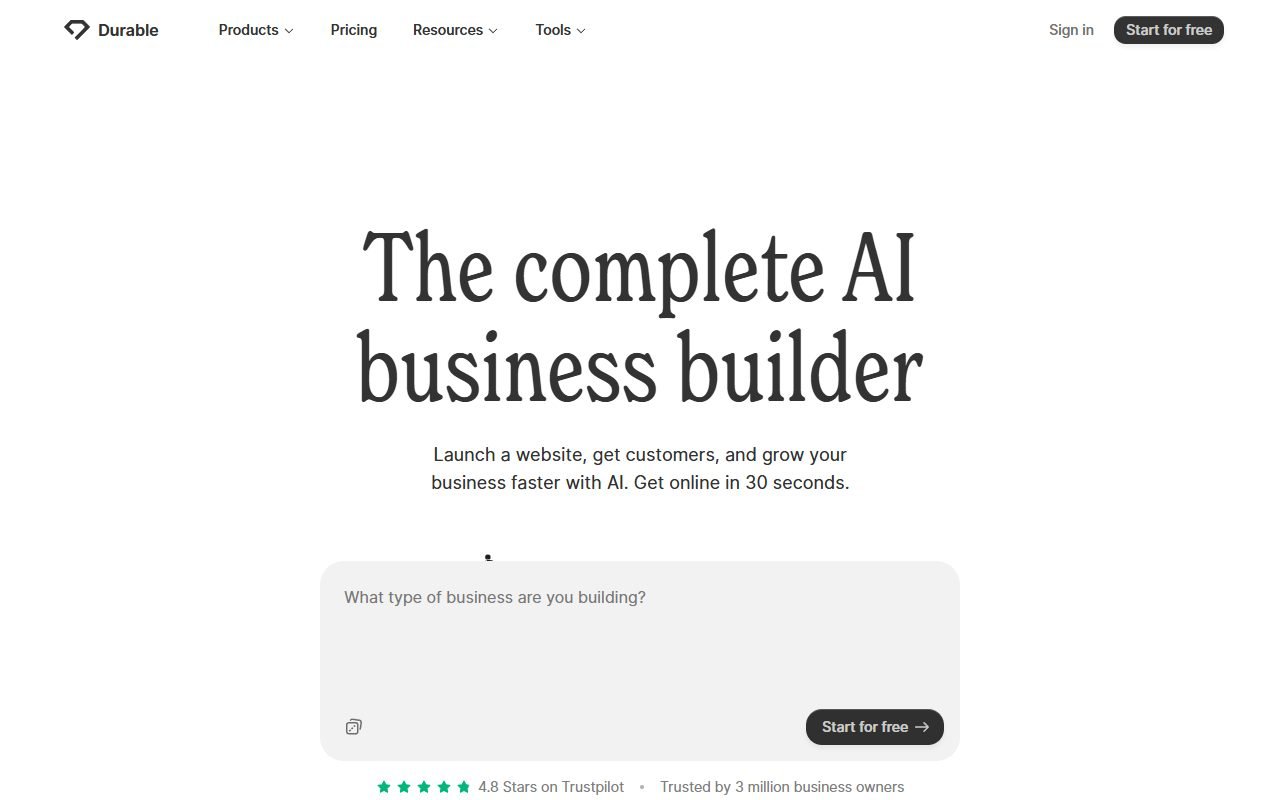
Choose Framer when marketing launch speed and visual craft take precedence over large content operations. Choose Webflow if CMS/class/export depth is important, or Durable if you want a basic business website with guided Internal links, /compare/webflow-vs-framer/ and /compare/framer-vs-durable/.
Additional FAQs
How is Framer different from Figma?
Framer has a publishing/CMS/site runtime, while the design files are not automatic production websites, although some mental models are similar.
Does animation affect performance or accessibility?
It may affect the need to measure runtime and support reduced motion, not choose from the beauty in the preview.
Can it be used to create websites for multiple clients?
Can be done according to the current account/workspace workflow, but must calculate site, editor, transfer, billing and rights separately for each customer.
Before delivery, the domain owner, analytics, form destinations, and recovery contact should be recorded so that the customer can access them without relying on the designer's personal account.
FAQ
Does Framer have a free plan?
Available for testing/distribution under restrictions. Check pricing before custom domain.
Can it be used to create a website in multiple languages?
There is localization according to plan/add-on; Check locale and actual workflow
Can I export the website?
Don't extrapolate. You must check the scope of the current document and do an exit rehearsal.
How should I estimate the cost of moving out?
Starting with a list of CMS pages, components, animations, forms, redirects, analytics, and live assets. Then try exporting what the current documentation supports and let another team estimate the rest of the build time. Moving costs must include setting up a domain, maintaining the same URL, testing forms, and ensuring pages are responsive, not just counting the time it takes to copy text and images. If the information or configuration cannot be exported Identify those limitations before choosing a long-term plan.