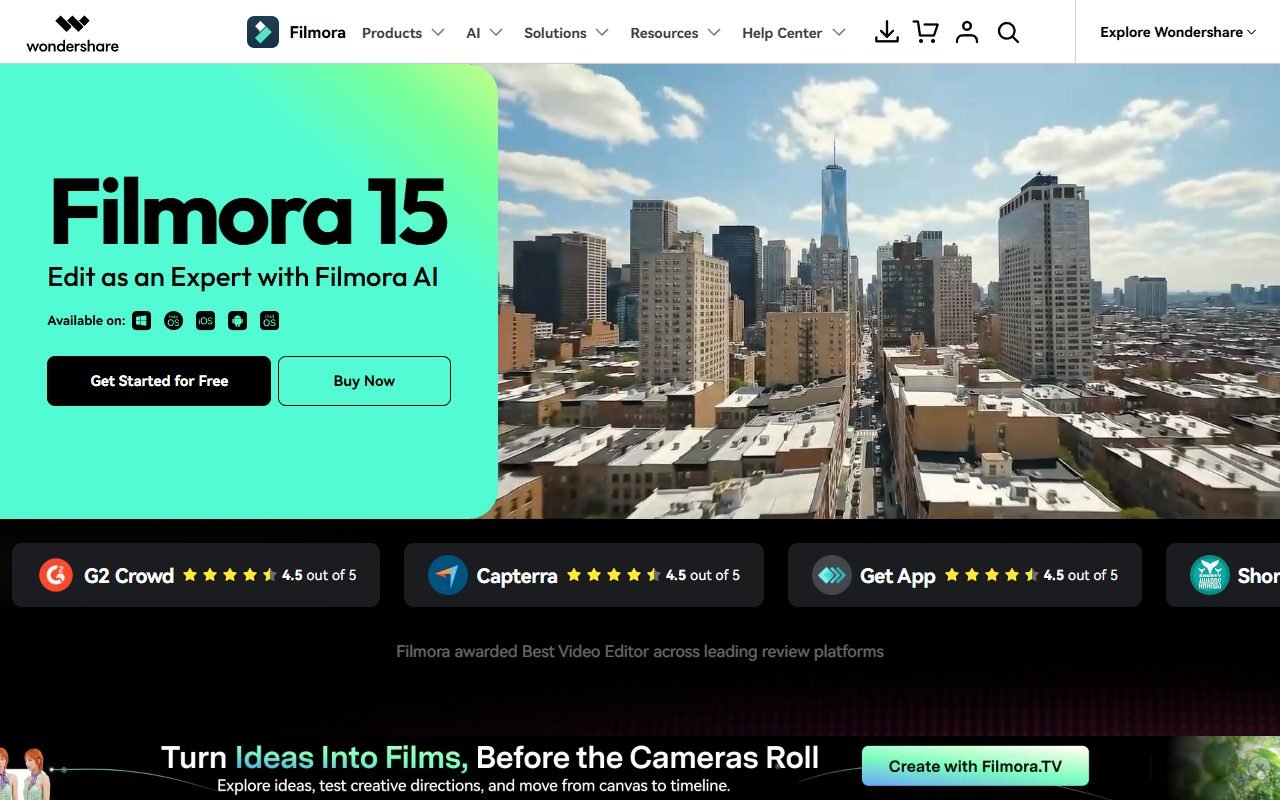
Filmora is a candidate for beginner and intermediate creators who want timeline editing, effects, templates, and AI-assisted tools without starting with the most complex professional editor. Tutorials, social content, and small-business videos are useful evaluation tasks.
Check the software license, renewals, upgrades, AI credits, cloud services, and Creative Assets separately; they may not be included in one purchase. The information was checked on 1 August 2026. PickByTask has not measured performance or export quality.
Contents — jump to a section
What type of work is Filmora suitable for?
Filmora is an editor on desktop/mobile ecosystem with media/timeline, titles, transitions, effects, audio, color and AI tools according to model/plan. Suitable for YouTube, tutorial, social campaign, family/event and small-business video that requires more control than script-to-video. But it's not required. collaboration cloud is the core
Multicam/color-managed/broadcast audio work or pipelines that exchange projects with post-production teams must be compared to Premiere, DaVinci Resolve or Final Cut according to the platform. Do not use the word “professional” as a universal answer.
Scenario: Tutorial 4K with Social Cutdown
Use screen recording 4K, camera 1080p, WAV voice, music with license and B-roll, total 25 minutes. Create a 6 minute tutorial 16:9 with a 45 second teaser 9:16. Work must include sync, noise cleanup, cut, zoom/callout, Thai captions, title, color adjustment and specified loudness.
Test Windows machine, save specs, open proxy/render preview when necessary, measure import, edit, autosave/recovery, render, memory/storage and crash after export, open file on mobile phone/YouTube test upload, check image, sound, caption safe area and bitrate.
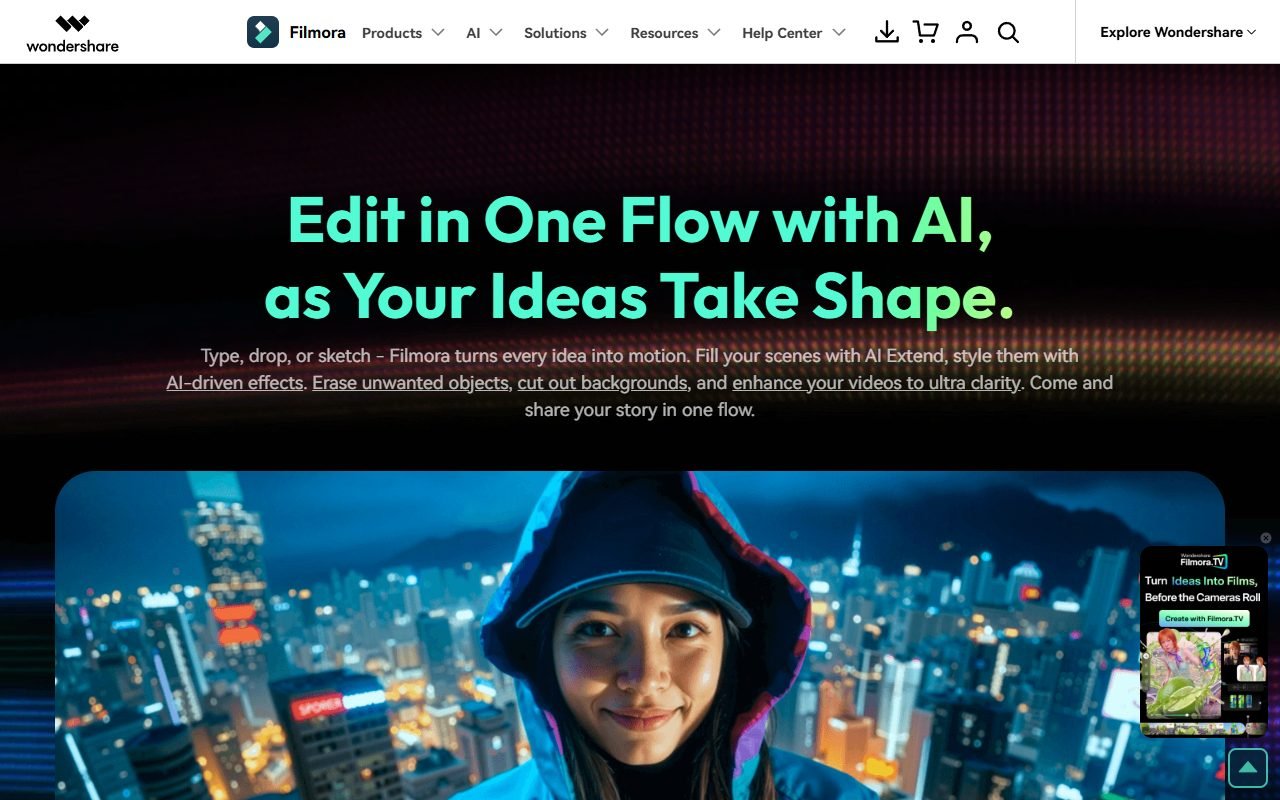 Visit Filmora ↗
Timeline and Editing Control
| Layer | What to expect | Acceptance evidence |
|---|---|---|
| Media/import | Support source according to guide | codec, variable frame rate, relink |
| Timeline | trim, tracks, transitions, keyframes | precision, ripple, undo and sync |
| Audio | cleanup, levels, music | artifact, loudness, ducking and stems |
| Color/effects | Adjust look/use preset | consistency, GPU load, license |
| Titles/captions | text/subtitle | Thai font, timing, export options |
| Proxy/render | Work with heavy files | responsiveness, disk, crash recovery |
| Export | preset/custom output | codec, resolution, watermark, quality/time |
Refer to Filmora user guide for feature mechanics according to version, but the benchmark must use a fully reported machine/driver/source.
AI Features: Separate Assist from Generation
AI auto cut, remover, voice, captions, text/video or other features change with release. Some help with mechanical work, others create new content and use credits/online processing. Teams must record features, input, credits, output, and manual correction separately.
Use background/object removal to look at the edges of hair/hand/motion; voice cleanup requires listening to artifact; text-to-video requires fact/right review; voice cloning requires consent to not allow AI tools to override timeline fundamentals
Thai language and Font Workflow
Test fonts with commercial rights, tonal placement, line breaks, mixed Thai-English, numbers/units and captions 9:16 Check if the project can be opened on another machine and the font relink can be done and can export subtitle track/file or only burned-in.
Speech-to-text/translation must be critical-error audited like VEED/Fliki. List of languages or demos is not a guarantee. Thai quality
Visit Filmora ↗Desktop Performance and Stability
Report CPU/GPU/RAM/OS/driver, source codec, resolution/frame rate, project duration and storage because the words fast/slow are meaningless if you don't tell the fixture to test scrubbing after adding effects, autosave, reopen crash recovery, background render and simultaneous screen capture.
TechRadar/PCMag-style reviews help form assumptions about usability/performance But the machines are different, so it cannot be used as a replacement for PickByTask's benchmark.
Price: Subscription, Perpetual, Upgrade and AI Credits
Check buy/pricing page and cart/checkout date of purchase, separate operating system/device entitlement, subscription/perpetual version scope, future upgrades, AI credits, cloud storage, watermark/trial, tax, auto-renewal and refund.
| Cost | question |
|---|---|
| Program license | What version/device does annual/perpetual cover? |
| Future version | What kind of update or major upgrade does perpetual get? |
| AI credits | How much is the total? How does it expire/top-up/feature consumption? |
| Creative Assets | Included in plan or separate subscription |
| Team/business | commercial/team license and seats |
| Hardware/storage | GPU/RAM/SSD/proxy/archive |
The words lifetime/perpetual must be used according to checkout/Terms with scope. Do not write that you pay once and get all versions forever if the document does not confirm.
Creative Assets and Filmstock License
Filmstock/asset license must be read separately from software license. Effect/music/templates seen in the UI may require Creative Assets entitlement and are subject to restrictions. distribution, resale or use after subscription ends
Before using with clients, record the asset ID, plan/license, download date, project/output, and channel. Do not assume that previewed effects have commercial export rights and do not use music without proof of license.
External Review: Repeated Strengths
G2, TechRadar, PCMag, Cybernews, and user/editorial platforms praise the simpler interface than advanced NLE, quick templates/effects, and broad feature set for creators. Positive theme's speed-to-first-edit and guided UI doesn't mean it has the most control.
Capterra/GetApp/Software Advice is in the Gartner group and may share pools, so it is an evidence group. Ratings are not averaged and reviews are affiliate-funded. Must be disclosed/weighted carefully
Visit Filmora ↗Dissent: Billing, Assets and Upgrade Expectations
Trustpilot/Reddit/open feedback has a request regarding renewal/refund, perpetual/major-version expectation, AI/Creative Assets increase, performance and support. In some cases, the context may not be complete, but repeated themes affect purchases, so read cart, cancellation and asset entitlement before paying.
Don't assume every complaint is right or wrong from a single post. Use this as an abuse case: remove checkbox/add-on, capture receipt, set renewal reminder, export license proof, and test cancellation path.
Privacy, Security and Online AI Processing
Read Wondershare Terms/Privacy and policy of Filmora feature before sending footage online. AI checks account telemetry, cloud, subprocessors, retention/training controls, deletion and relevant regions. Use synthetic footage in trials and do not upload customer/child/health data until owner/security approves.
Desktop installer/plugin/assets must come from an official source and be verified. update/signature As per corporate systems, do not use cracked assets/codecs which increase malware and license risk.
Ownership, Project Archive and Exit
Keep the source, fonts, audio stems, captions, project file, used-asset licenses, proxy mapping and final masters with Filmora version/OS. Try moving the project to a clean machine and relink the media. If the collaborator doesn't have asset entitlement, see how the project renders.
Project file helps continue editing in Filmora, but interchange with other NLEs requires checking the actual format/export. If you can only output flattened video, note the migration limitation.
Decision Matrix and Choices
| Requirement | Filmora fit | Compare |
|---|---|---|
| Beginner desktop timeline | high to medium | CapCut Desktop, iMovie |
| Creator effects/AI assist | Worth trying. | PowerDirector |
| Browser review/caption | lower than the highlight | VEED |
| Script-to-video automation | Not the core | Fliki, Pictory |
| Advanced color/audio/collaboration | Must compare specialist | DaVinci Resolve, Premiere |
| Stable long-term asset entitlement | Must read license/cart | alternative asset library |
Internal links: /compare/veed-vs-filmora/, /compare/filmora-vs-capcut/, /ai-tools/fliki/ and separate software/asset/AI credits guide
Verdict
Try Filmora when the creator wants more timeline control than AI assembly and is willing to check multiple levels of license/asset/credit. Use a trial with the actual fixture on the machine you will be cutting before buying. annual/perpetual
Select VEED when browser collaboration is required or Resolve/Premiere when finishing/interchange/team pipeline is mandatory.
FAQ
Is Filmora free to use?
There is trial/free access according to current conditions, but watermark/export/assets/AI credits may be limited. Must check out.
Does the Perpetual plan upgrade every major version?
Do not assume, read the plan/Terms message on the date of purchase and storage. receipt/version entitlement
Is Creative Assets integrated with Filmora?
It may be a plan/subscription. Separate or have different boundaries. Check asset badge/cart/license per piece.
Does Filmora support Thai language?
Need to test font rendering, captions, speech recognition and relink on Thai fixtures. No PickByTask verdict yet.
Filmora and VEED, what do you choose?
Filmora is ideal for desktop timeline/control; VEED is ideal for browser collaboration/caption. Choose from source size, team handoff and finishing need.
Resources and freshness
Official: homepage, buy page, guide, Wondershare Terms, Filmstock license price/cart/credits 14–30 days versions/features 30–60 days license/privacy 90 days reviews 90 days