

Short answer: Choose one complete idea rather than cutting the most dramatic sentence out of context. A useful short video states the point, retains the condition that makes it true and gives the viewer a sensible next step.
Contents — jump to a section
A concrete example
A fictional ten-minute interview explains that a weekly stock check helped one shop find missing records. A short clip can show that process. It should not turn the anecdote into 'this method eliminates stock loss' or omit the shop's limited circumstances.
This is a suggested exercise, not a recorded product test. It describes the result to aim for; it does not claim that every listed tool can complete every step.
Prepare these inputs
Prepare the source transcript with timestamps, permission to reuse the media and a target length. Mark the main point, its supporting example and any qualifying sentence that must travel with it.
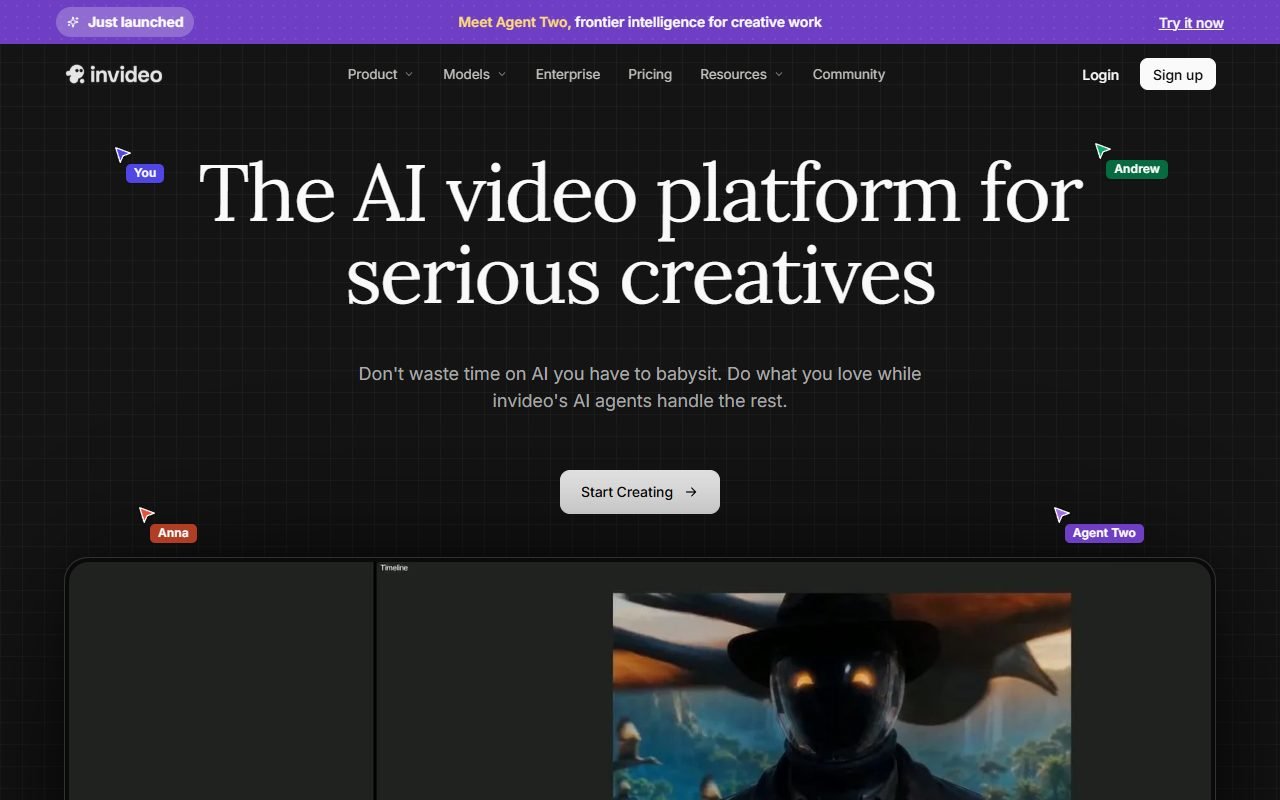 Visit InVideo ↗
Build it in this order
- Select a self-contained passage and write a one-sentence description of its meaning.
- Build a rough cut around that idea, retaining the necessary qualification before polishing the opening.
- Add captions and inspect the vertical crop, then compare the final message with the source.
Check the result
- The clip does not reverse a position by removing a negative or condition.
- Captions reproduce names and numbers accurately.
- The crop keeps the relevant speaker or demonstration visible and leaves room for readable text.
If the result fails
If a passage cannot stand alone, add a short accurate setup or choose a different excerpt. If a hook promises more than the source supports, rewrite the hook rather than changing the source's meaning.
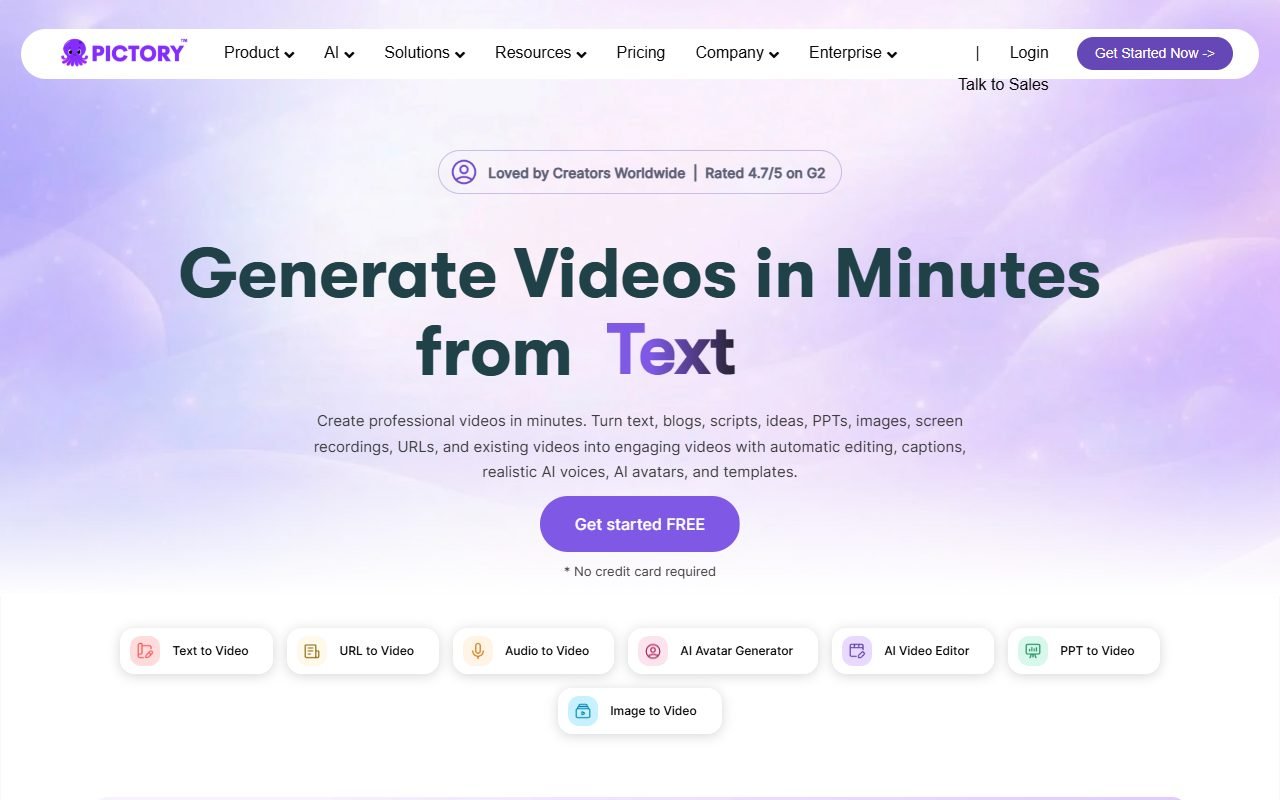 Visit Pictory ↗
Time and cost to watch
Track transcript correction, clip selection and subtitle repair separately. Generating many cuts is less useful if most need manual context repair. Keep a source timestamp beside each accepted clip.
Tools worth comparing
Compare the editing and repurposing tools below using the same permitted source. Evaluate whether suggested cuts preserve meaning and remain editable. Decide on the message before accepting an automatic clip selection.
Sources and scope
The product references for this guide were last checked on 13 August 2026; details may have changed since. Check the official pages below for current plans, limits and terms before choosing a service.
- InVideo: https://invideo.io/
- InVideo: https://invideo.io/pricing/
- Pictory: https://pictory.ai/
- Pictory: https://pictory.ai/pricing
- VEED: https://www.veed.io/
- VEED: https://www.veed.io/pricing
- Fliki: https://fliki.ai/
- Fliki: https://fliki.ai/pricing
- Filmora: https://filmora.wondershare.com/
- Filmora: https://filmora.wondershare.com/shop/buy/buy-video-editor.html
- Runway: https://runwayml.com/
- Runway: https://runwayml.com/pricing