
A plan that advertises many generations tells you little about how much finished footage you will keep. Set a budget for one specific shot, count every attempt, and divide the total by the seconds that survive editing. Choose a source image before the video trials so you can tell whether a failed result comes from motion rather than a different starting composition.
This is an original planning exercise, not a measured OpenArt or ImagineArt comparison. All credit amounts in the worked example are hypothetical and are not either company's prices. Official workflow and billing sources were checked on 9 September 2026.
Contents — jump to a section
Define what the budget must buy
The exercise needs a four-second vertical shot of a yellow desk lamp on a navy desk. Its light stays steady while the camera moves slightly closer. The lamp must keep the same shape, its base must stay on the desk, and the composition needs space above it for a title added later.
Write those acceptance criteria before choosing a model. A beautiful rotating lamp is a failed attempt if the edit requires a steady product shot. Count the whole cost of making it, but give it zero usable seconds for this brief.
OpenArt lists monthly credits and approximate image/video quantities on its pricing page. Treat those quantities as plan-level estimates, not a promise that a particular video model and configuration will produce that many finished clips. Check the billing toggle, actual amount charged and selected model before subscribing. OpenArt pricing
Prepare one source image for both tools
For a concrete browser route, open ImagineArt's Image mode, select an available image model, paste the still prompt and set a supported portrait ratio. Its documentation separates model, prompt, aspect ratio, output count and resolution. Start with one image per run so the count and cost are easy to follow. ImagineArt Create Image
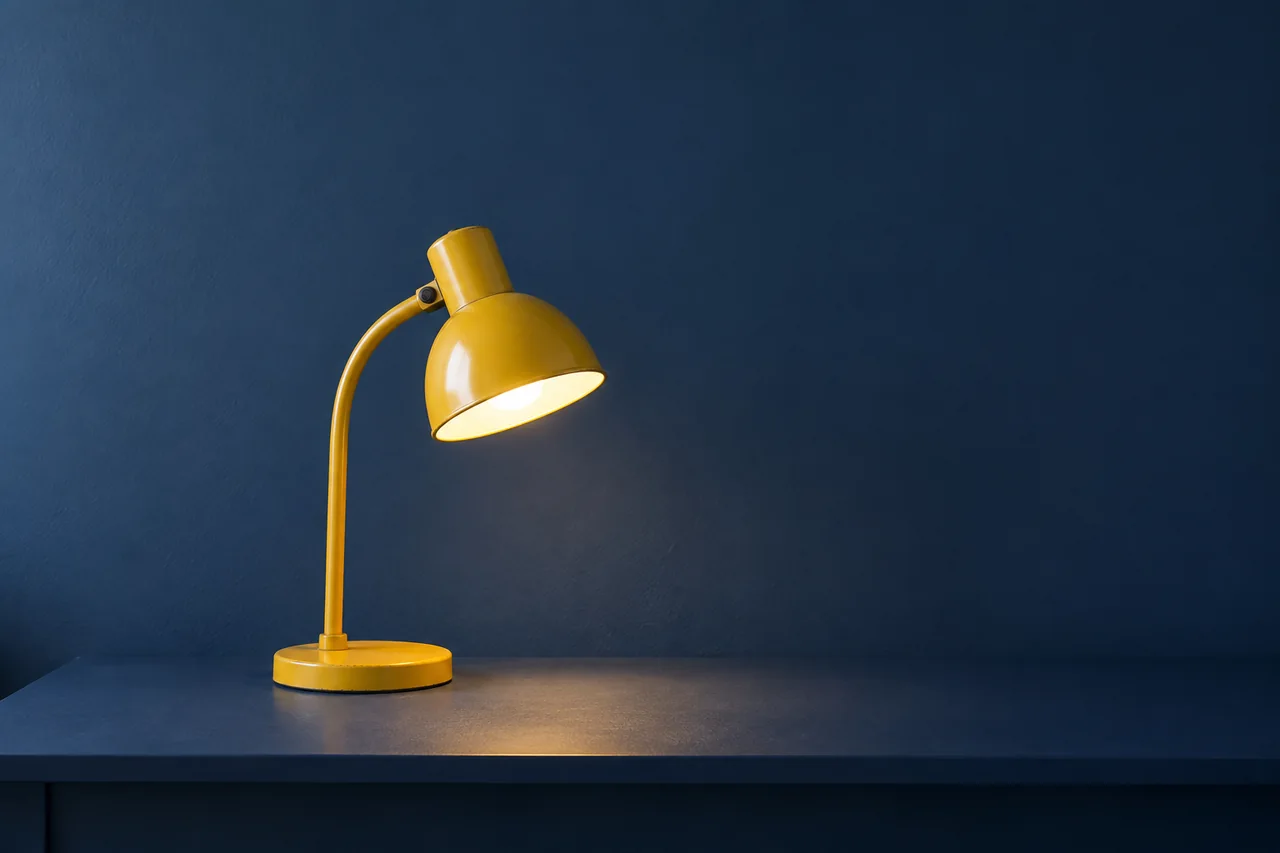
A single yellow metal desk lamp with a round base and a simple curved neck stands on a matte navy desk. The shade points downward toward a small pool of warm light. Front three-quarter view at desk height, complete lamp visible, straight desk edge, plain dark blue wall behind. Soft ambient fill comes from the left, while the lamp casts a steady warm pool onto the desk. Realistic painted metal texture, clean silhouette, moderate depth of field. Vertical composition with generous empty wall above the lamp for a title to be added later. The lamp is the only object on the desk.Inspect the neck-to-shade connection, base and shadow. Save the accepted full-resolution file. Do not generate a new still separately in each tool: that would compare two starting images as well as two video workflows. If the source needs replacing, restart both video trials from the replacement and record the earlier costs.
Choose two candidates through the image and video finder. OpenArt and ImagineArt are applications, while names such as Kling and Seedance identify model families available through applications. Record the exact selected model and version shown in each account. If the versions differ, label the result a comparison of two workflows, not a test of the same model.
Give each candidate the same first attempt
OpenArt's Video area exposes Image to Video for an uploaded starting image. Select that route, supply the saved lamp image, choose your available model and paste the motion prompt. Interface details can differ between its older page and newer workspace; keep the mode and input role the same. OpenArt video tools
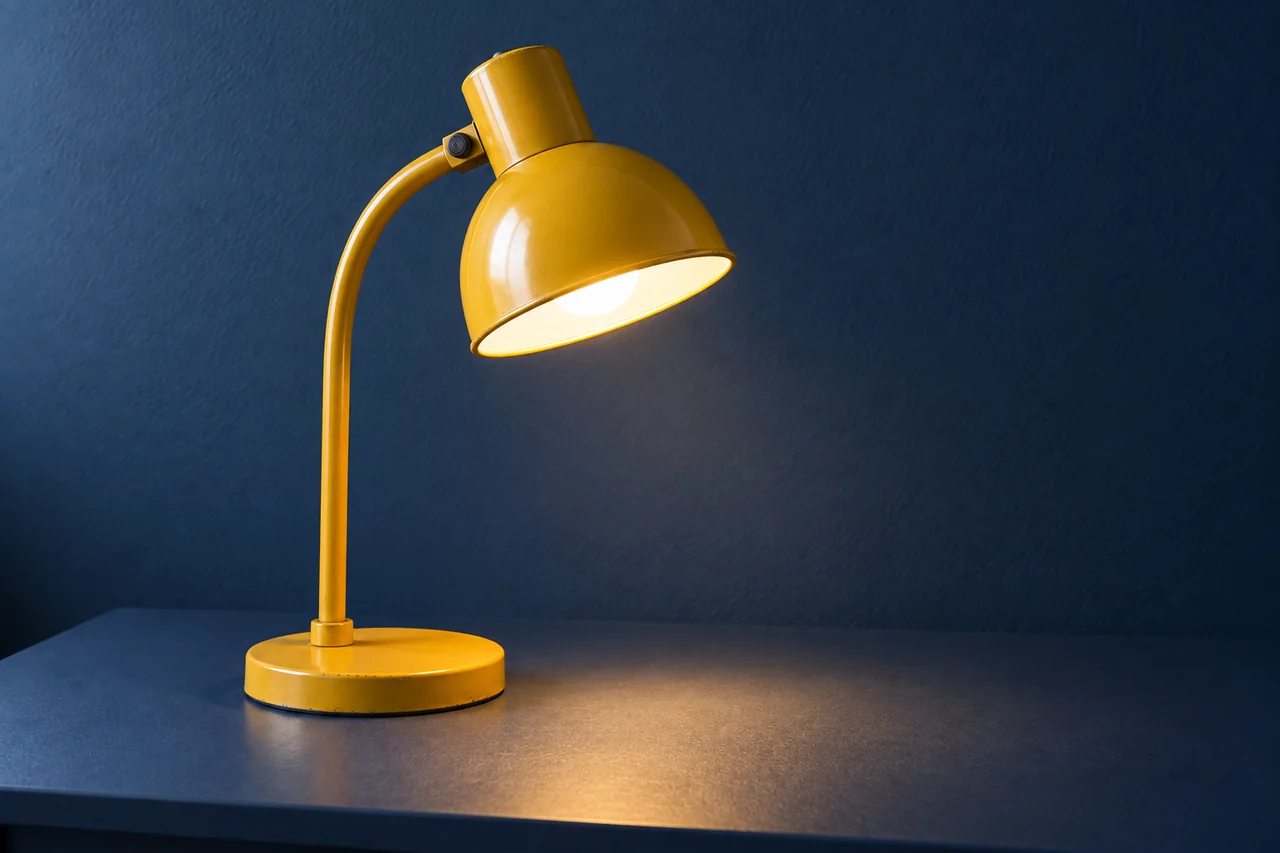
In ImagineArt, use Starting Frame, upload the same image and enter the same motion prompt. Leave the optional end frame empty for this trial. A general reference image can have a different role from a starting frame, so do not substitute a reference-only mode. ImagineArt Starting Frame
Use the uploaded lamp image as the first frame. Make one continuous shot. The lamp, base and desk remain stationary. The camera moves slowly straight forward by a small amount, ending with the complete lamp still visible and empty wall remaining above it. The pool of warm light stays the same brightness and position. Preserve the lamp's shape and yellow paint, the navy desk and the original lighting direction.Set duration, resolution and aspect ratio in the controls, not as invented prompt flags. Aim for five generated seconds to obtain four usable seconds, but choose a shared supported duration if five is unavailable. Use comparable output settings; if one model forces a higher resolution or includes audio you cannot disable, record the difference.
Before pressing Create, note the total charge shown for your exact configuration. ImagineArt documents that model, duration, resolution and optional preview or prompt enhancement can affect video credits; its in-app tooltip shows the configured total. A model's base credit figure is not necessarily that total. ImagineArt video credit guide
A worked budget with invented numbers
Suppose an imaginary service charges 8 credits per still and 60 credits per five-second trial. You allow four stills, four video trials and one final five-second generation costing 120 credits. Reserve another 100 credits for a clearly justified repair. These numbers are deliberately unrelated to vendor pricing.
| Budget line | Hypothetical calculation | Credits |
|---|---|---|
| Find the starting frame | 4 images × 8 | 32 |
| Test motion | 4 clips × 60 | 240 |
| Final generation | 1 clip × 120 | 120 |
| Reserved repair allowance | Spend only if needed | 100 |
| Maximum authorized for this exercise | 32 + 240 + 120 + 100 | 492 |
If you use no repair allowance, the spend is 392 credits. If only four seconds from the final clip enter the edit, the effective cost is 392 ÷ 4 = 98 credits per usable second. Do not divide by all 25 generated seconds: discarded trials do not become deliverable footage.
If an imaginary 1,000-credit package costs 500 baht and all its credits are usable for this work, that accounting rate is 0.50 baht per credit. The 392-credit job would allocate 196 baht to four usable seconds, or 49 baht per second. This is a hypothetical allocation, not a current offer, exchange rate or total production cost. Editing time, taxes, required subscriptions and unused expiring credits may change the real cash outlay.
Credits are not a common currency. Keep separate sheets for OpenArt and ImagineArt; convert each through its own actual purchased package when comparing money. Also track cash needed to start, because a small trial may still require a full subscription payment.
Make the second attempt answer a question
If the camera move bends the lamp, keep the source and all settings but replace the motion prompt with this diagnostic variant:
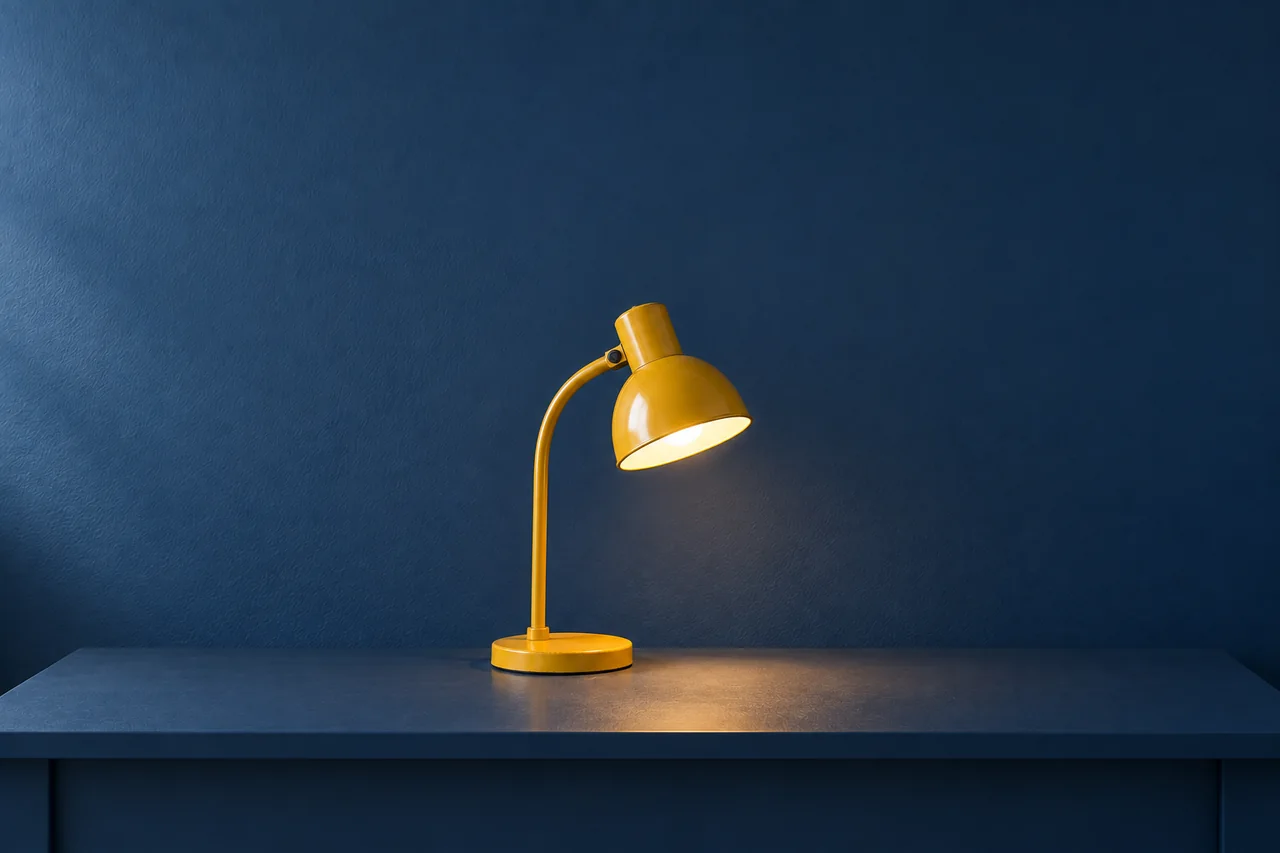
Use the uploaded lamp image as the first frame. The camera remains fixed at the original angle and distance throughout one continuous shot. The lamp, its base and the navy desk remain stationary. The warm pool of light stays steady. Preserve the yellow lamp silhouette, curved neck, round base and all object positions. The scene is quiet, with unchanged framing and lighting.If the neck is already broken in the source, spend the next permitted still attempt on this revised image prompt instead. Do not charge another video to diagnose a visible still-image defect.
A yellow metal desk lamp on a matte navy desk, shown fully from a front three-quarter angle. The lamp has one round base, one continuous curved neck and one downward-facing shade joined cleanly to the neck. All three parts are distinct and physically connected. A steady warm pool of light sits directly beneath the shade. Plain dark blue wall, soft fill from the left, realistic painted metal, moderate depth of field. Vertical composition with clear empty space above the lamp. The tabletop contains only this lamp.Log each run in this compact format:
Run ID / tool / model version / input filename
Duration / resolution / ratio / audio / extra options
Quoted credits / actual credits / waiting minutes / editing minutes
Observed defect and timestamp / usable range / next single change
Protect the remaining budget
Should the first tests use the cheapest setting?
Use the least expensive setting that can reveal the defect you care about. A small preview may reveal a bent lamp but hide a fine texture problem. Higher-resolution regeneration can produce different motion, so treat a final pass as another result to inspect.
How many retries should one shot get?
Set a limit before starting. Four motion attempts is the allowance in this exercise, not an expected success rate. After two unchanged failures, simplify the motion or reconsider the model before spending the remaining attempts.
Do unused credits count as savings?
Only if you can actually use them. Check expiry, model access and top-up conditions in your account. For an isolated project, compare total cash paid as well as the portion allocated to this shot.
What if only three seconds are usable?
Either revise the edit to three seconds or budget a justified new attempt. Do not quietly count the missing second as delivered. Export accepted clips, store their settings and continue with the 15-second Reel editing plan.
Sources
Official documentation checked September 9, 2026. This proposed exercise has not undergone account or generation testing in OpenArt or ImagineArt, or an actual video export.