
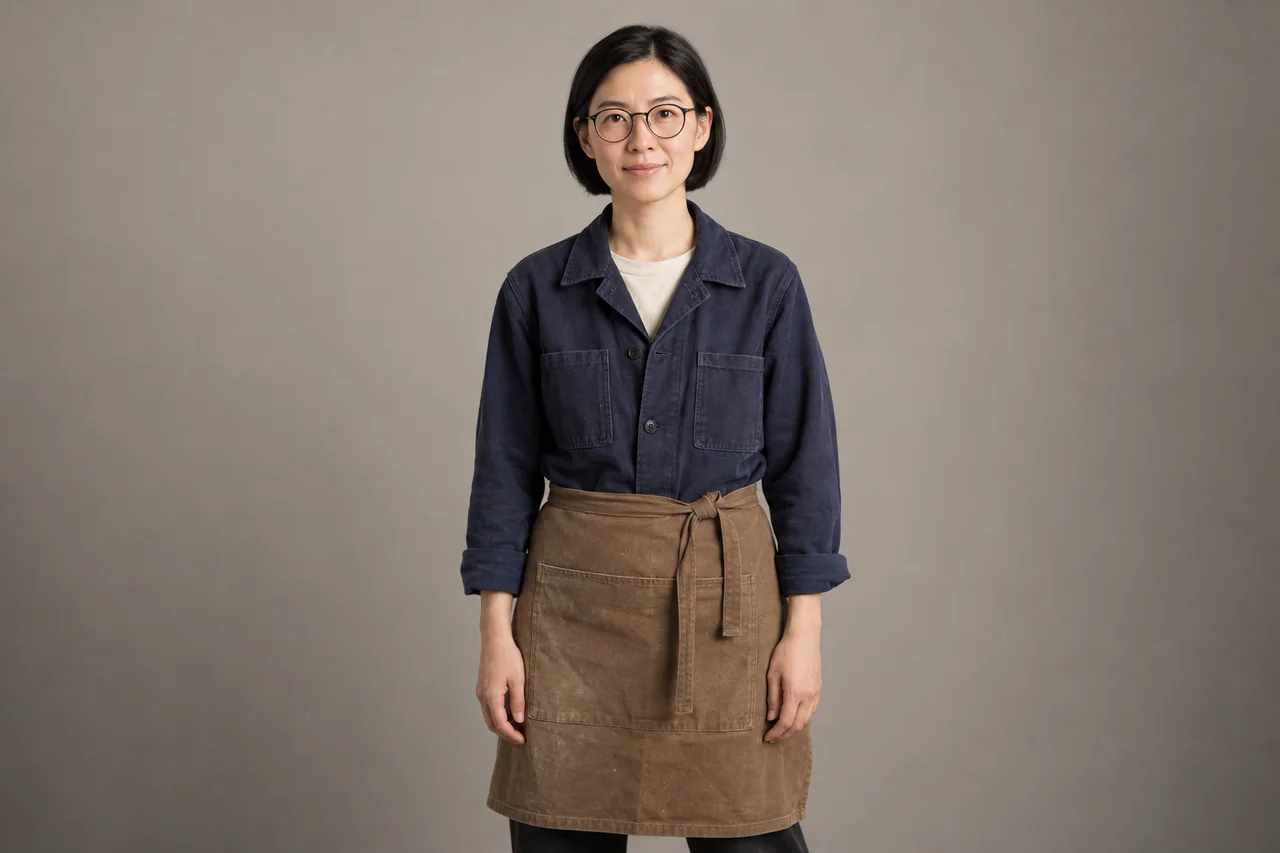
Keep the same AI character across three video shots
Build a character reference, create three matching stills, then animate them in Krea. Includes copyable prompts, continuity checks and fixes for face drift.
PICKBYTASK JOURNAL
A clearer view of AI tools. A better starting point for your work.
Build a character reference, create three matching stills, then animate them in Krea. Includes copyable prompts, continuity checks and fixes for face drift.
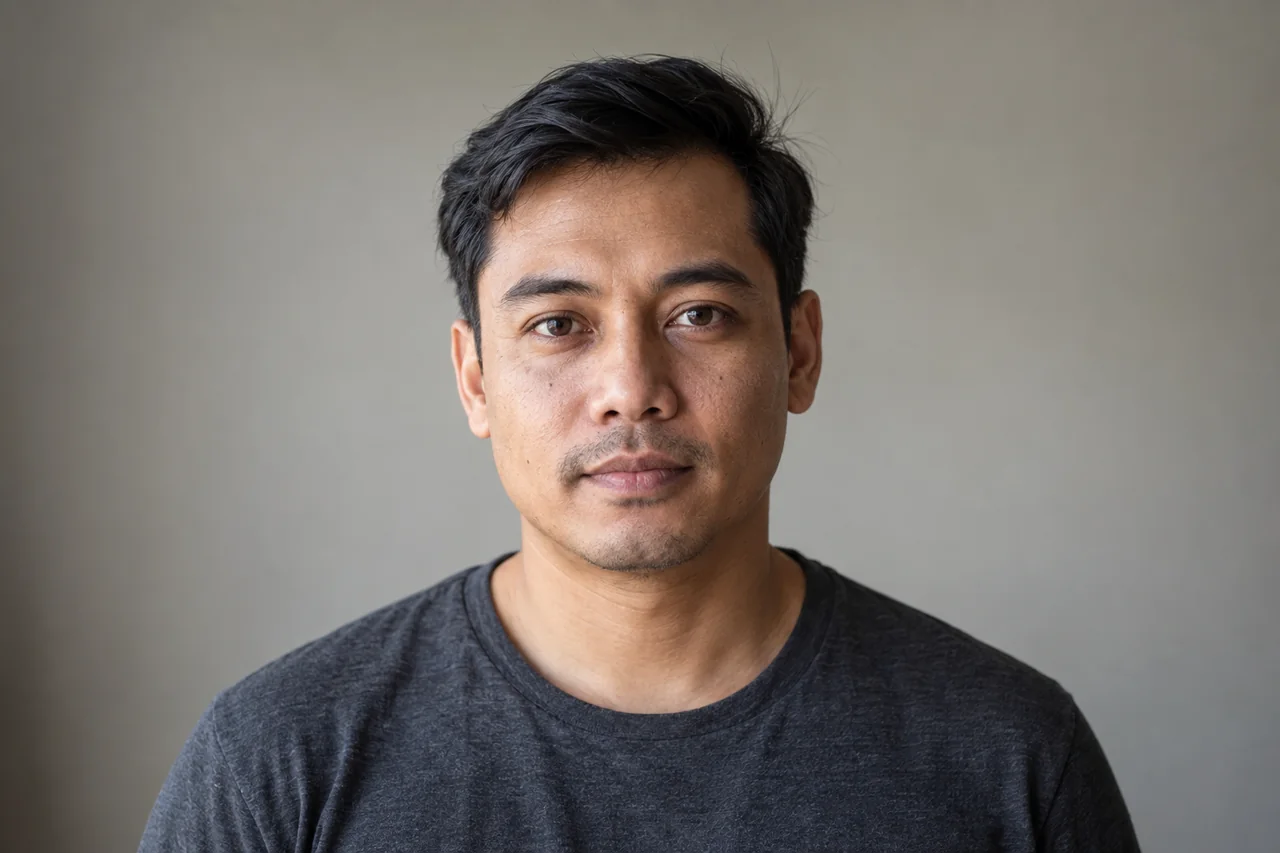
Prepare a portrait in Krea and animate it with an available Kling or Veo model. Copy gentle-motion prompts and check eyes, expression and identity before export.

Build a coffee-and-croissant Reel in ImagineArt, from still prompts to image-to-video motion. Includes steam fixes, shot timing and caption placement.
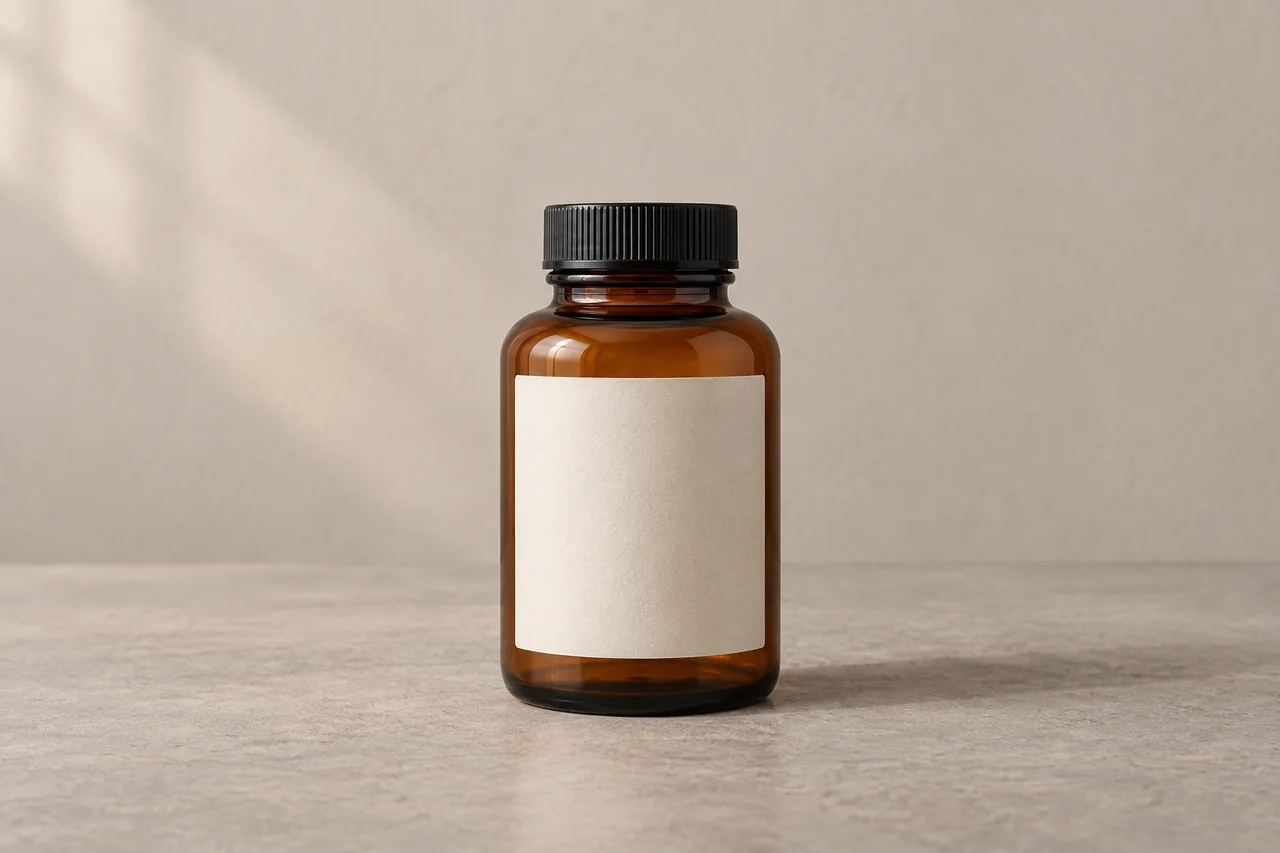
Prepare a product still in OpenArt, animate it with Kling on Higgsfield, and add the real logo in editing. Includes prompts, label checks and a fallback workflow.
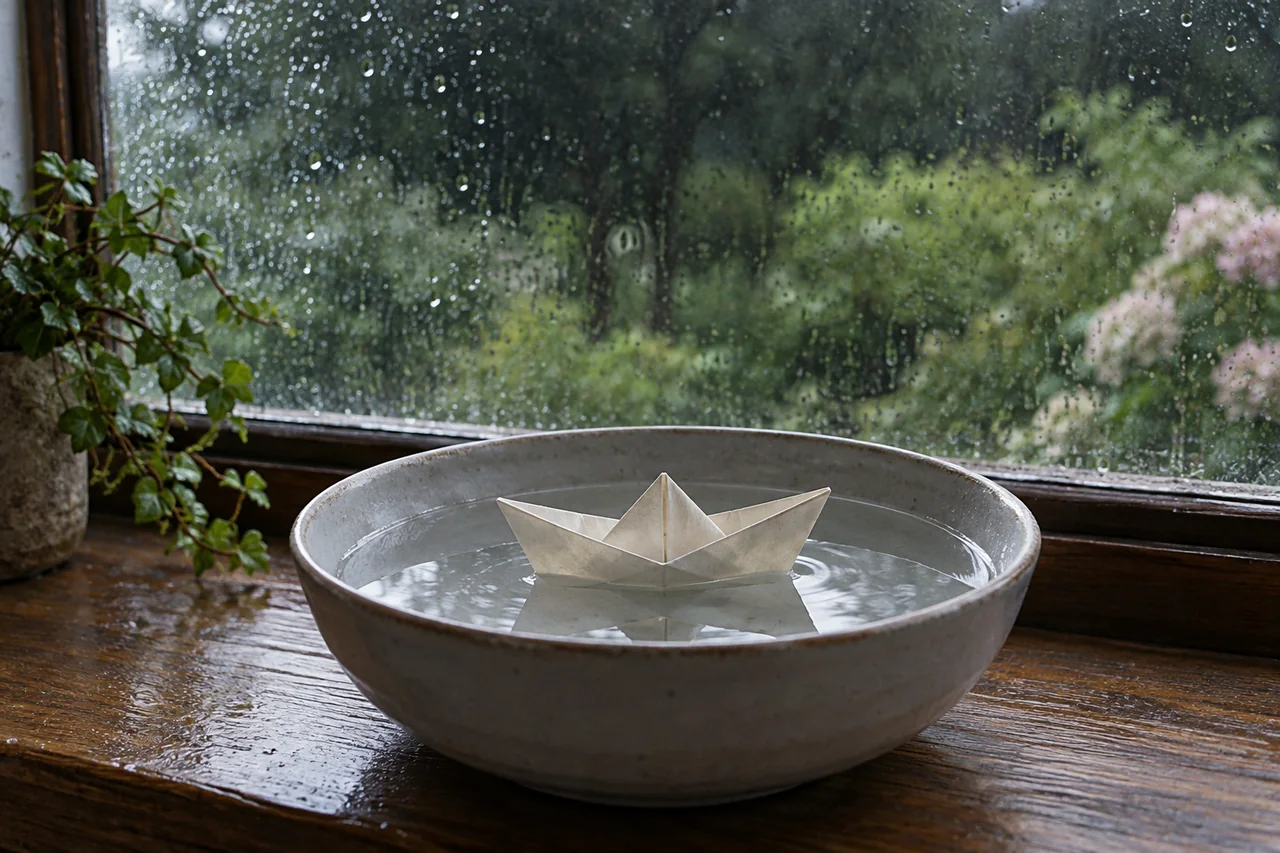
Create a still in Dreamina, animate it with focused prompts, then assemble a 12-second vertical video. Includes copyable prompts and fixes for drifting objects.
Separate listening, voiceover and meeting audio, then check rights, quality and integration needs.
Separate avatars, generated shots, editing and repurposing, including the time needed to fix the result.
Start with a source script, plan scenes and captions, then check media rights and review before publishing.
Use one script, consent record and pronunciation list, then check loudness and export quality.
Check permission to use faces and voices, then review translations and pronunciation before export.