

Short answer: Translate the lesson and check its meaning before generating the presenter. A convincing avatar does not make an instruction correct. Keep the approved script, screen labels and captions aligned, with permission for any real person's likeness or voice.
Contents — jump to a section
A concrete example
Create a fictional two-step lesson: save a draft, then send it for review. The Thai version must preserve the distinction between saving and submitting. It should not show a 'Publish' button while the voice says to save a private draft.
This is a suggested exercise, not a recorded product test. It describes the result to aim for; it does not claim that every listed tool can complete every step.
Prepare these inputs
Prepare the approved source script, translated script, glossary of screen labels and a list of images or voices you may use. Mark instructions whose order cannot change.
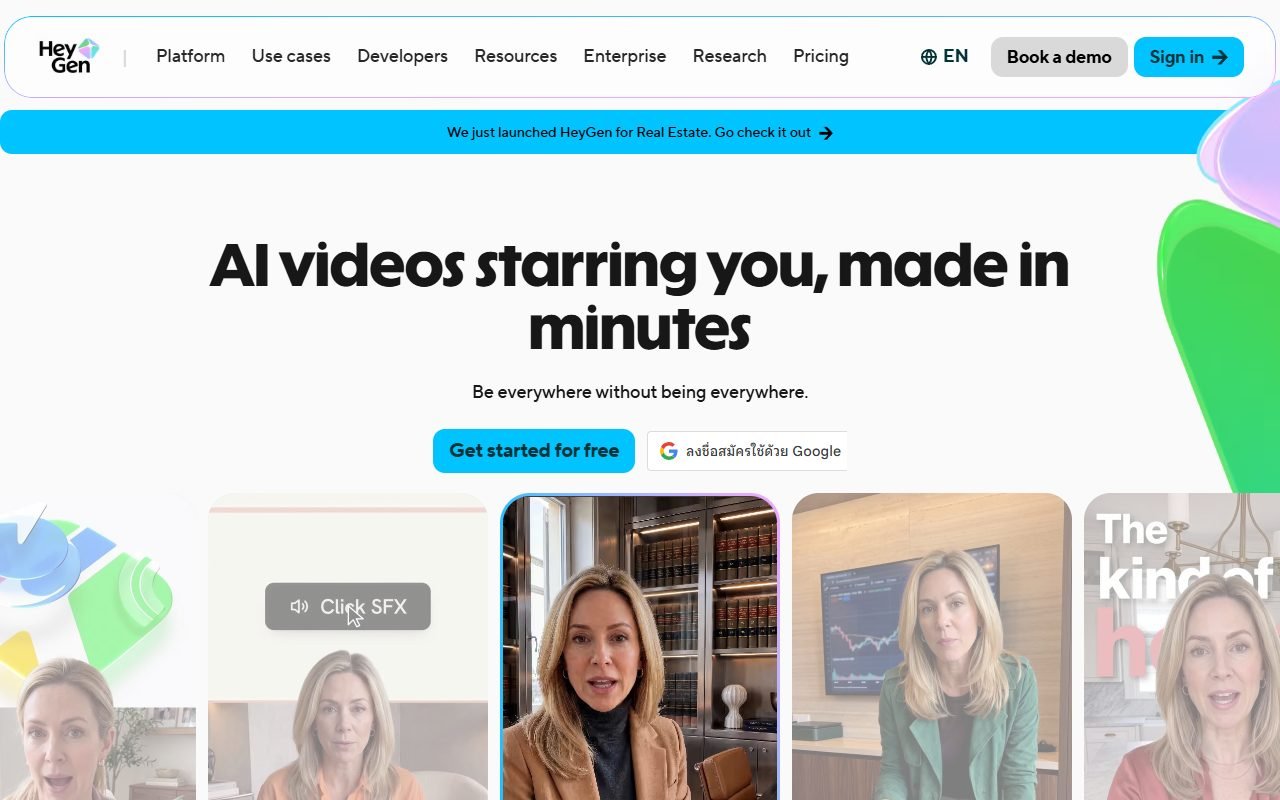 Visit HeyGen ↗
Build it in this order
- Translate one short lesson and have a fluent reader compare the actions and conditions with the source.
- Produce a short presenter sample with the difficult names and on-screen labels.
- Assemble the lesson and captions, then ask a colleague to follow it without additional explanation.
Check the result
- The learner performs the same action in both language versions.
- Captions, voice and screen labels agree at the moment the action is shown.
- The presentation does not imply a real person endorsed or delivered a lesson they did not approve.
If the result fails
If a translated instruction is ambiguous, correct the script first and regenerate only that segment. If lip movement distracts from a precise step, use a screen demonstration with narration for that part.
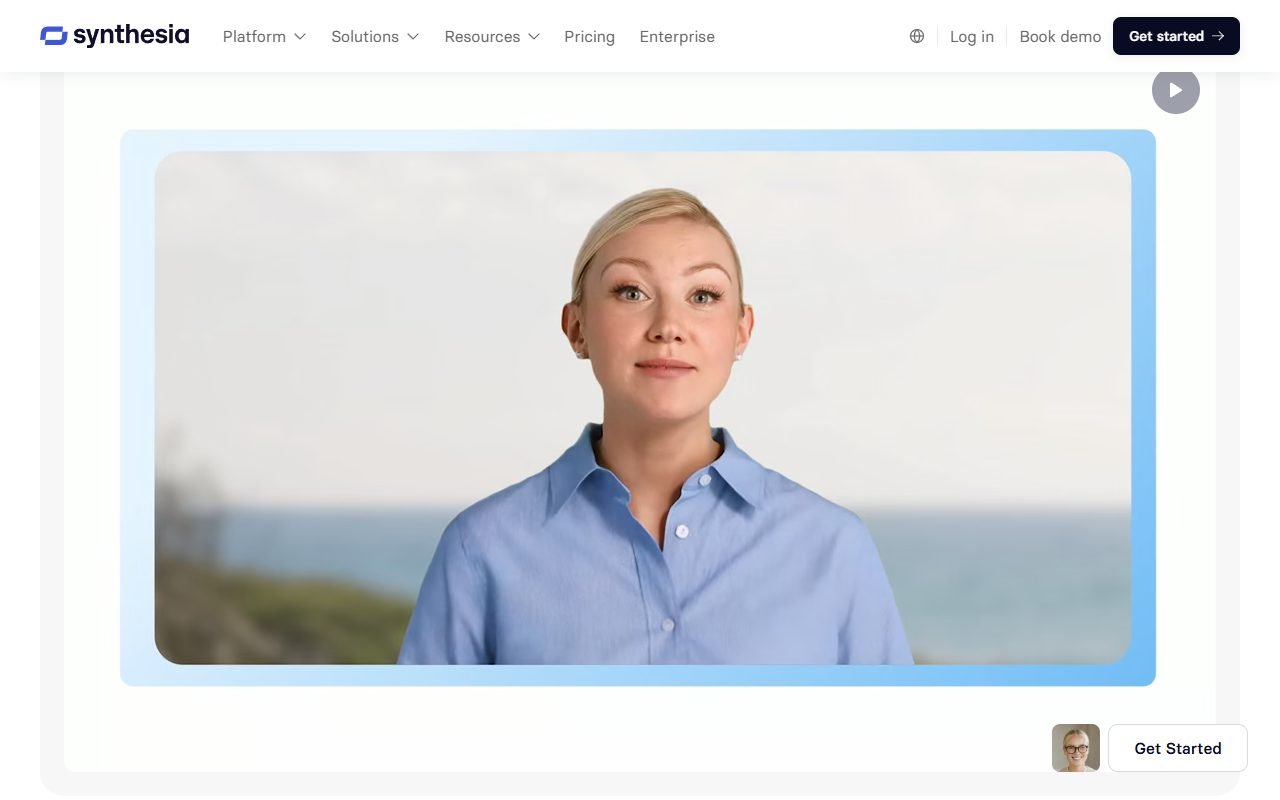 Visit Synthesia ↗
Time and cost to watch
Allow for language review, caption correction and revisions when the interface changes. Keep individual scenes and their scripts so the next update affects only the relevant instruction.
Tools worth comparing
Compare the avatar and video candidates below with one approved lesson segment. Check the current rules for avatar identity, voice use and commercial distribution. Treat consent records as part of preparing the project, not as a visual detail to add later.
Sources and scope
The product references for this guide were last checked on 13 August 2026; details may have changed since. Check the official pages below for current plans, limits and terms before choosing a service.