Make เป็นตัวเลือกสำหรับคนสร้างระบบอัตโนมัติที่ต้องการเห็นการแยกเส้นทาง วนข้อมูล กรองเงื่อนไข และจัดการข้อผิดพลาดบนผังเดียว เหมาะนำมาประเมินกับงานที่ซับซ้อนกว่าการรับเหตุการณ์แล้วทำคำสั่งหนึ่งครั้ง
จำลองจำนวนข้อมูล การทำซ้ำเมื่อผิดพลาด และเครดิตหรือ operations ที่ใช้ พร้อมกำหนดว่าใครดูแลข้อมูลรับรองของแต่ละบริการ ข้อมูลตรวจเมื่อ 1 สิงหาคม 2026; PickByTask ยังไม่ได้ทดสอบกระบวนการจริง
สารบัญ — เลือกหัวข้อที่อยากอ่าน
Workflow
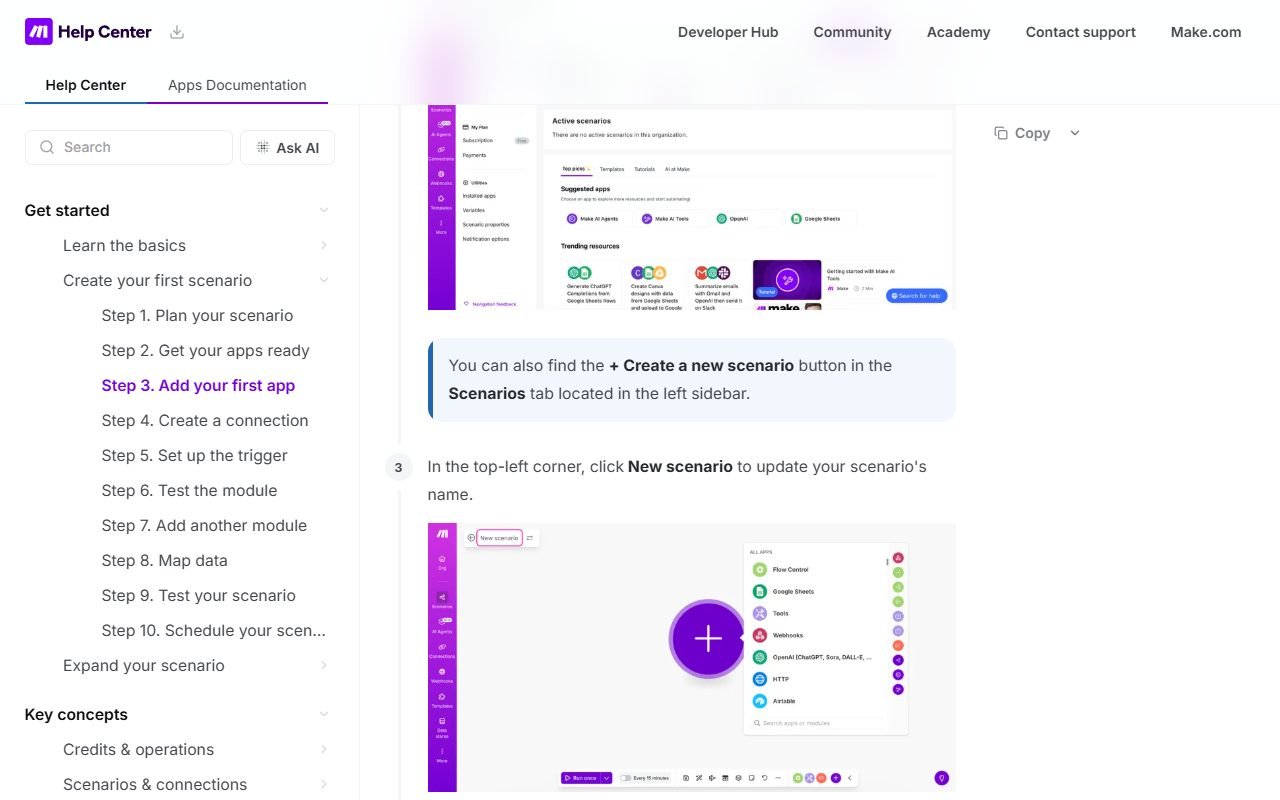
Scenario เชื่อม modules และ mapping บน canvas เหมาะกับ lead routing, content pipeline และ data sync หลายขั้น
Logic depth
Router/filter/iterator/error handler ให้ control แต่เพิ่ม learning/maintenance; ตั้ง naming/versioning ตั้งแต่แรก
 ไปที่เว็บไซต์ Make ↗
ราคา/TCO
pricing เปลี่ยนตาม operations/credits/features; นับ loop, polling, retries และ AI usage ไม่ใช่จำนวน business outcomes
Integrations
จำนวน connector ไม่รับรอง action ทุกแบบ ตรวจ endpoint, pagination, webhook และ rate limit ต่อ app
Reliability
ทดสอบ duplicate event, idempotency, partial failure, replay และ alert จาก execution history
ไปที่เว็บไซต์ Make ↗Security
ตรวจ connection scope, credential rotation, data logs/retention, region และ team roles จาก official security/docs
Export/ownership
เก็บ blueprint/documentation แต่ต้องทดสอบ import/version/environment promotion; portability ไม่เท่ากับ source-code export
รีวิว
G2, Capterra, GetApp, Software Advice, Trustpilot, TechRadar, Zapier และ ToolFinder ชื่นชม visual depth/value; dissent คือ learning curve, operation counting, debugging และ support Gartner pool caveat applies
Workflow Scenario: Lead Routing ที่ต้องไม่ส่งซ้ำ
ใช้ webhook รับ lead 1,000 events จาก form ตรวจ required fields, normalize email/phone, ค้น duplicate ใน CRM, แยก route ตามประเทศ/งบ, สร้าง record, แจ้ง Slack และส่ง confirmation email หาก CRM rate-limit ให้ retry แบบ backoff; หาก email ล้มเหลวต้องไม่สร้าง CRM ซ้ำเมื่อ replay
สร้าง test cases สำหรับ payload หาย, duplicate event ID, malformed JSON, 429/500, timeout และ credential ถูก revoke เปิด execution history เพื่อตามว่า bundle ใดผ่าน module ไหน แล้ว replay เฉพาะงานที่ปลอดภัย บันทึก operations ต่อหนึ่ง accepted lead และจำนวน manual recovery
ไปที่เว็บไซต์ Make ↗Modules, Mapping, Router และ Error Handler
| Layer | ประโยชน์ | สิ่งที่ตรวจ |
|---|---|---|
| Trigger/webhook | เริ่ม scenario แบบ event-driven | signature, duplicate ID, queue behavior |
| Modules | เรียก action ของแต่ละ app | field/version/rate-limit coverage |
| Mapping | ส่งค่าระหว่างขั้น | null/type/date/timezone และ PII |
| Router/filter | แตก business logic | route overlap, default path, maintainability |
| Iterator/aggregator | จัด array/batch | operation multiplication และ ordering |
| Error handler | retry/ignore/rollback path | idempotency, alert และ data loss |
| History/log | debug execution | retention, redaction, search และ export |
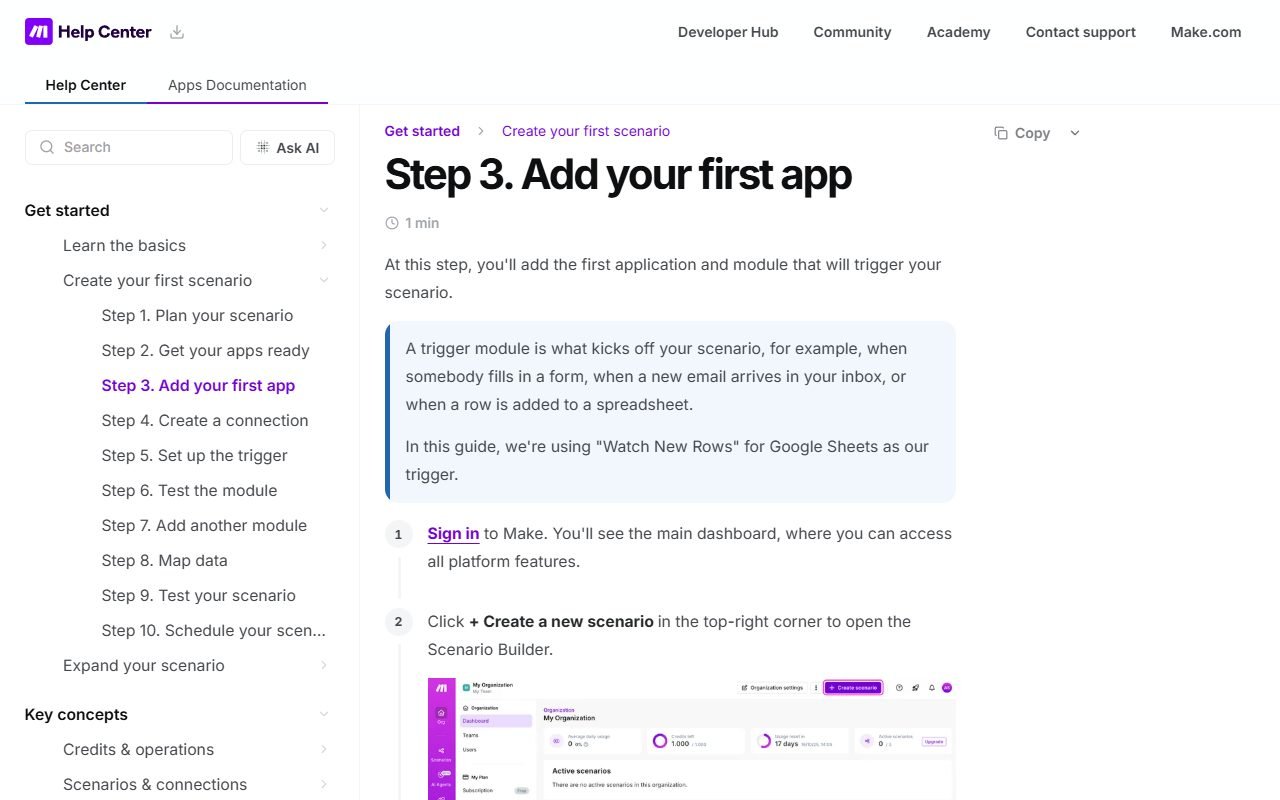
Make Help Center และหน้า error handlers อธิบาย mechanics ของ platform ส่วน reliability score ต้องใช้ fault-injection log ของ fixture
Pricing/TCO ตาม Shape ของ Scenario
| Cost driver | วิธีคำนวณ |
|---|---|
| Operations/credits | modules ที่ execute ต่อ event รวม loop/retry |
| Polling | checks ที่เกิดแม้ไม่มี business event |
| AI modules | model/token cost แยกจาก Make plan หากมี |
| Data transfer/storage | payload, history และ external provider |
| Seats/governance | builders, roles, teams และ audit controls |
| Maintenance | API changes, failed runs และ credential rotation |
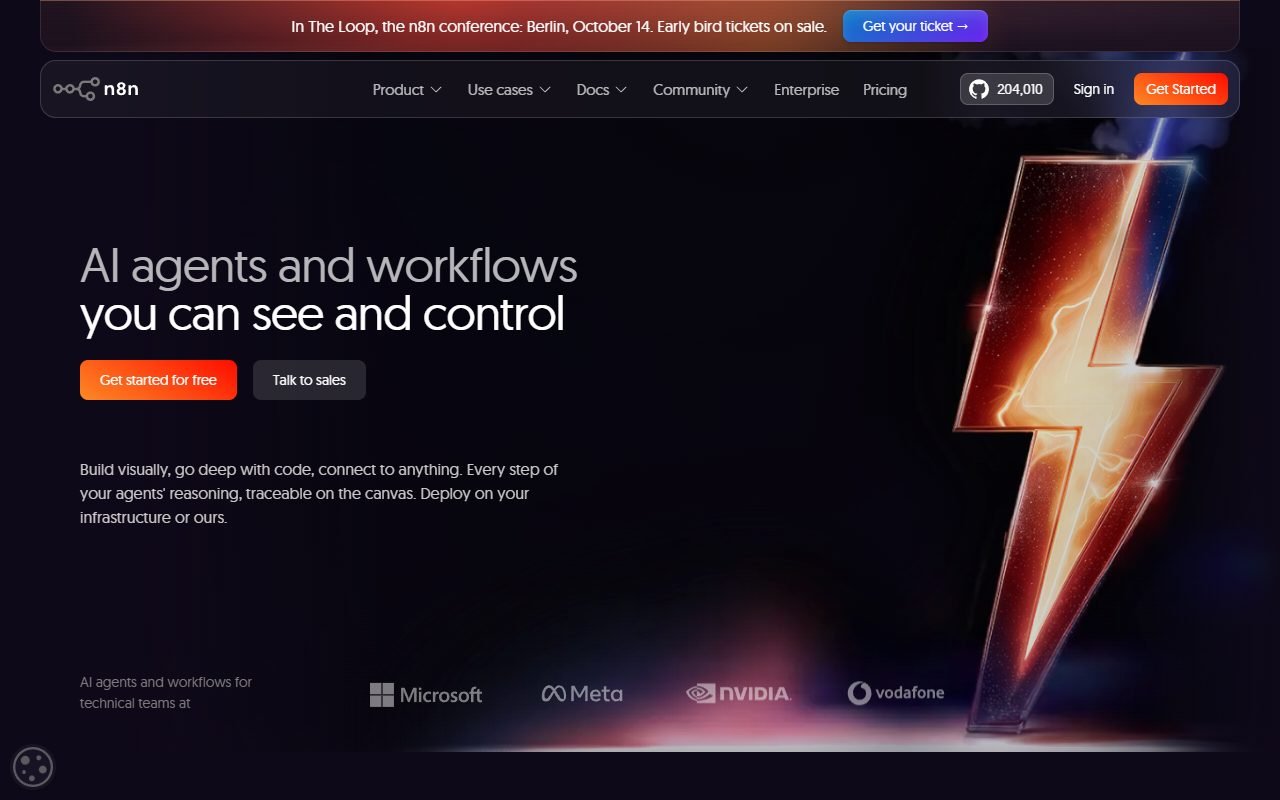
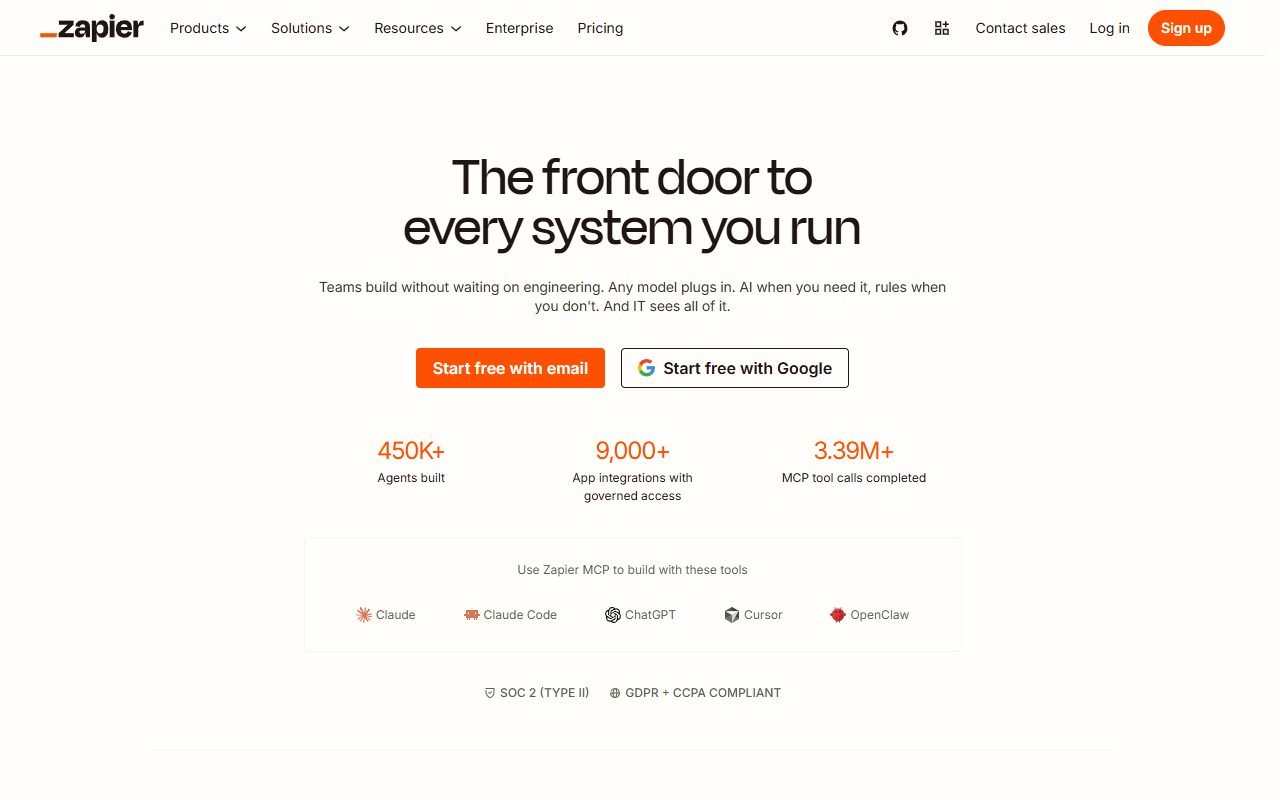
ตรวจ Make pricing ในวันอนุมัติ แล้วใช้ usage log จาก 1,000 events คูณ traffic scenario ไม่เปรียบ operation กับ Zapier task หรือ n8n execution แบบหนึ่งต่อหนึ่ง เพราะหน่วยนับต่างกัน
Review Synthesis และ Dissent
G2 และ Gartner-owned pools ให้ภาพผู้ใช้ automation หลายขนาด แต่ Capterra/GetApp/Software Advice อาจแชร์ review data TechRadar/Zapier/ToolFinder ให้ editorial/comparison context ส่วน Trustpilot เป็น billing/support dissent
ด้านบวกที่พบซ้ำคือ canvas ทำให้ branching/data flow มองเห็นได้และ logic ลึกกว่า simple automation ด้านลบคือ mapping/iterator learning curve, operations ที่เพิ่มจาก loop, debugging ข้าม route และ support เราไม่เรียก value “ถูกกว่า” จน fixture volume เดียวกันผ่าน
Security, Privacy และ Credential Governance
Connection แต่ละตัวควรใช้ service account/scope ขั้นต่ำ ไม่ใช้บัญชีเจ้าของถาวร ตั้งผู้รับผิดชอบ rotation/revoke และทดสอบ scenario หลัง token หมดอายุ Redact PII จาก log/payload เท่าที่ platform รองรับ กำหนด retention และห้ามส่งข้อมูล sensitive เข้า AI module โดยไม่ตรวจ processor/policy
Make security เป็น provider evidence ไม่รับรอง scenario configuration หาก webhook ไม่มี signature หรือ shared connection กว้างเกินไป workflow ยังเสี่ยงแม้ platform ผ่าน certification
Ownership, Blueprint และ Recovery
เก็บ scenario blueprint/version note, connection inventory, data contract, error policy และ environment-specific variables แยกกัน ทดสอบ import เข้า team ใหม่และ reconnect ด้วย least-privilege credentials Blueprint ไม่เท่ากับ source code ที่รันอิสระ; หากย้าย provider ต้อง rebuild mapping/actions
Decision Matrix
| Requirement | Fit |
|---|---|
| Visual branching/transform หลายขั้น | สูง |
| Non-developer simple connection | Zapier อาจเริ่มง่ายกว่า |
| Self-host/data-plane control | n8n ควรเทียบ |
| High-volume loops | ต้องจำลอง operations ก่อน |
| Regulated PII | ต้อง governance/security review |
| Mission-critical transaction | ต้อง idempotency/monitoring/runbook |
ข้อดี/ข้อจำกัด
เหมาะกับ branching ที่มองเห็นได้; ค่าใช้จ่ายและ maintenance เพิ่มตาม execution shape
Alternatives
Zapier สำหรับเริ่มง่าย/app coverage; n8n สำหรับ code/self-host control ลิงก์ /compare/make-vs-n8n/, /compare/make-vs-zapier/
Production Runbook ที่ต้องมี
ระบุ scenario owner, business owner, expected volume, acceptable delay, upstream/downstream contacts, credential expiry, alert recipient และขั้นตอน pause/replay/reconcile ทุก deployment change ต้องมี sample payload แบบปิดข้อมูลจริงและ rollback point เมื่อแก้ mapping ให้ตรวจทั้ง route ที่เข้าเงื่อนไขและ route ที่ไม่ควรถูกเรียก
Dashboard ค่าใช้จ่ายควรจับ operations ต่อ successful lead, failure rate, retries และ manual minutes รายสัปดาห์ หากตัวเลขกระโดดให้ตรวจ loop/polling/schema change ก่อนซื้อ quota เพิ่ม Runbook นี้ทำให้ visual automation กลายเป็นระบบที่ทีมดูแลได้ ไม่ใช่ scenario ที่มีเพียงผู้สร้างคนเดียวเข้าใจ
FAQ เพิ่มเติม
หนึ่ง lead เท่ากับหนึ่ง operation หรือไม่
ไม่ โดยทั่วไปหลาย modules/loops/retries อาจถูกนับหลายหน่วย ต้องดู definition และ usage log ปัจจุบัน
Make เหมาะกับระบบการเงินหรือไม่
ใช้ได้เฉพาะเมื่อออกแบบ idempotency, reconciliation, least privilege, audit และ human approval ตามความเสี่ยง ไม่ควรเชื่อมจ่ายเงินจริงจาก demo
ถ้า app connector ไม่มี action ที่ต้องการทำอย่างไร
ตรวจ HTTP/API module, custom app หรือเลือก platform อื่น โดยประเมิน auth, maintenance และ rate limits ก่อน
ควรแบ่ง Scenario ใหญ่เป็นหลายส่วนไหม
แบ่งเมื่อมี data contract, owner หรือ failure boundary ชัด แต่ต้องบันทึกการส่งต่อและ idempotency ไม่เช่นนั้น debug/replay จะยากขึ้น
FAQ
มี Free tier ตาม limits; operation ไม่เท่ากับหนึ่ง workflow; AI agents ต้องตรวจ plan/beta; ข้อมูลไทยส่งผ่าน connector ต้องดู processor