
Short answer: First decide whether you need to generate a missing shot, edit existing footage or present a scripted lesson. These are different jobs. Begin with one short deliverable so you can compare continuity, correction effort and the final exported file.
Contents — jump to a section
A concrete example
Plan a fictional twenty-second desk-organisation video: a messy desk, three sorting actions and a tidy result. If you already filmed the actions, editing is the main job. If a missing scene must be invented, judge that scene's consistency separately.
This is a suggested exercise, not a recorded product test. It describes the result to aim for; it does not claim that every listed tool can complete every step.
Prepare these inputs
Make a shot list with duration, source footage, spoken line and required text. Mark which shots exist and which still need making. Use media you own or have permission to process.
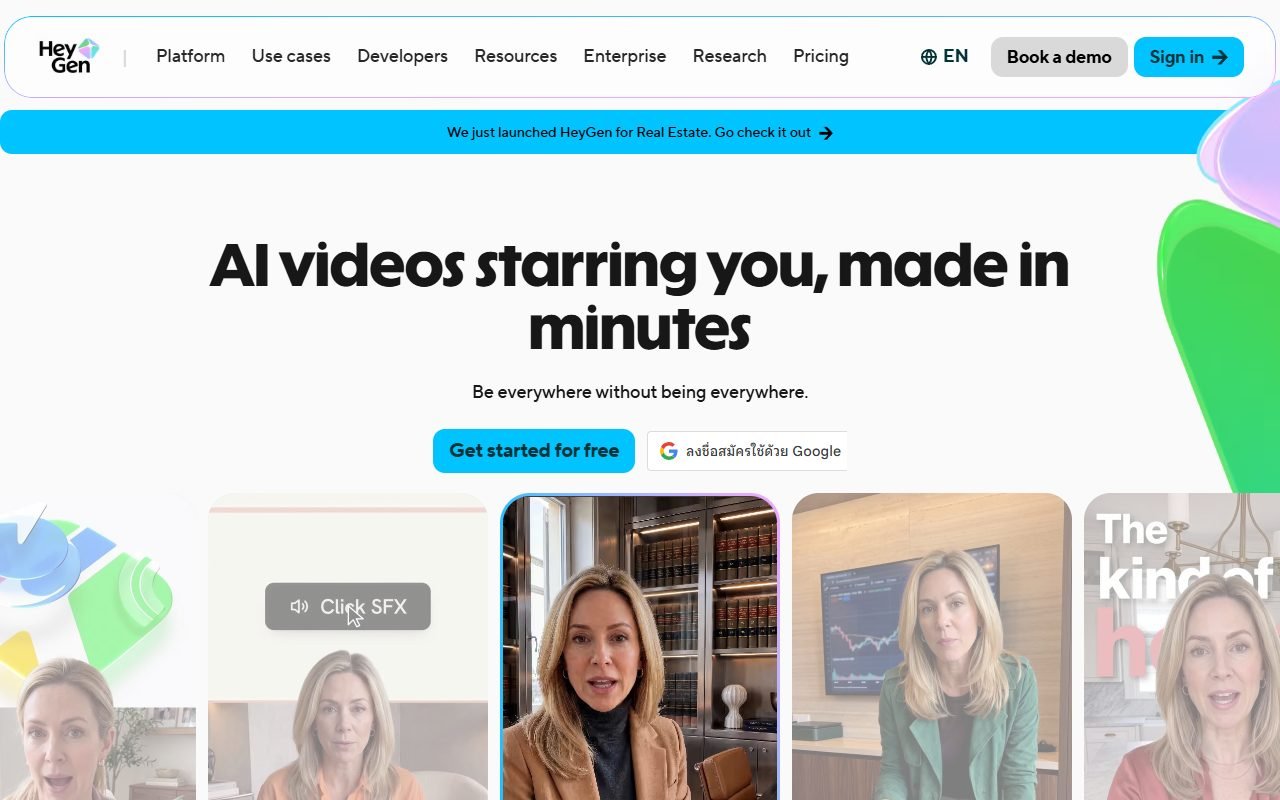 Visit HeyGen ↗
Build it in this order
- Choose the hardest representative shot or edit, not a generic demo clip.
- Create a rough sequence with readable captions and a clear beginning and ending.
- Export a short sample in the intended shape and inspect hands, objects, joins and audio alignment.
Check the result
- Objects and people remain consistent across the shots that should connect.
- Captions remain readable after the intended crop.
- The exported file can be opened and revised in the rest of your editing process.
If the result fails
If generation changes an essential object, simplify the shot or use real footage. If an editor's automatic cut loses the action, move the cut manually. Use a different method for the difficult shot without rebuilding the whole project.
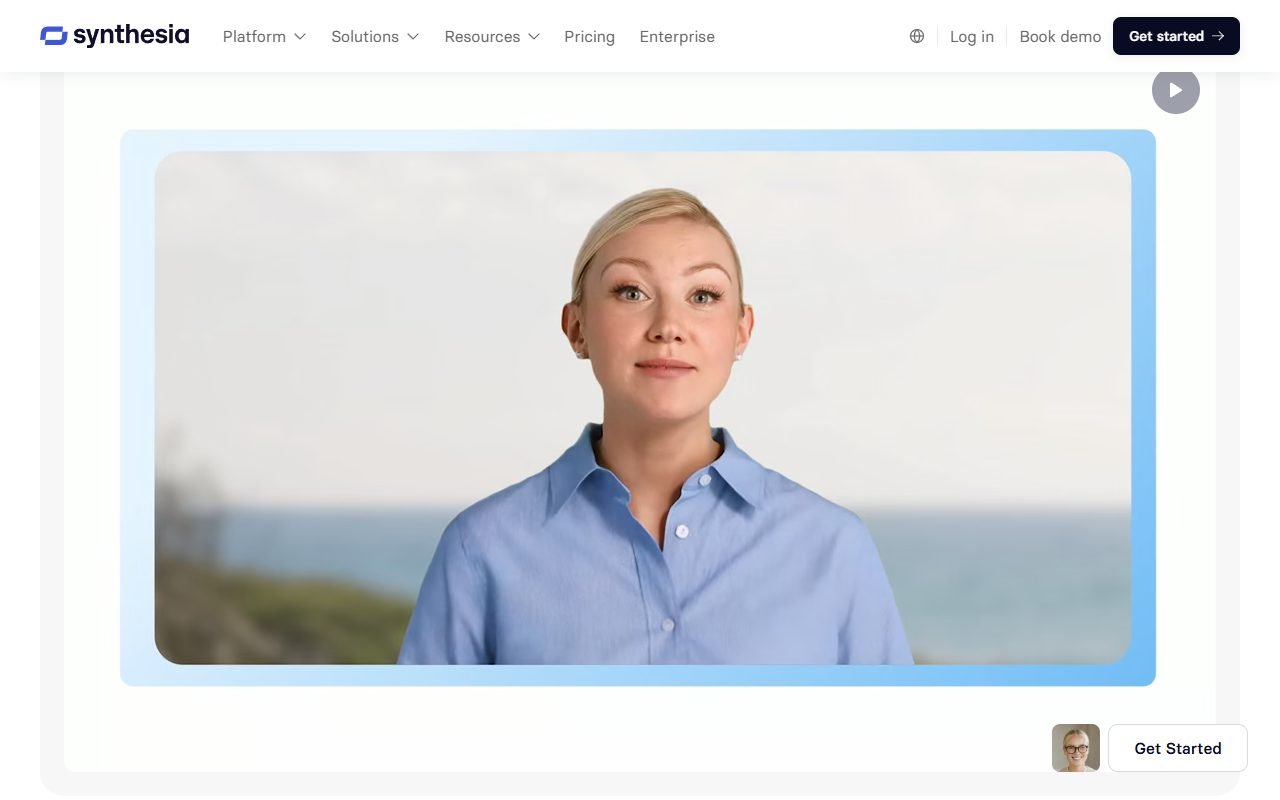 Visit Synthesia ↗
Time and cost to watch
Count rejected generations, export limits, subtitle corrections and final editing time. Compare cost per usable sequence, not the length of all clips generated.
Tools worth comparing
Use the video candidates in the sources to build a shortlist for your specific production stage. Do not assume a tool suited to generating shots is also the best place to edit a long project. Confirm export and media-use conditions for the chosen plan.
Sources and scope
The product references for this guide were last checked on 13 August 2026; details may have changed since. Check the official pages below for current plans, limits and terms before choosing a service.
- HeyGen: https://www.heygen.com/
- HeyGen: https://www.heygen.com/pricing
- Synthesia: https://www.synthesia.io/
- Synthesia: https://www.synthesia.io/pricing
- Runway: https://runwayml.com/
- Runway: https://runwayml.com/pricing
- InVideo: https://invideo.io/
- InVideo: https://invideo.io/pricing/
- Pictory: https://pictory.ai/
- Pictory: https://pictory.ai/pricing
- VEED: https://www.veed.io/
- VEED: https://www.veed.io/pricing
- Fliki: https://fliki.ai/
- Fliki: https://fliki.ai/pricing
- Filmora: https://filmora.wondershare.com/
- Filmora: https://filmora.wondershare.com/shop/buy/buy-video-editor.html