

Short answer: Before trusting an automation, send the same event twice and make one step fail. You need to know whether a retry repeats a completed action. Start with reversible test records rather than payments, messages to customers or production data.
Contents — jump to a section
A concrete example
Try a fictional form-to-task flow. Submission DEMO-001 should create one task. Sending DEMO-001 again should find that task or stop with a clear duplicate result, not create another. A different submission, DEMO-002, should create its own task.
This is a suggested exercise, not a recorded product test. It describes the result to aim for; it does not claim that every listed tool can complete every step.
Prepare these inputs
Prepare a test form, an isolated task list, unique submission IDs and credentials limited to the test destination. Write down what success means for each step and where an unfinished submission can be found.
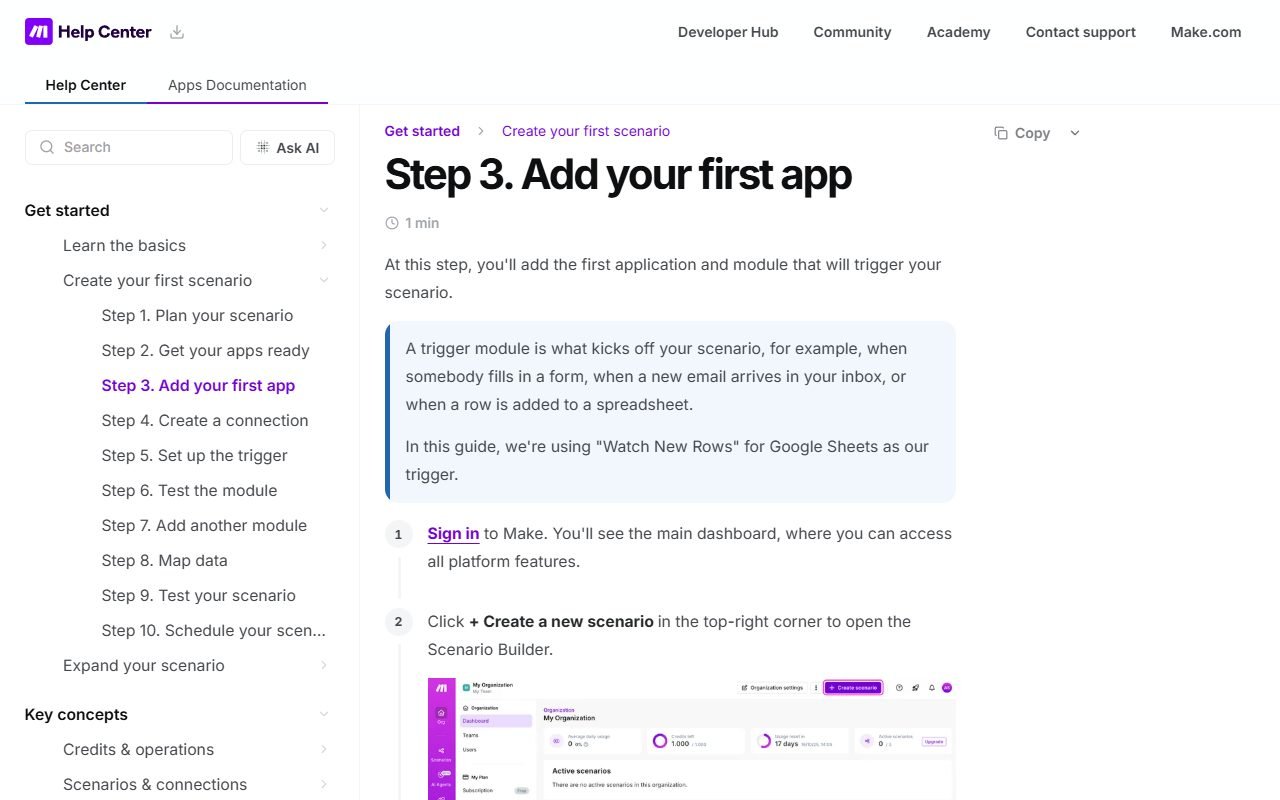 Visit Make ↗
Build it in this order
- Run one submission and save the resulting task ID beside the submission ID.
- Replay the same submission and inspect the destination for duplicates.
- Temporarily make the test destination unavailable, then restore it and retry only the unfinished work.
Check the result
- A repeated event does not create a second completed task.
- The failure record identifies the submission and the step that needs attention.
- Revoking the test credential stops access, and logs do not expose its secret value.
If the result fails
If a retry creates duplicates, add a lookup or another supported duplicate-prevention step before continuing. If you cannot tell which step completed, send the item to a manual review list instead of replaying every action blindly.
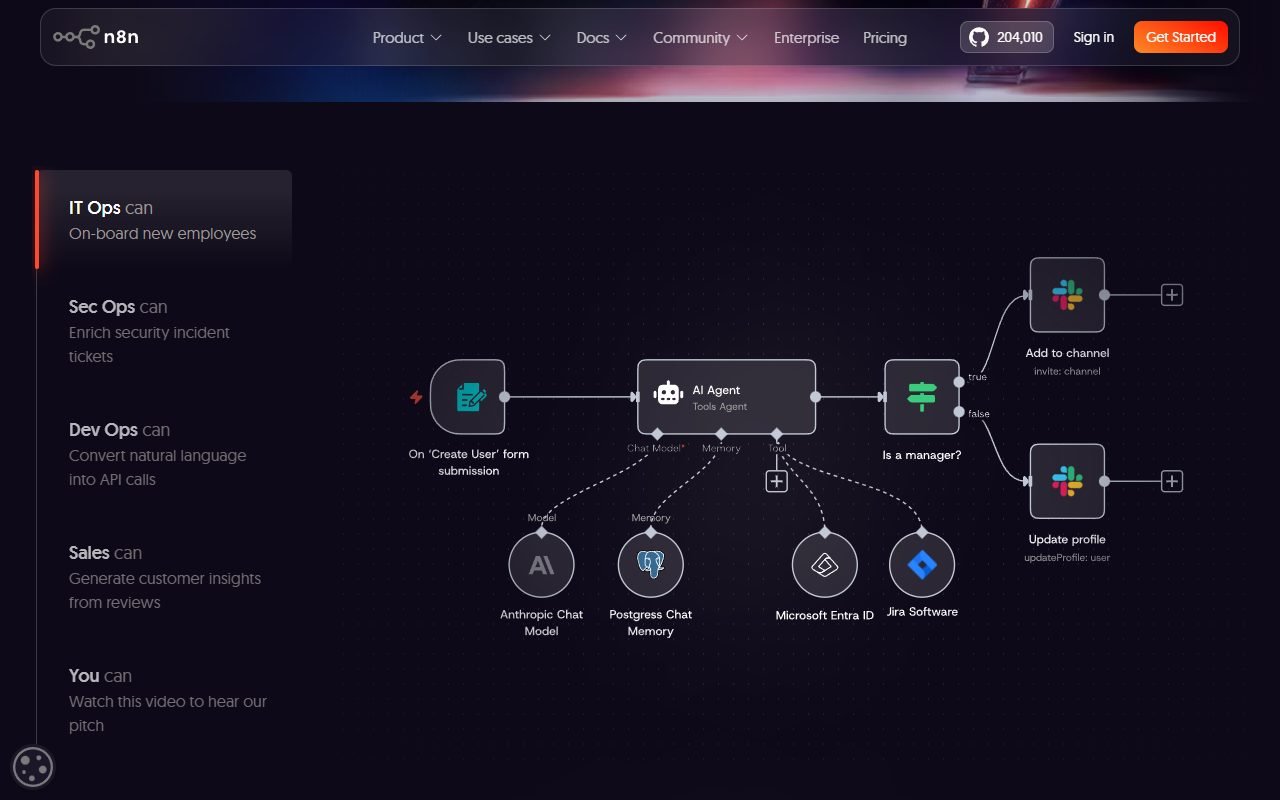 Visit n8n ↗
Time and cost to watch
Count operations for the normal path, a lookup and a failed attempt with retry. Estimate from the expected monthly event volume, not just the number of visible blocks in the builder. Confirm the service's current billing unit.
Tools worth comparing
Compare the automation candidates in the source list using this reversible flow. Check how each exposes errors, retries and credentials. Keep your first design small enough that someone can explain how to recover a single failed submission.
Sources and scope
The product references for this guide were last checked on 13 August 2026; details may have changed since. Check the official pages below for current plans, limits and terms before choosing a service.