
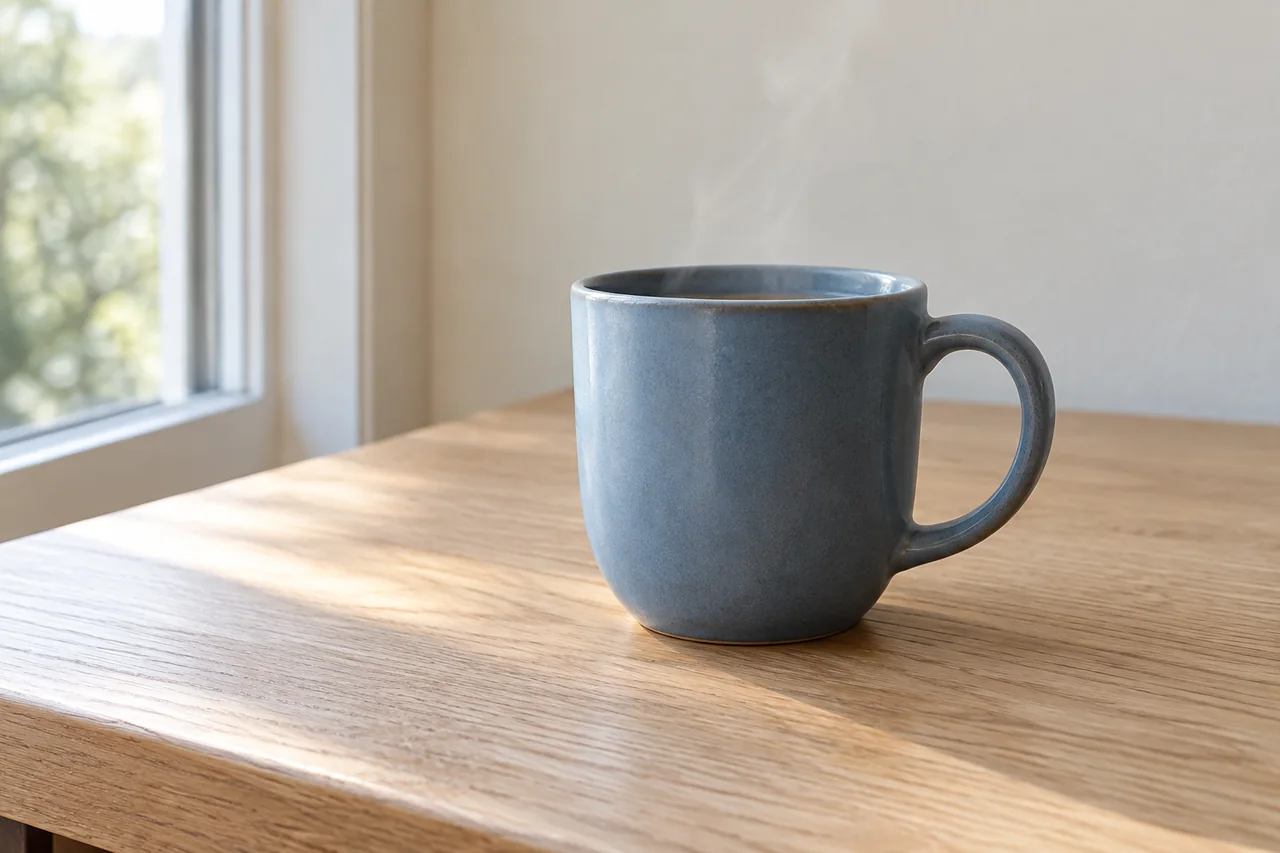
Fix AI video morphing and flicker by testing the frame, motion and camera
Find whether AI video distortion starts in the source image, motion or camera settings. Follow a repair exercise with copyable still and video prompts.
PICKBYTASK JOURNAL
A clearer view of AI tools. A better starting point for your work.
Find whether AI video distortion starts in the source image, motion or camera settings. Follow a repair exercise with copyable still and video prompts.
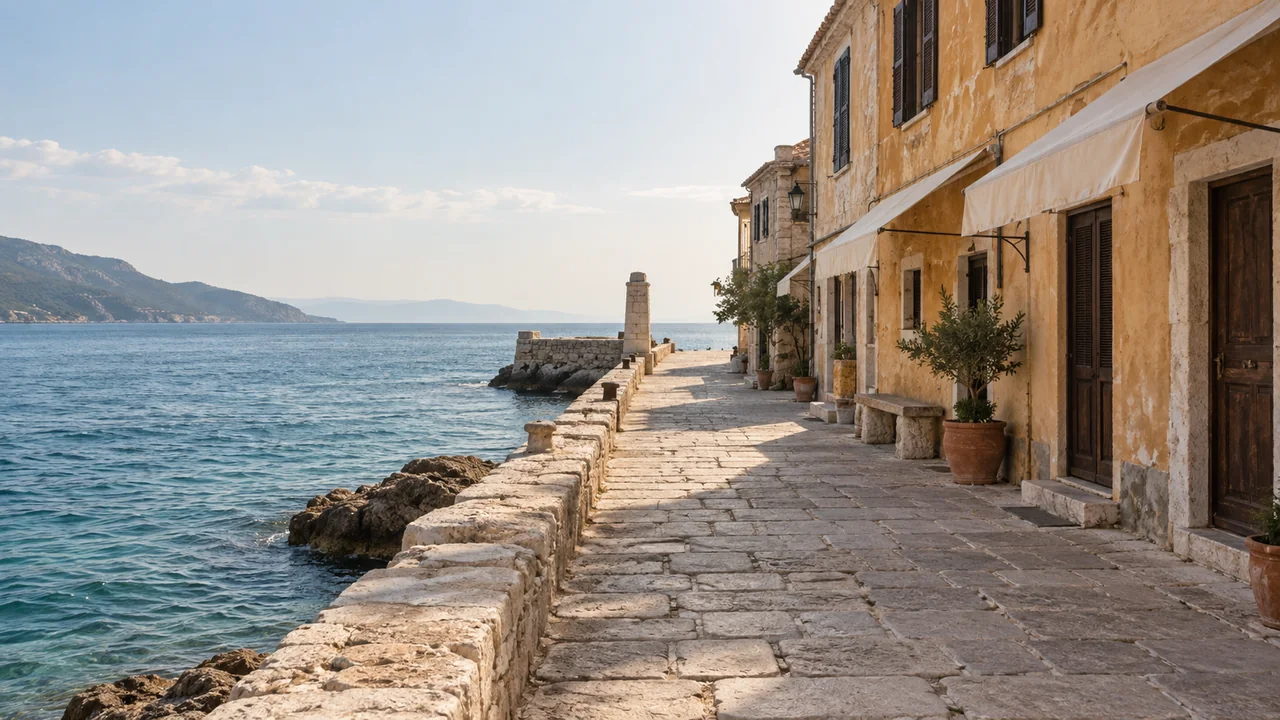
Create an imaginary coastal film with still-image and video prompts. Keep the landscape consistent, direct plausible water motion and edit a clear travel montage.
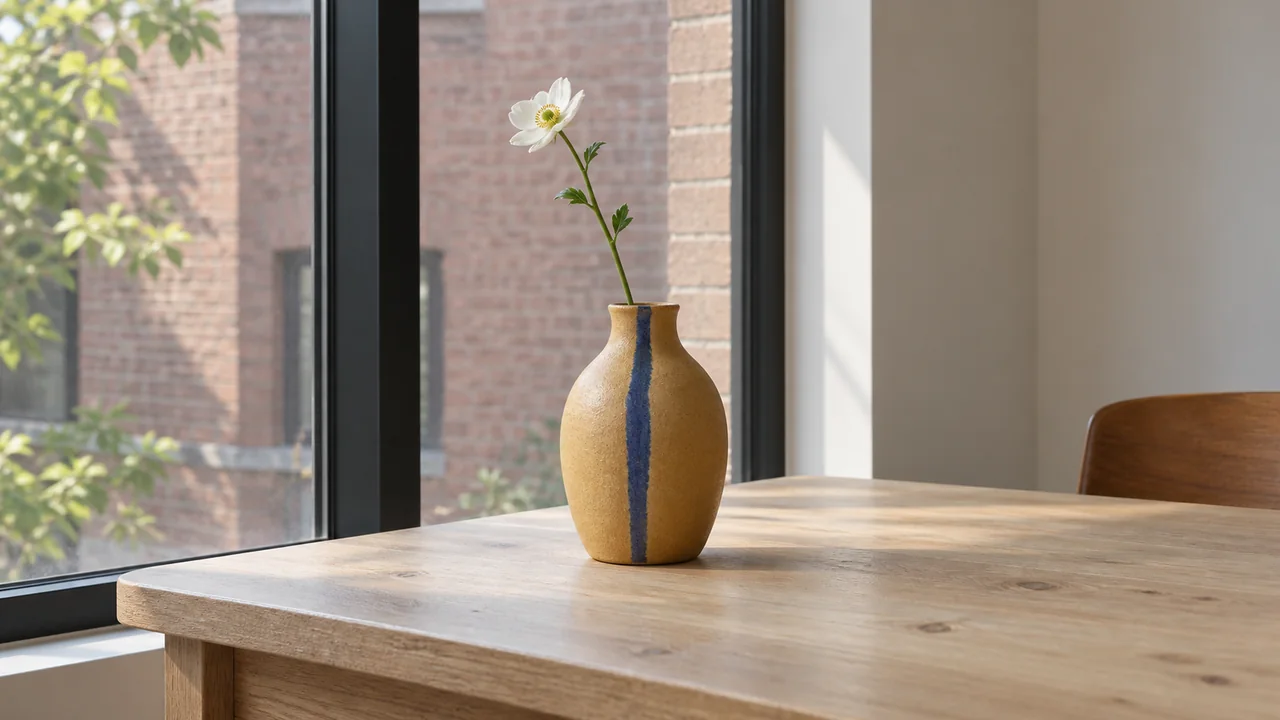
Compare four AI camera movements using one still in Krea. Copy the prompts, separate camera and subject motion, and fix zooms, spinning objects and drift.
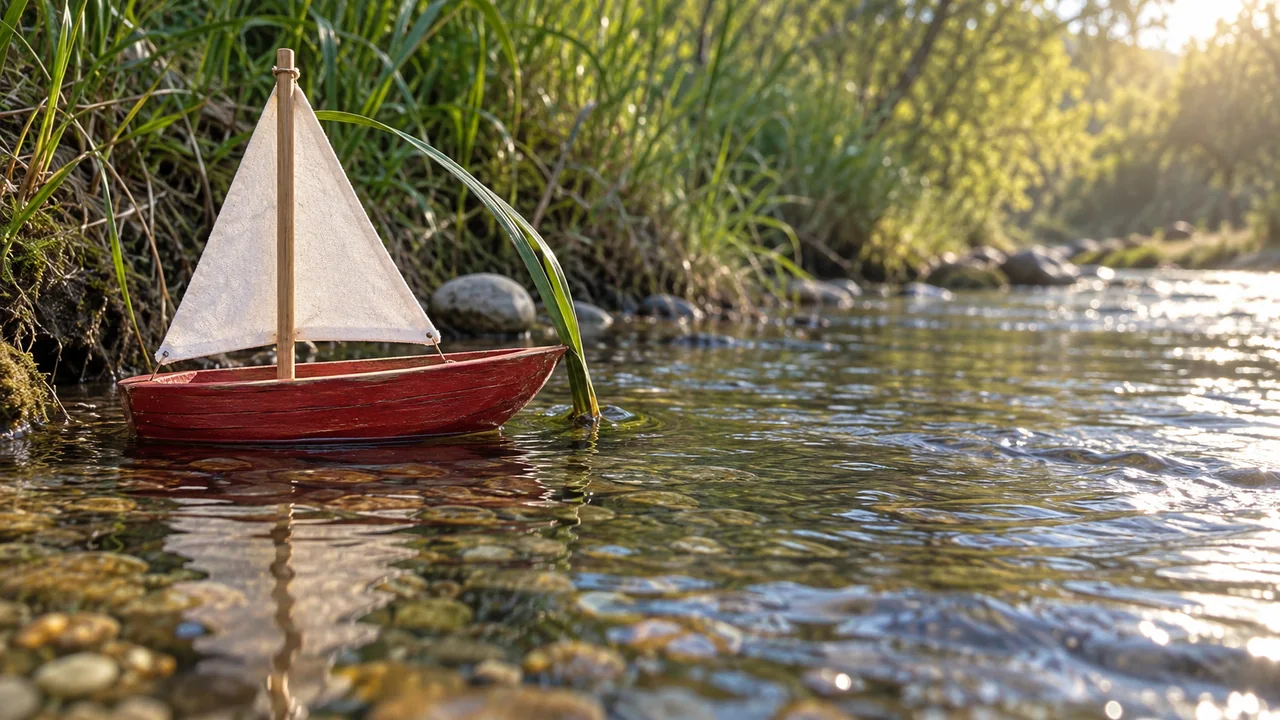
Make a 20-second AI story from three stills. Follow a shot table, generate each clip in Higgsfield, fix continuity and choose precise cut points.
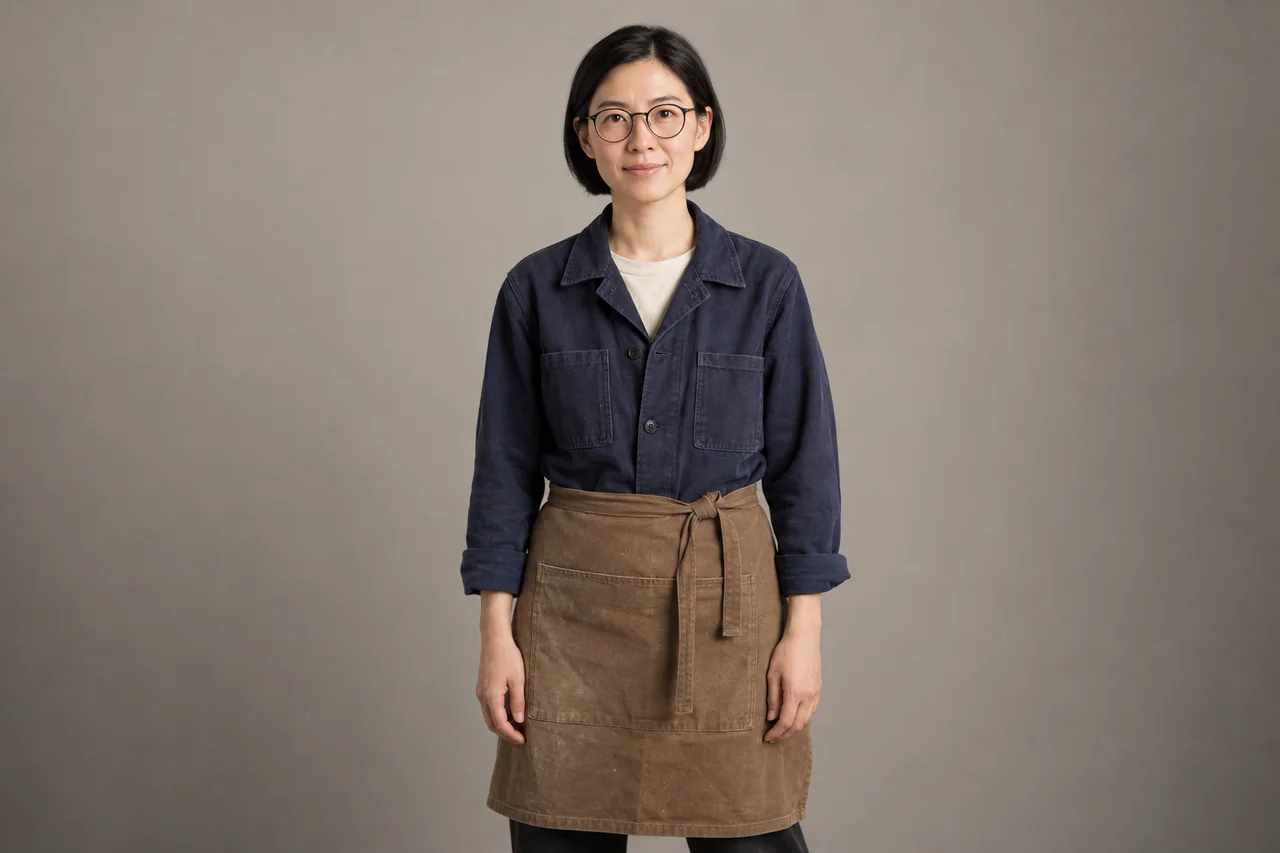
Build a character reference, create three matching stills, then animate them in Krea. Includes copyable prompts, continuity checks and fixes for face drift.
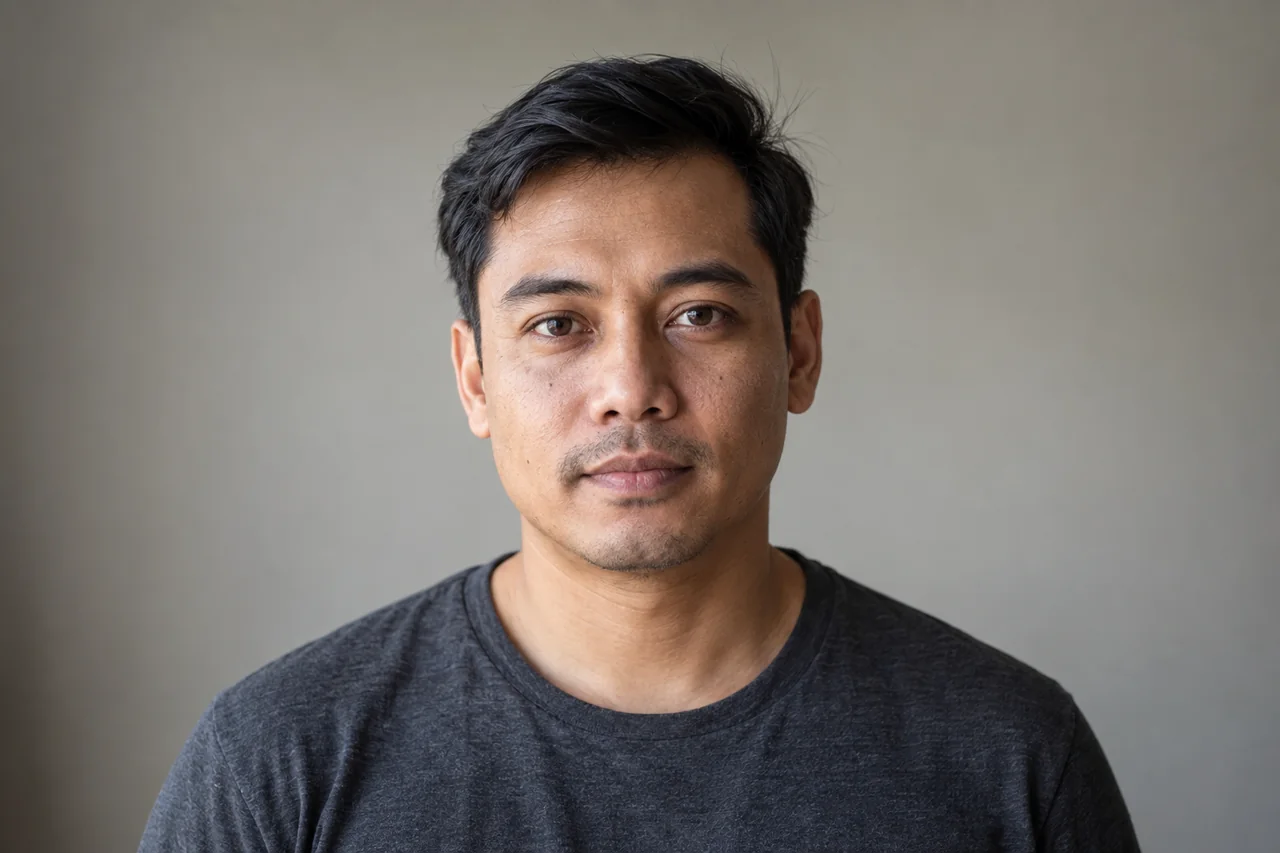
Prepare a portrait in Krea and animate it with an available Kling or Veo model. Copy gentle-motion prompts and check eyes, expression and identity before export.
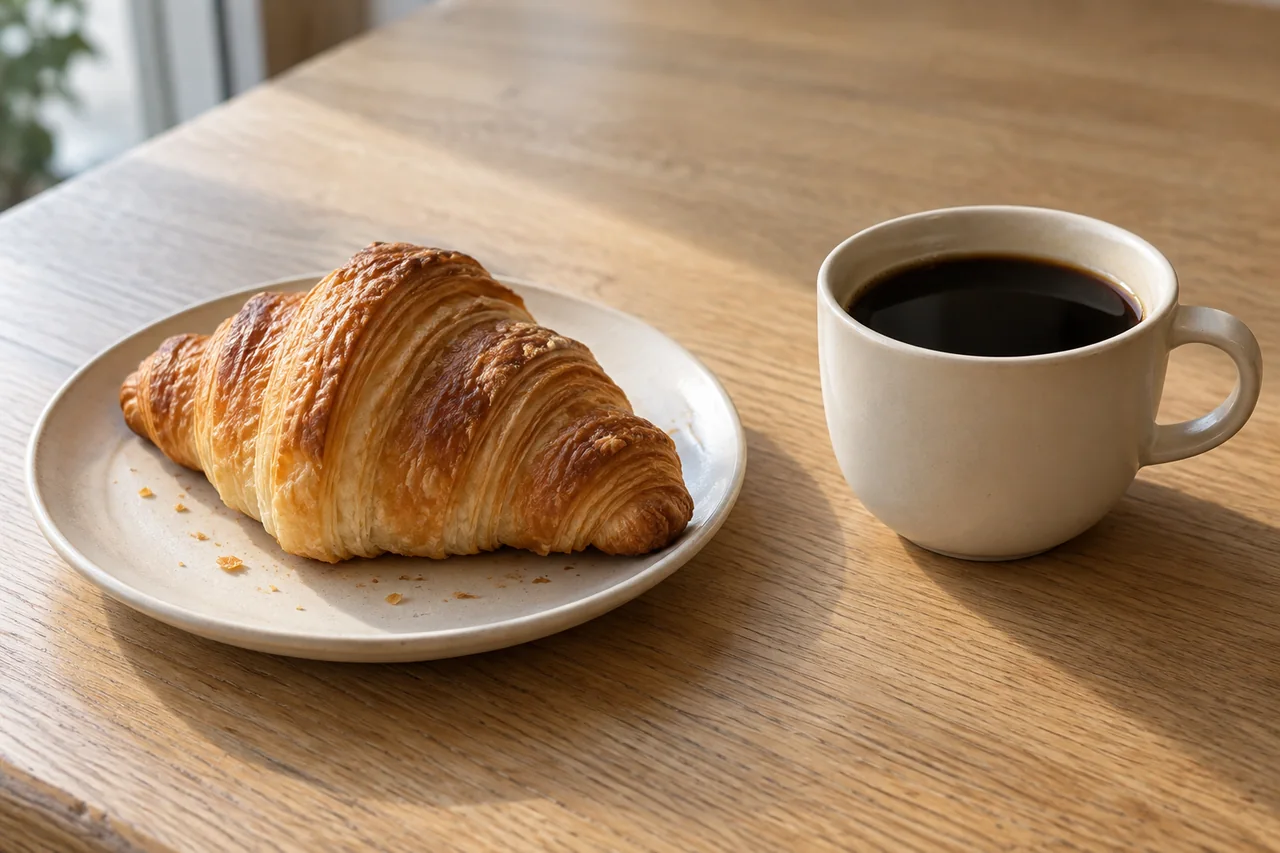
Build a coffee-and-croissant Reel in ImagineArt, from still prompts to image-to-video motion. Includes steam fixes, shot timing and caption placement.
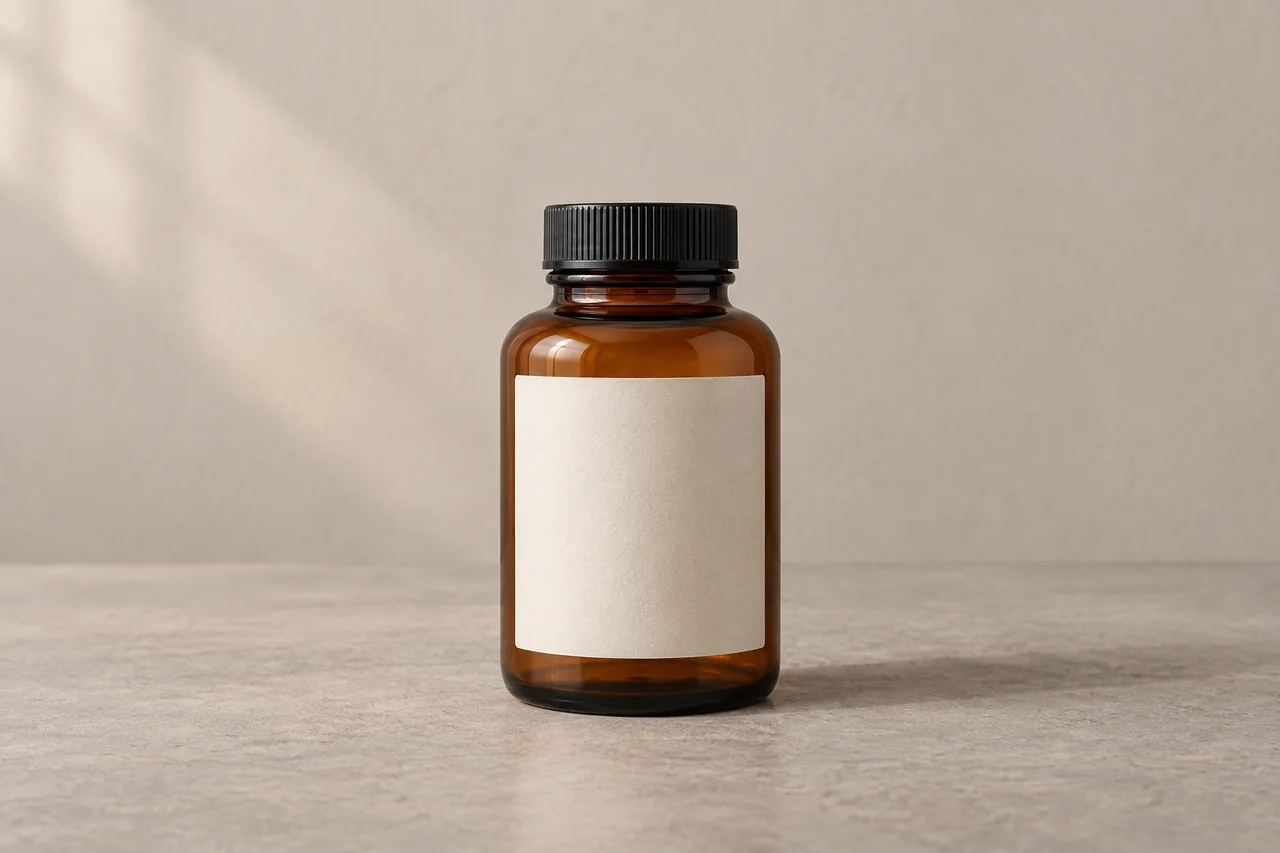
Prepare a product still in OpenArt, animate it with Kling on Higgsfield, and add the real logo in editing. Includes prompts, label checks and a fallback workflow.
Create a still in Dreamina, animate it with focused prompts, then assemble a 12-second vertical video. Includes copyable prompts and fixes for drifting objects.
Compare editing, rewriting and research workflows, with checks for meaning and sources before publishing.