Image & video tools

Find your image and video AI tools

Explore tools by the models you want to use, what you want to create, and whether you work in a browser or through an API.

What to check before choosing

Learn to make a video, step by step

7 tools to explore

A–Z · Alphabetical, with no commission-based ordering

These profiles summarize provider sources. Some details remain unconfirmed, and we have not tested output quality ourselves. Model access can vary by plan, country, and account.

Illustration of a workflow relevant to ArtlistVisit Artlist ↗
AI-generated workflow illustration

Artlist

Images · Video

Choose image and video models within an AI Toolkit for creators and video teams.

How you work
Use in a browser
Models from multiple providers
Nano Banana, FLUX, Seedream, Veo, Kling, Sora, Seedance

Before you choose AI tools share credits. Included tools and access to stock assets vary by package.

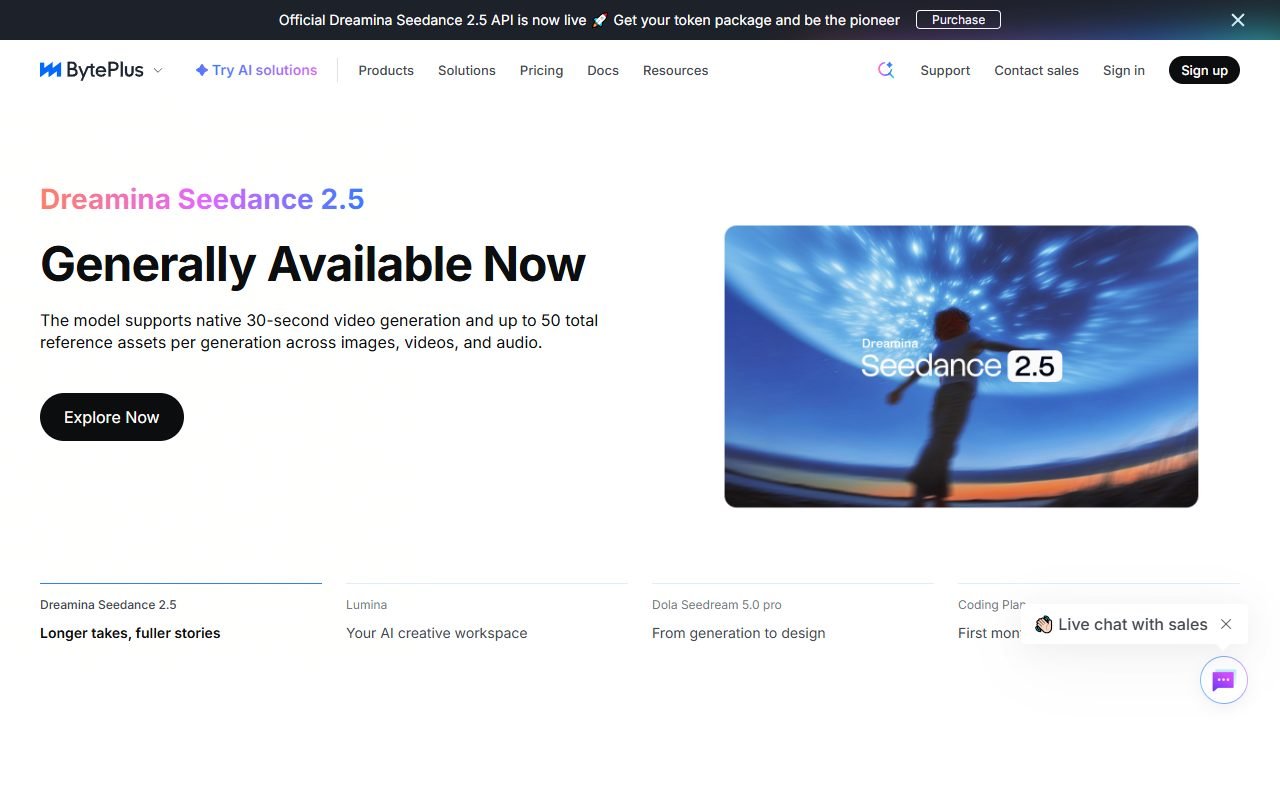
BytePlus official website: product introduction and examplesVisit BytePlus ↗
BytePlus website · captured 2026-09-13

BytePlus

Images · Video

Generate images with Seedream and videos with Seedance through BytePlus APIs and its browser playground.

How you work
Use in a browser · Connect via API
One provider’s model family
Seedream, Seedance

Before you choose The main choices are Seedream and Seedance. Check account access and generation charges before integration.

Partially verified · Sources checked
Sources
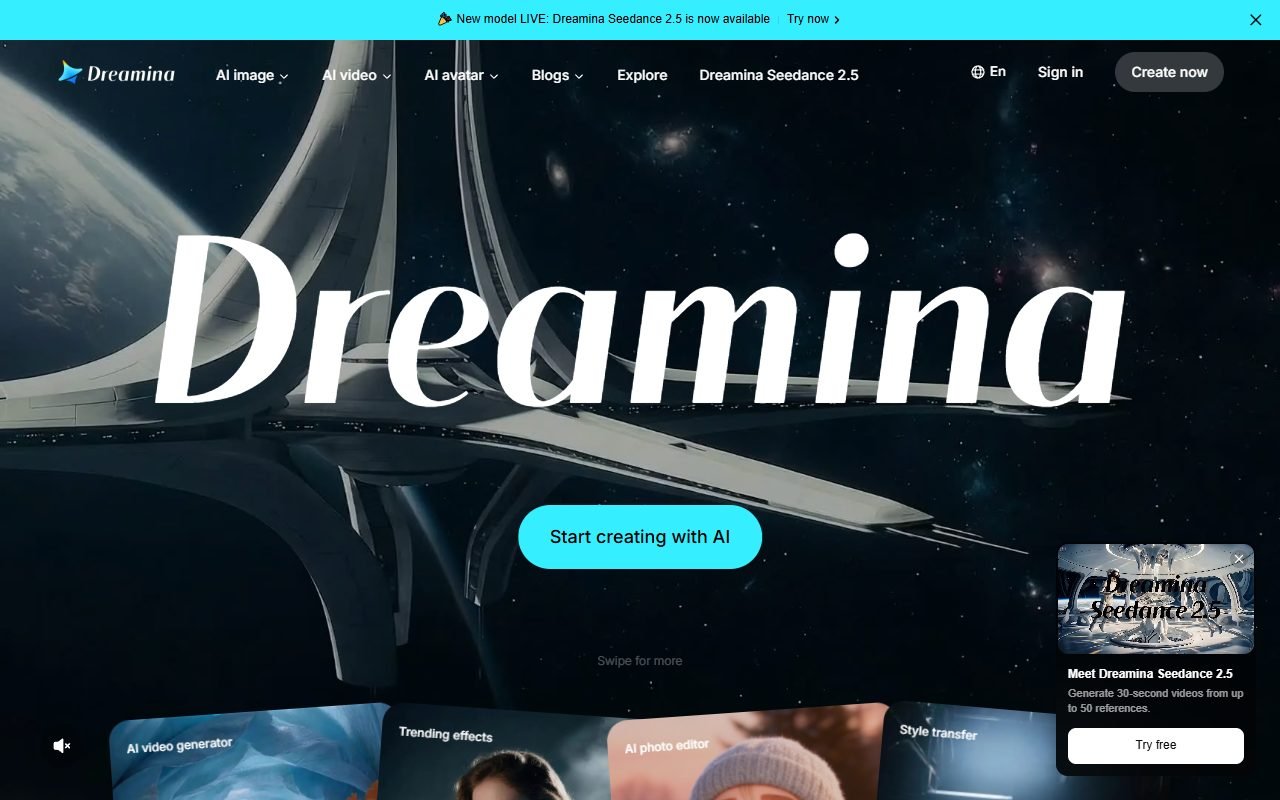
Dreamina official website: product introduction and examplesVisit Dreamina ↗
Dreamina website · captured 2026-09-13

Dreamina

Images · Video

Create images and videos in one web app, choosing models such as Seedream, Nano Banana, Seedance and Veo.

How you work
Use in a browser
Models from multiple providers
Seedream, Nano Banana, Seedance, Veo, Sora

Before you choose Models, credits, clip length and export conditions can vary by account, plan and region.

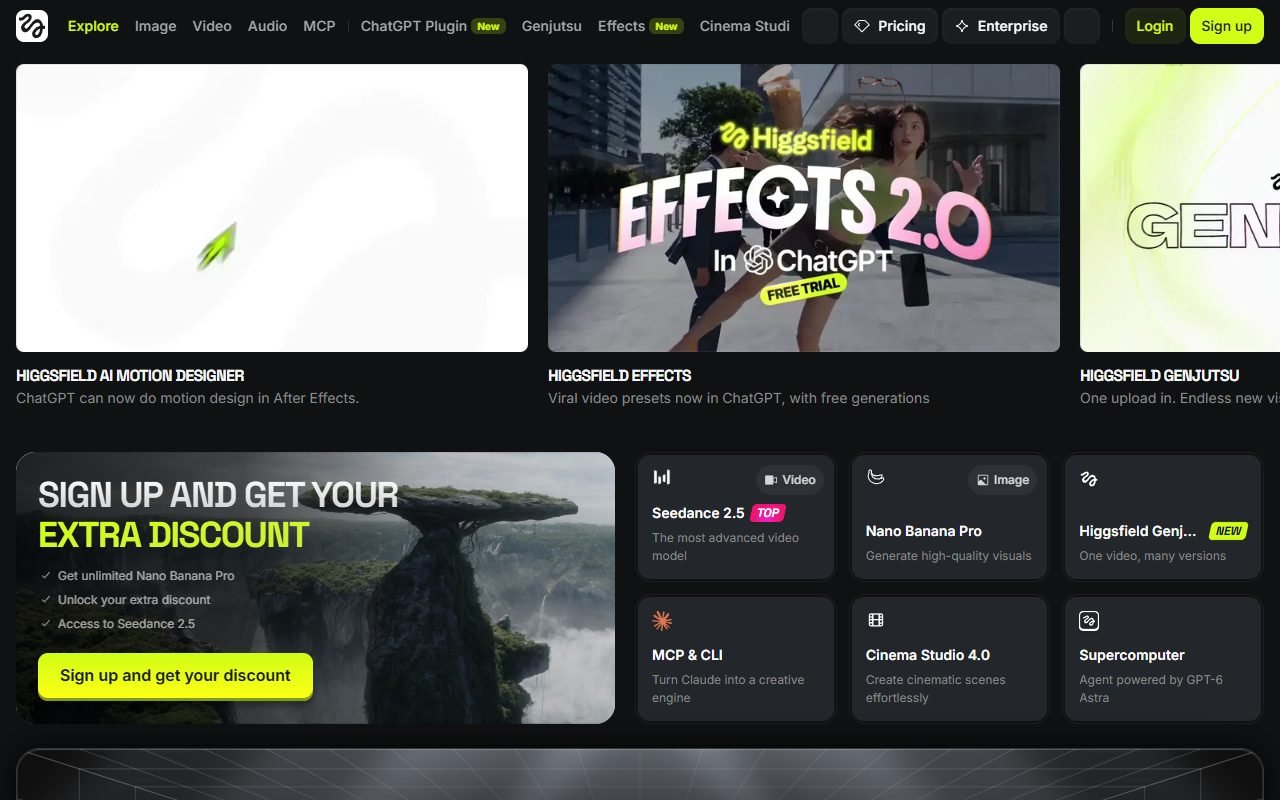
Higgsfield official website: product introduction and examplesVisit Higgsfield ↗
Higgsfield website · captured 2026-09-13

Higgsfield

Images · Video

Choose image models such as Nano Banana, FLUX and Seedream, then make video with Kling, Seedance or Veo.

How you work
Use in a browser
Models from multiple providers
Nano Banana, FLUX, Seedream, Kling, Seedance, Veo

Before you choose Credits depend on the model and settings. Web Unlimited entitlements do not extend to MCP or CLI generation.

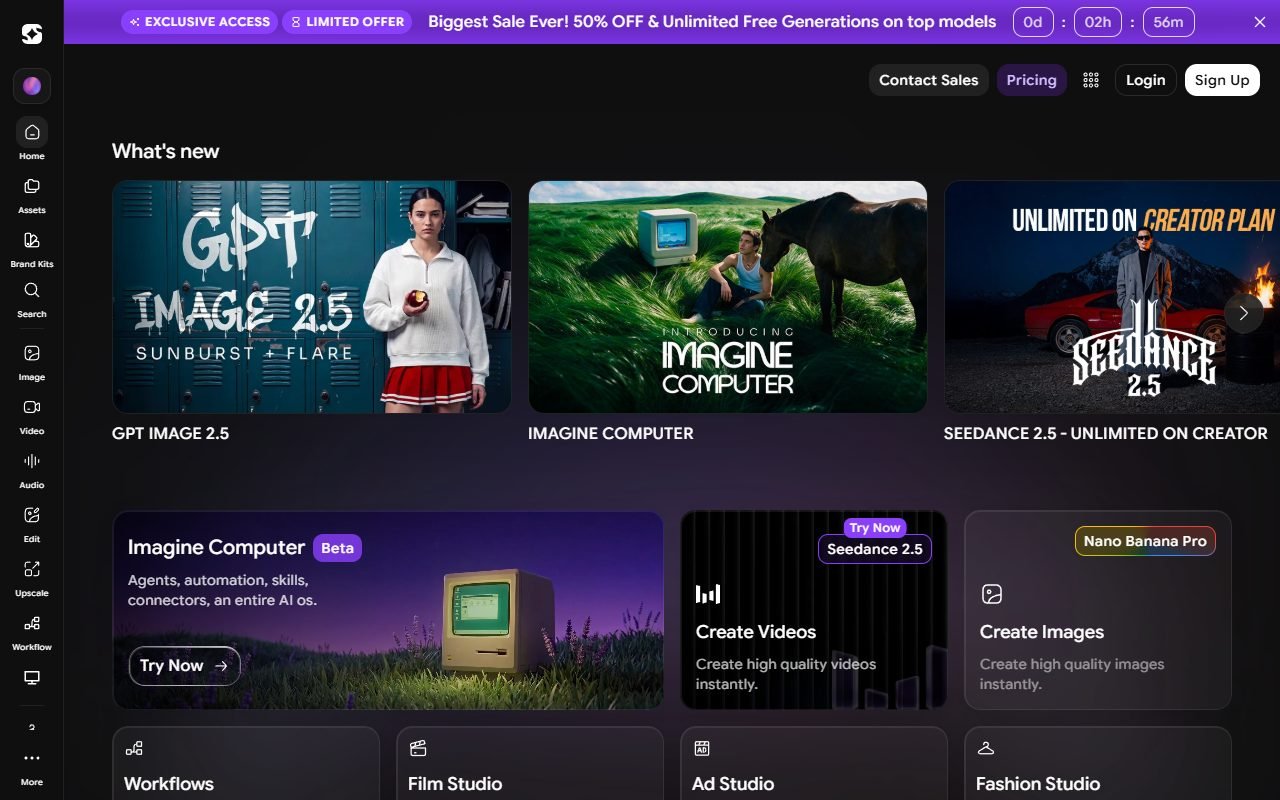
ImagineArt official website: product introduction and examplesVisit ImagineArt ↗
ImagineArt website · captured 2026-09-13

ImagineArt

Images · Video

Try ImagineArt’s own models alongside Nano Banana, Seedream, FLUX and several video model providers.

How you work
Use in a browser · Connect via API
Models from multiple providers
ImagineArt, Nano Banana, Seedream, FLUX, Runway, Kling, Veo, Seedance

Before you choose Credits depend on the model and settings. Monthly subscription credits expire, and Pro models require a paid plan.

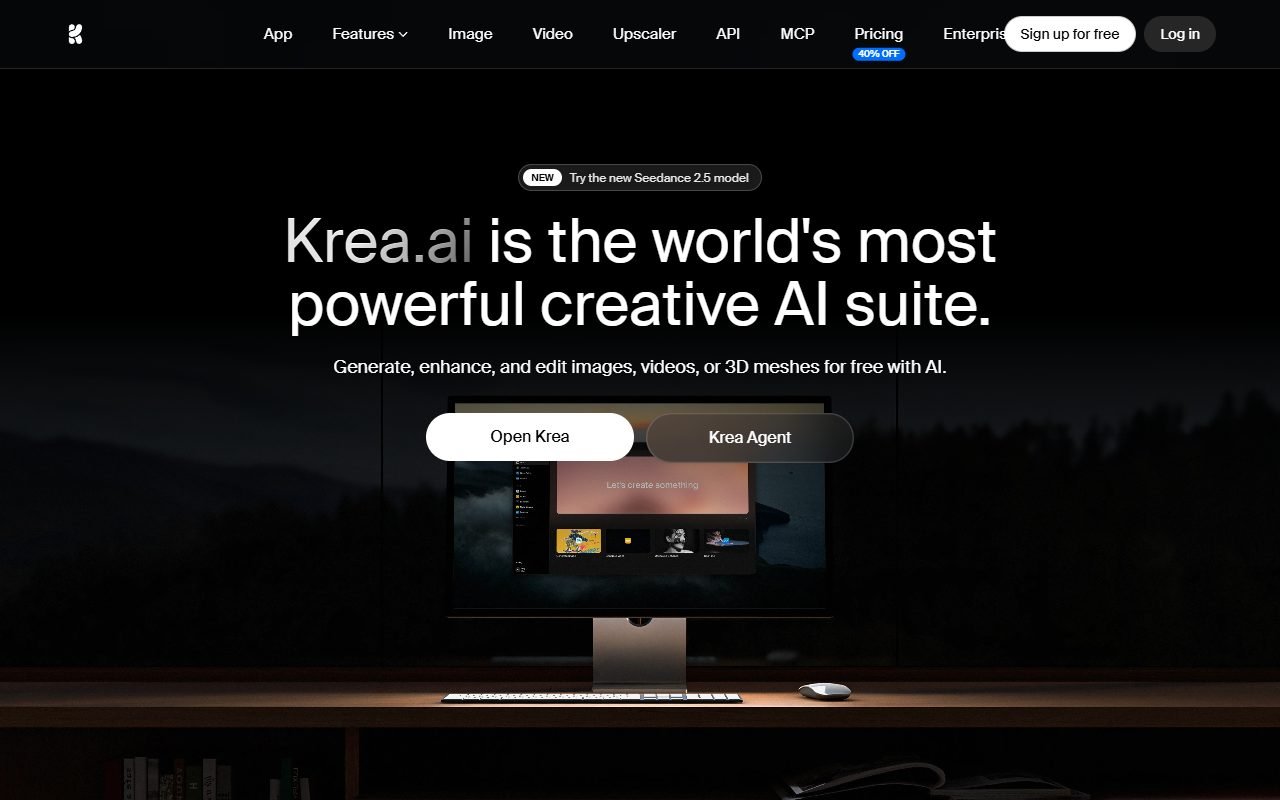
Krea official website: product introduction and examplesVisit Krea ↗
Krea website · captured 2026-09-13

Krea

Images · Video

Create images and videos with several model families, alongside image-editing and motion tools.

How you work
Use in a browser · Connect via API
Models from multiple providers
Krea, FLUX, Nano Banana, Seedream, Kling, Veo

Before you choose Model access varies by plan. API charges are separate from the web app’s compute balance.

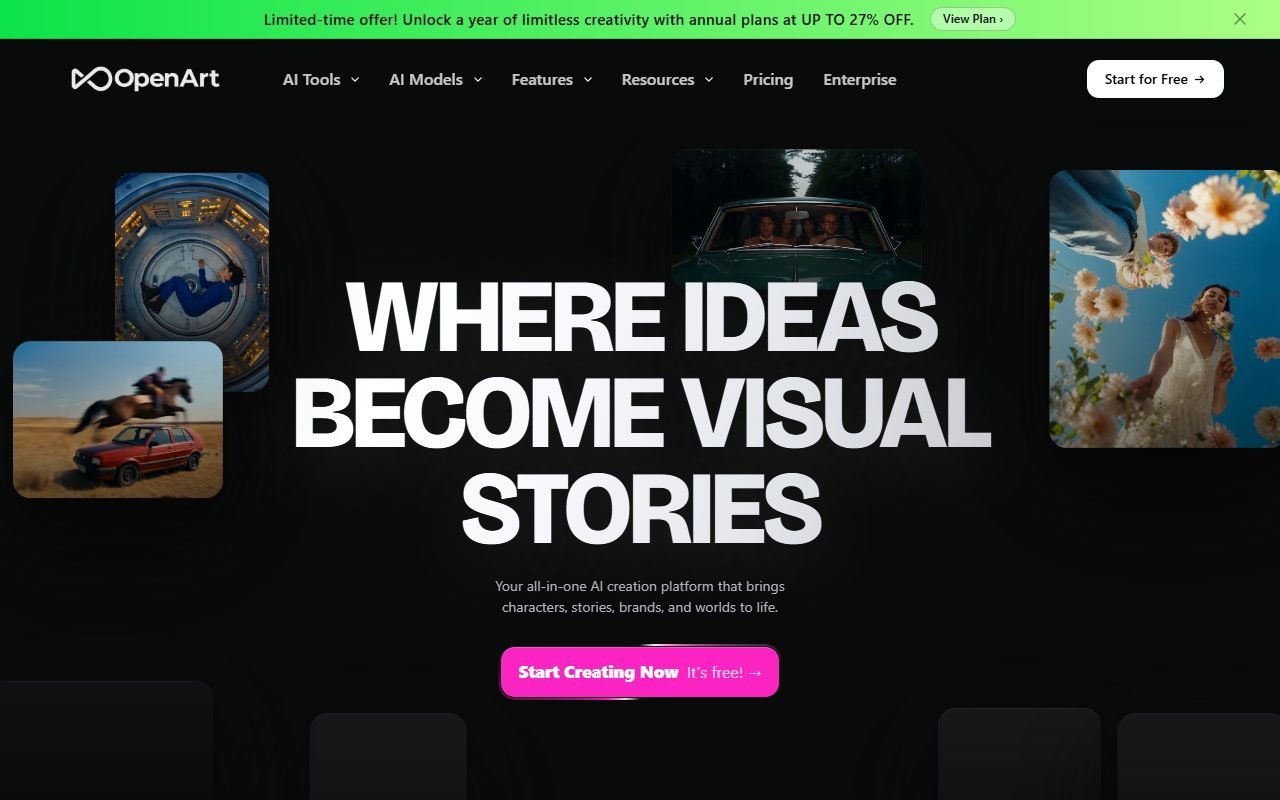
OpenArt official website: product introduction and examplesVisit OpenArt ↗
OpenArt website · captured 2026-09-13

OpenArt

Images · Video

Choose image and video models in one browser workspace, with character tools built around reference images.

How you work
Use in a browser
Models from multiple providers
Nano Banana, GPT Image, Kling, Sora, Seedance

Before you choose Credit use varies by model, and monthly credits do not roll over. Try a representative task before choosing a plan.

Before you subscribe

Choose around the work you need to finish

Start with how you work

Choose browser access if you want to enter prompts, upload references, and download results from a workspace. Choose API access if you need to connect generation to your own app or workflow; allow time for setup and usage controls.

Compare models on one brief

Use the same prompt and reference images to compare style, consistency, and the edits each model allows. For video, check motion, clip length, and audio needs. Confirm the exact model version you want is included in your plan.

Check the cost of a usable result

Estimate a small project including retries, resolution changes, and exports. Read credit expiry, renewal, and cancellation terms. Before client work, check the provider’s and model’s commercial-use terms, reference-image permissions, and privacy settings.

Check current model availability, credits and usage terms on the official website before paying.

Explore all AI tools

Make your next clip

12 practical image-to-video guides

Start with a finished scene in mind. Each guide walks through the image, the motion prompt, the fixes and the edit. Begin with Dreamina, or choose the kind of video you need to make.